Known Participant
December 15, 2014
Answered

Error 500 after installing CF11 on Windows 8.1 Coldfusion 32bit

  • December 15, 2014
  • 3 replies
  • 3375 views

We are having trouble getting coldfusion11 32bit to work on a windows 8.1 64bit machine.

I followed all the steps in the thread Error 500 after installing CF11 on Windows 8.1

but we are still have a problem when we run the admin page  "http://localhost/CFIDE/administrator/index.cfm"

it returns "HTTP Error 500.0 - Internal Server Error" and we have been unable to find a solution.

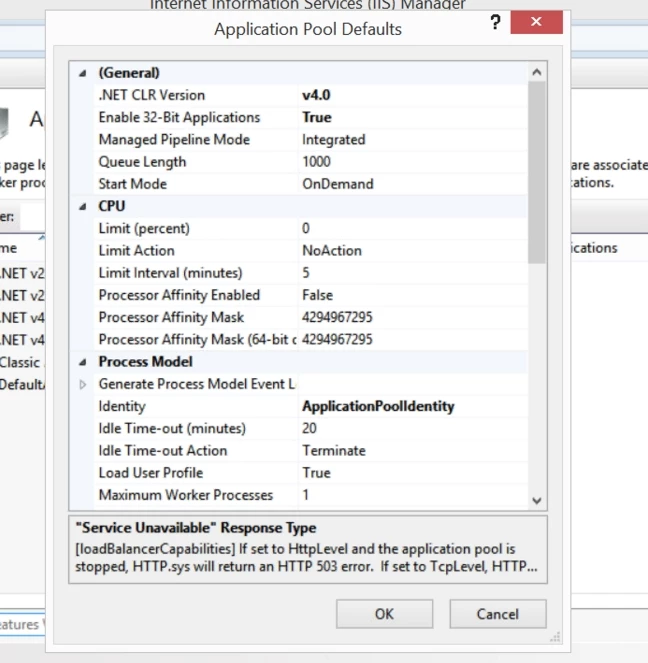
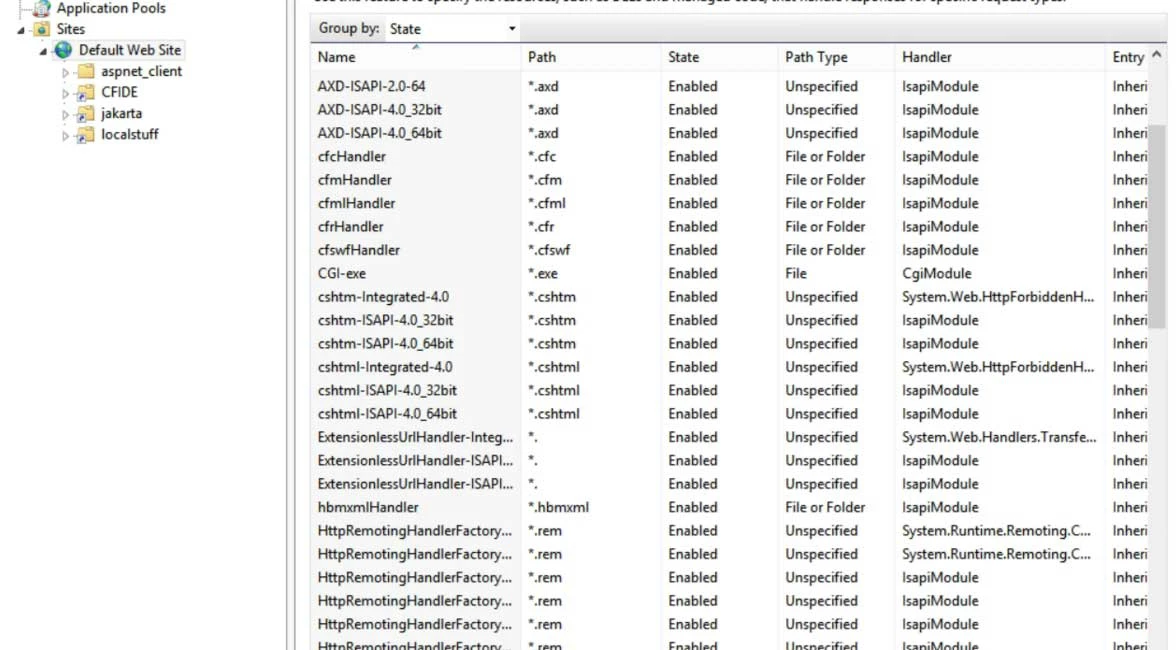
All the handlers appear to be installed correctly and we have set the application pool default "true" so to allow  32bit applications.. (PS tried it both True and False no difference)

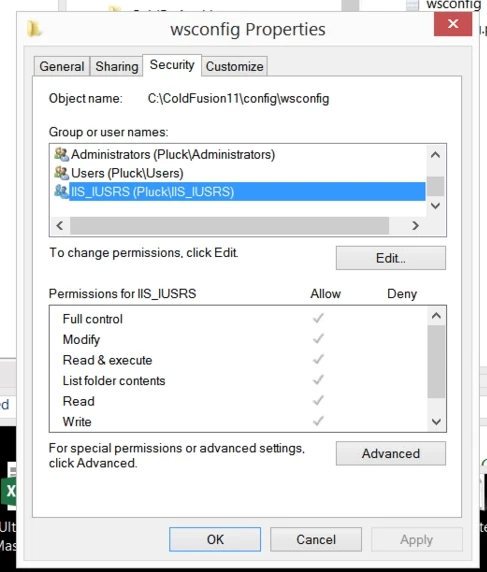
and the security settings are all set to "Full Control"

Any help with this matter is greatly appreciated
This topic has been closed for replies.
Correct answer Anit_Kumar

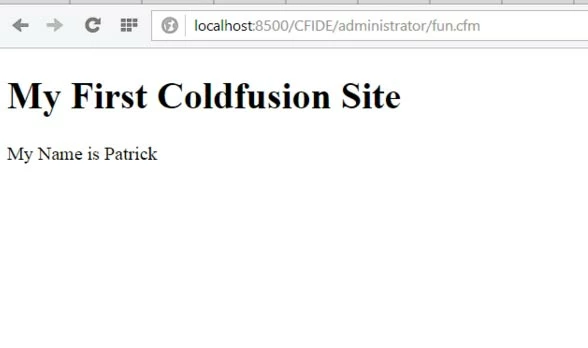
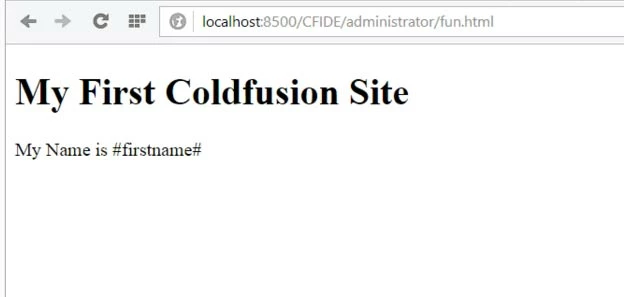
Both the CFM and HTML pages rendered using the CF_server

See attached screen shots

Hope this helps

Thanks


Cool. That confirms, ColdFusion is working.

Test B:

  1. Can you create a test site in IIS and place a test html and a test cfm page.
  2. Now, browse to the html page and it should render in the browser.
  3. Now create a connector to the site and access the test html and test cfm page
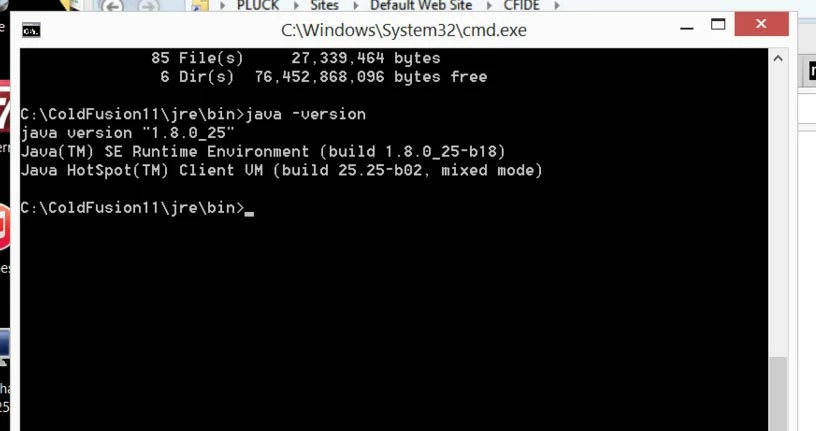
  4. If you get error 500, then ensure the bitness of both CF and IIS.
  5. Else, if you get error 500.19 or any other, please ensure that you have permissions on \ColdFusion11\config\wsconfig\

Let me know the results.

Regards,

Anit Kumar

3 replies

vishu_13
Inspiring
December 18, 2014

type localhost in the browser's url to test whether iis home page is coming or not.

If not, then add the same in the hosts file. Then try once again with localhost as well as accessing CF 11 administrator.

If yes, then create a new site in IIS and assign "Everyone" to the webroot of that site. Place a test.htm and .cfm to test it's working or not.

HTH

Thanks

VJ

Naresh_tulip
Participating Frequently
December 16, 2014

Try setting the "Enable 32 bit applications" to FALSE in Application Pool and select checkbox "Enable 32bit applications" using wsconfig and configure the site. It should work

Participating Frequently
December 16, 2014

While installing connector from wsconfig there is an option to install 32 bit connector. There will be a checkbox mentioning it, make sure that is checked.

If you have already installed a connector then uninstall it and install it again.

Rest all settings remain same like 'enable 32 applications' remains true.

Also make sure you have Visual C++ 2012 update 4 redistributable package installed in your machine.

Please try and let me know.

Thanks,

Milan.

Heff2000Author
Known Participant
December 17, 2014

I reset IIS application pools defaults to "Enable 32-Bit Applications" to   "False"

installed the update for  "Visual Studio 2012 Update 4" which includes the C++ update referred to by mchandna above

Ran the batch file  "Remove_ALL_connectors.bat"  verified they were missing in IIS.

Then re-ran the application "wsconfig.exe" however there does not appear to be any check box for 32-bit applications ( see images below)

I saw that "wsconfig.exe" accepts command line arguments... Is there a argument for 32-bit?

stopped and restarted coldfusion services and re-tested

still get the error "500.0 Error"

any other ideas?

Inspiring
December 17, 2014

Have you tried using failed request tracing to see if it will give you the exact point of it failing?