
Inspiring
July 1, 2023
Question

Getting 404 error when running coldfusion application. I'm using IIS server.

  • July 1, 2023
  • 1 reply
  • 1021 views

Hi,


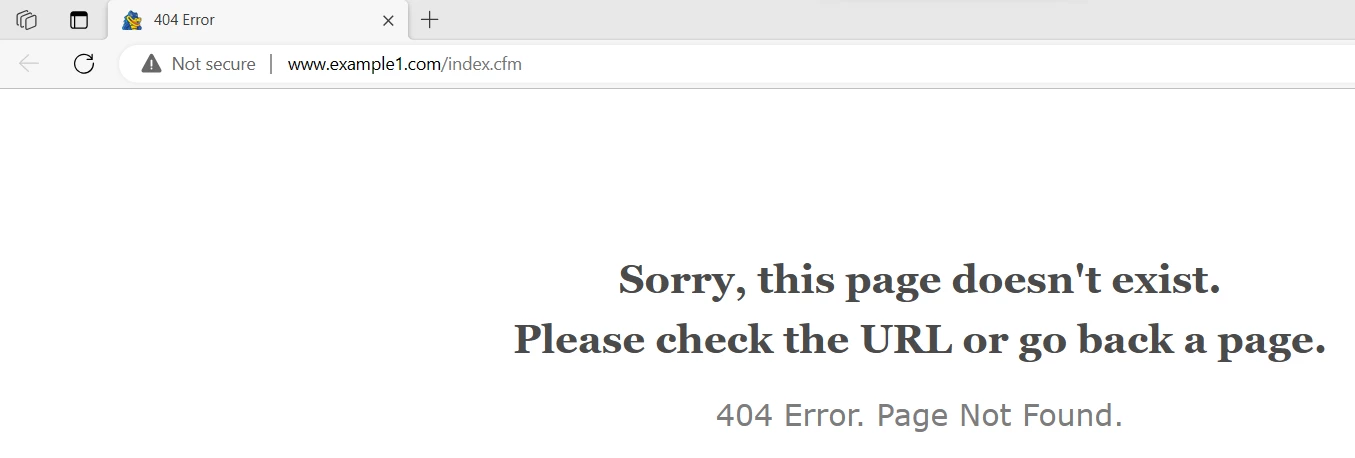
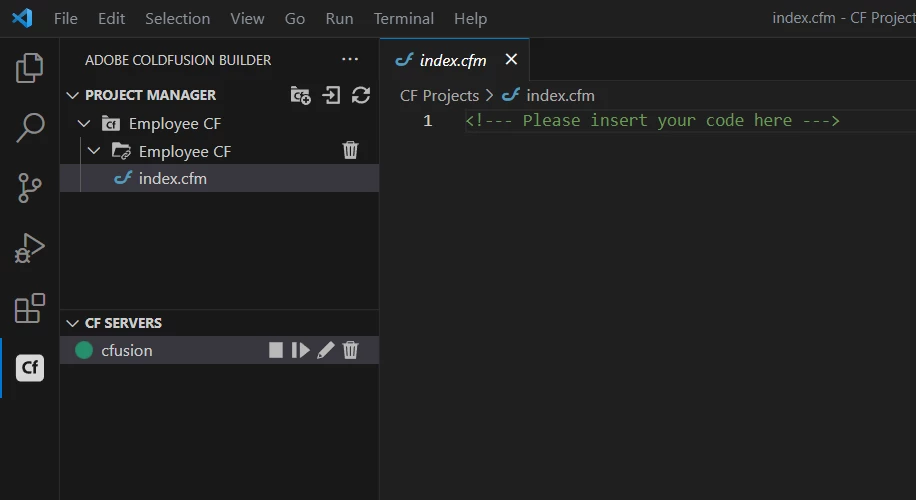
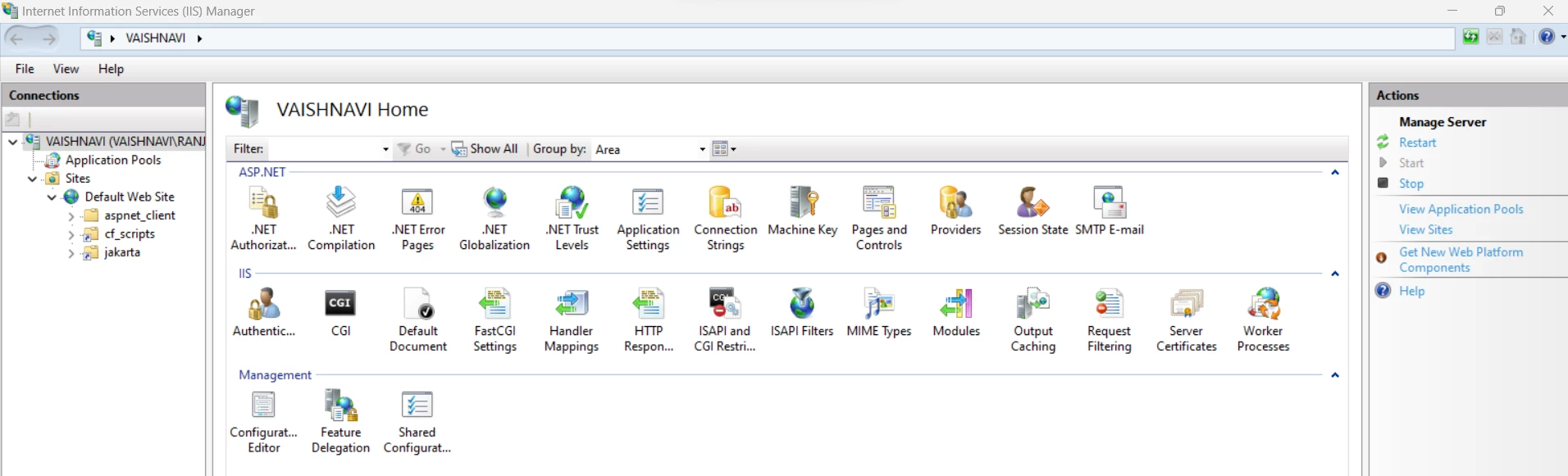
I'm getting 404 error when running the coldfusion application. I'm having a simple coldfusion project with just one file(index.cfm) inside it. I'm using VS code along with CF Builder extension. For the web server I'm using IIS. 


Please find attached is the error page below:
Here is my project structure in VS code:
And an image of my IIS:
Please help. I'm very new to coldfusion. Thanks.


    This topic has been closed for replies.

    1 reply

    Community Expert
    July 1, 2023

    There are a few common reasons why this might happen. I can't tell from your included screenshots. The first reason is that the IIS connector isn't working correctly. Did you install it? What happens if you go to http://localhost:8500/index.cfm instead? That's the standard port for the built-in web server that comes with ColdFusion.


    Dave Watts, Eidolon LLC 

    Dave Watts, Eidolon LLC
    Inspiring
    July 1, 2023

    I'm not sure if i have a  IIS connector. Can you tell me how to check if there is connector installed? Also Could you please help me with the steps to download and install IIS connector? And when I open the url http://localhost:8500/index.cfm I see this , 


    Priyank Shrivastava.
    Community Manager
    Community Manager
    July 11, 2023

    Hi @Vishnu22410012h6s8 


    One way is always to launch the wsconfig utlity. Go to \ColdFusion2021\cfusion\runtime\bin and Rght click on wsconfig.exe and run as administrator. Check if there are any entries. If not, then there is no connector. You can click on Add and create the connector with the listed sites.

    Other way is to check the ColdFusion2021\config\wsconfig folder and verify if there is any folder like "1", "2" etc and check the folder content. 

    Thanks, Priyank Shrivastava