


Question
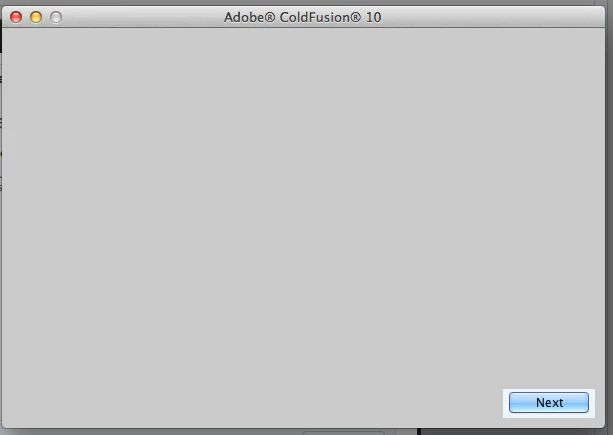
Grey blank installation screen after clicking on the ColdFusion dmg file on Mac 10.8.6
Hi All,
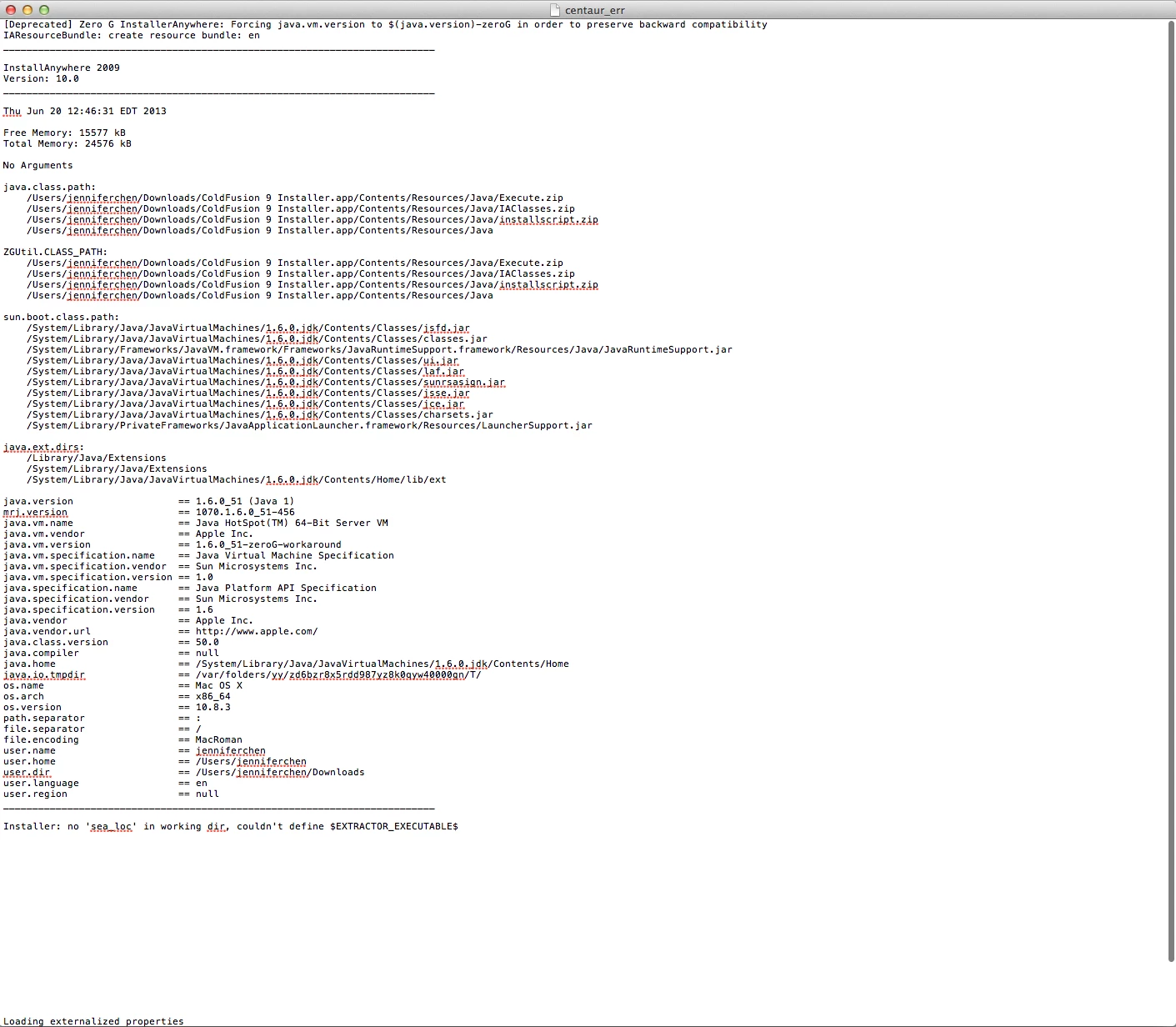
I am trying to install either ColdFusion 9 (which is where company is using) or 10 (if I can't have 9) on my Mac 10.8.6. When I click on the dmg file, it shows a running bar and once it's completed, i see a standard installation box (the one you click "agree" "nect" etc...) except there is nothing showing on the box. There is a blue "next" button but I can't click on it. This happens to both ColdFusion 9 and 10 installation. With 9 though, I get a centaur_err file.
This is very urgent as I cannot work without ColdFusion. I would really appreciate your suggestions.
Thank you,
Jennfer
 AdChoices