Participating Frequently
January 16, 2010
Answered

Having an issue with CF9 installation

  • January 16, 2010
  • 1 reply
  • 1946 views

Hello,

I'm trying to install CF9 on my computer but I'm having a problem once the installation has completed and it gets to the Administrator and Migration part (the part where it opens a browser). I enter in the admin password and click ok and then it goes on to the page that says the server is being configured. There's a note that says this may take a few minutes but after waiting 10-15, I get a timeout error that says the request is exceeding the allowable time limit. I'm not sure what to do at this point. I've tried re-installing and changing installation options but nothing works.

On a separate note, after the installation completes I get a Jrun4 process in the Windows Task Manager and it completely hogs my computers memory. After a few minutes it will be using around 500mb of memory and the computer is unusable because of how long it takes to respond to every click.

Please help!

Here are my computer's stats:

(All system requirements filled)

Windows Vista Home Premium

AMD Athlon(tm) 64 X2 Dual-Core Processor TK-57 1.9 GHz

959 MB RAM

32 - bit operation system

My default browser is Google Chrome and that's what it uses when it goes through this problem. I've tried manually running the Administrator link with IE and firefox and I get the same problems.

My computer is a HP Compaq Presario F700 Notebook PC and its about 2 years old although running well, maybe its just not up to running CF9?

Thanks for any help,

Alex
This topic has been closed for replies.
Correct answer Adam Cameron.

Ok, I edited the config file so that line now reads:

java.args=-server -Xmx240m ......

and that worked so now Jrun is manageable for my computer. Thanks!

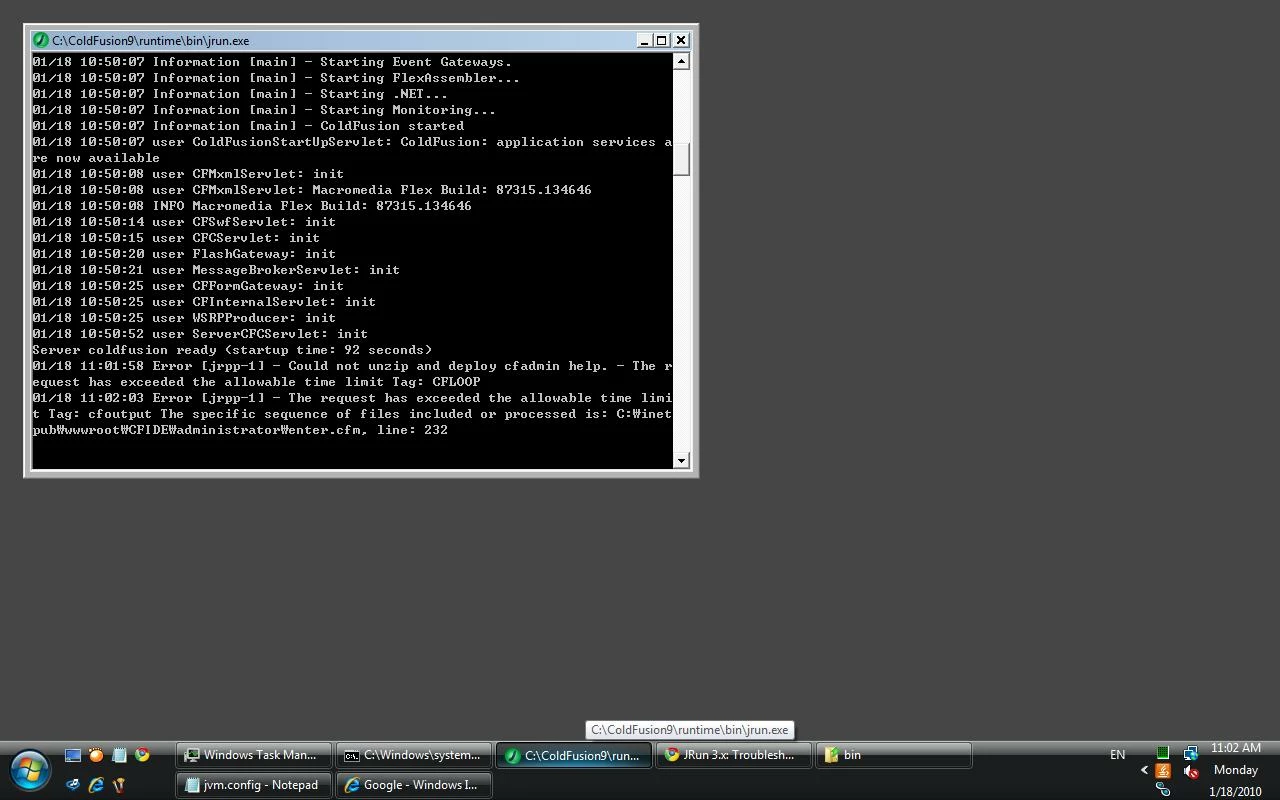
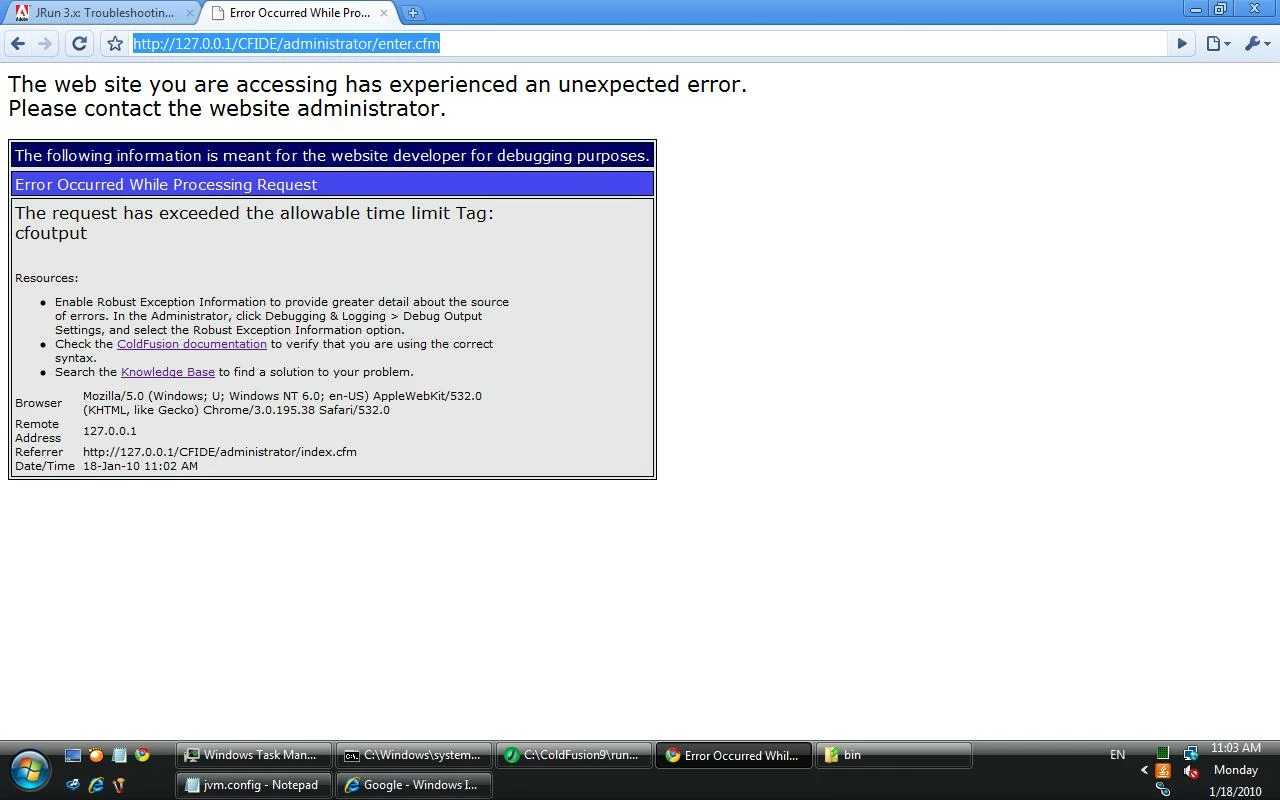
Once I got the CF server started, I ran the Administrator page and once I entered my password it just stayed on that page until it timed out. It never went to the next page where it says please wait while the server is configured. Here is the time out error:

and the command window shows:

Did I limit the heap size too much?

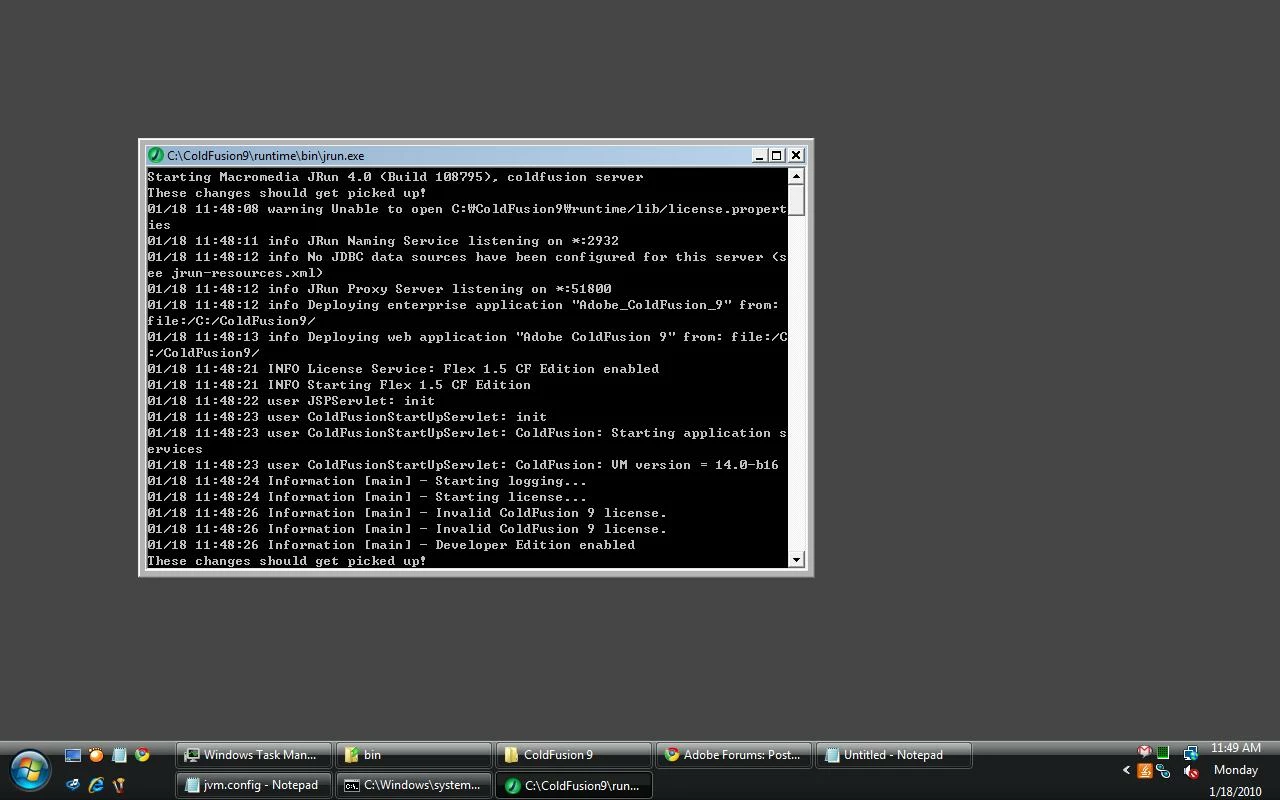
I also noticed one other thing that I thought might be important when I first ran cfstart.bat. It says "warning Unable to open ......". I have no idea if this means anything but just in case, I'm posting a screenshot of it. Its the 3rd line in the command window:

Any more ideas?


I've never used that cfstart.bat file to start CF.  During the install process a Windows Service should have been created: use that.  I dunno if it makes any difference, but running CF through a command shell like you are doing in cfstart.bat can't be an ideal way of doing things.

The CF error you're getting just means that CF is pulling the plug on your request because it's taking so long.  I think by default there's a 60-sec timeout.  I've never seen CFAdmin take 60-sec to boot up.  That setting is usually configured via CFAdmin, and am not sure where to turn it off if that very setting is preventing one getting in to CFAdmin.  I'll have a look around later on... time for me to jump on a train.

Maybe put your Xmx setting back up to at least 256MB.  To save a wee bit more RAM, you could probably drop your -XX:MaxPermSize down a bit too (maybe to 64MB?  Not sure about that).

Your PC seems to be rather tight on resources if you're needing to do this sort of thing, btw.  I note you're only running 1GB RAM on a Vista box.  EEEK.  I wouldn't want anything less than 2GB (and would prefer 4GB so it had some performance).  Your issue could well be that Windows is having to swap a RAM to disk too much, which is going to slow everything down to a crawl.  Which seems to be what you're experiencing.  Windows itself needs... what... about 400MB to run these days, before you start trying to allocate any RAM to other applications.  1GB ain't enough.

--

Adam

1 reply

BKBK
Community Expert
Community Expert
January 17, 2010

What happens when you start the Web Server Configuration Tool on the command line using the following command?

C:\ColdFusion9\runtime\jre\bin\java.exe -DWSConfig.PortScanStartPort=2920 -DWSConfig.PortScanCount=1 -jar C:\ColdFusion9\runtime\lib\wsconfig.jar

Participating Frequently
January 17, 2010

This is a screenshot of my screen after doing that.

First I get the Configure Web Servers window, then when I click add I get another message saying it could not connect.

Maybe I'm supposed to have JRun4 on before I do that? The only problem is that I can't seem to run JRun4 without having it eat up all my memory.    

BKBK
Community Expert
Community Expert
January 17, 2010

1) Make sure the Coldfusion 9 service is running.

2) To eliminate firewall issues, test by temporarily disabling the firewall.