
Matthew C. Parks
Inspiring
May 9, 2016
Question

Server Setting Font Management CF11 update 7

  • May 9, 2016
  • 3 replies
  • 1206 views

ColdFusion Admin has the follow on the Font Management screen:
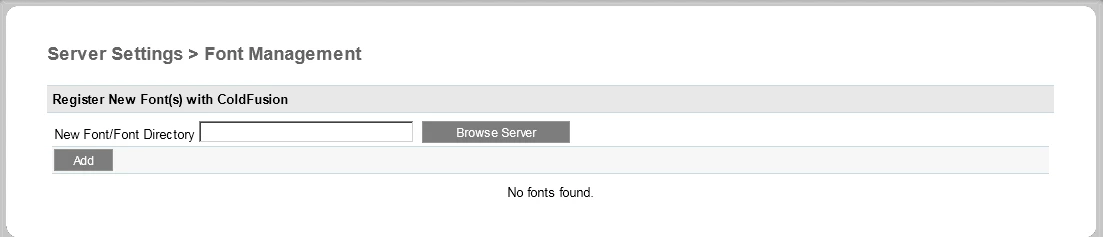
Any attempt to add a font or a directory to a font ends in a black screen and an error in the log.  Blank screen being CF Admin navagation with a HTTP 500 message.

I have attempted both a TTF file and a directory C:\windows\fonts\

Error message in log is

com.lowagie.text.FontFactory.getFontProperties()Ljava/util/Map; The specific sequence of files included or processed is: C:\ColdFusion11\cfusion\wwwroot\CFIDE\administrator\settings\fonts.cfm, line: 82

Any suggestions?

This topic has been closed for replies.

3 replies

ebrewer
Participant
April 17, 2017

Anyone have any more luck with this?

I have a new CF11 installation on windows server 2016 standard.

Trying to add custom font just hangs on submit, no action after several minutes and nothing in the logs.

I tried removing itext.jar but that completely breaks the add font page (guess its a core service now).

ebrewer
Participant
October 31, 2017

Note, we ended up re-installing CF and that seemed to work.

Note2, on each new CF server we have setup since this (3) this exact same thing has happened on each one.

Latest is ColdFusion 11 Update 13

mikec35927762
Participant
May 31, 2016

I ran into the same issue on CF2016 update 1.  We're upgrading from CF2016 to CF9 and we loaded itext-2.0.5.jar into the class path then the Font page would be blank or the add button would do nothing.  I removed the itext-2.0.5.jar from the class path and now everything works correctly in the Font page.  Looks like CF2016 (or CF11) comes loaded with a version of the itext jar.

Hope this helps.

Inspiring
May 10, 2016

Cant seem to reproduce this my end.

I notice someone else caused this problem from changing the JVM config - Bug#4136479 - Font Management throws an error

Does this apply to you?

Do you follow the lockdown guide, or variant of it?

Matthew C. Parks
Inspiring
May 11, 2016

No the JVM config changes does not apply here. No one has changed the file manually.  Or via the CF Admin screen either for that matter.

No lockdown guide was applied at this particular client.

At this point, we are going to attempt a uninstall and a reinstall of the whole CF 11 server and see what happens.  Scheduled for this weekend off hours.

I will post if that resolves issue.