
Participant
June 7, 2023
Answered

Unable to run coldfusion - Kindly please help.

  • June 7, 2023
  • 1 reply
  • 302 views


Hi Experts,

                       I am new to ColdFusion, I am unable to run .cfm file in cmd and in web browser.


1. Should I add .cfm file inside coldfusion\wwwroot\

2. How to run .cfm file

3. how to add server in CF builder

4. How to run file in Web browser (Kindly please say how the process works.)


I have installed ColdFusion and ColdFusion Builder


In cmd - coldfusion.exe -start -console
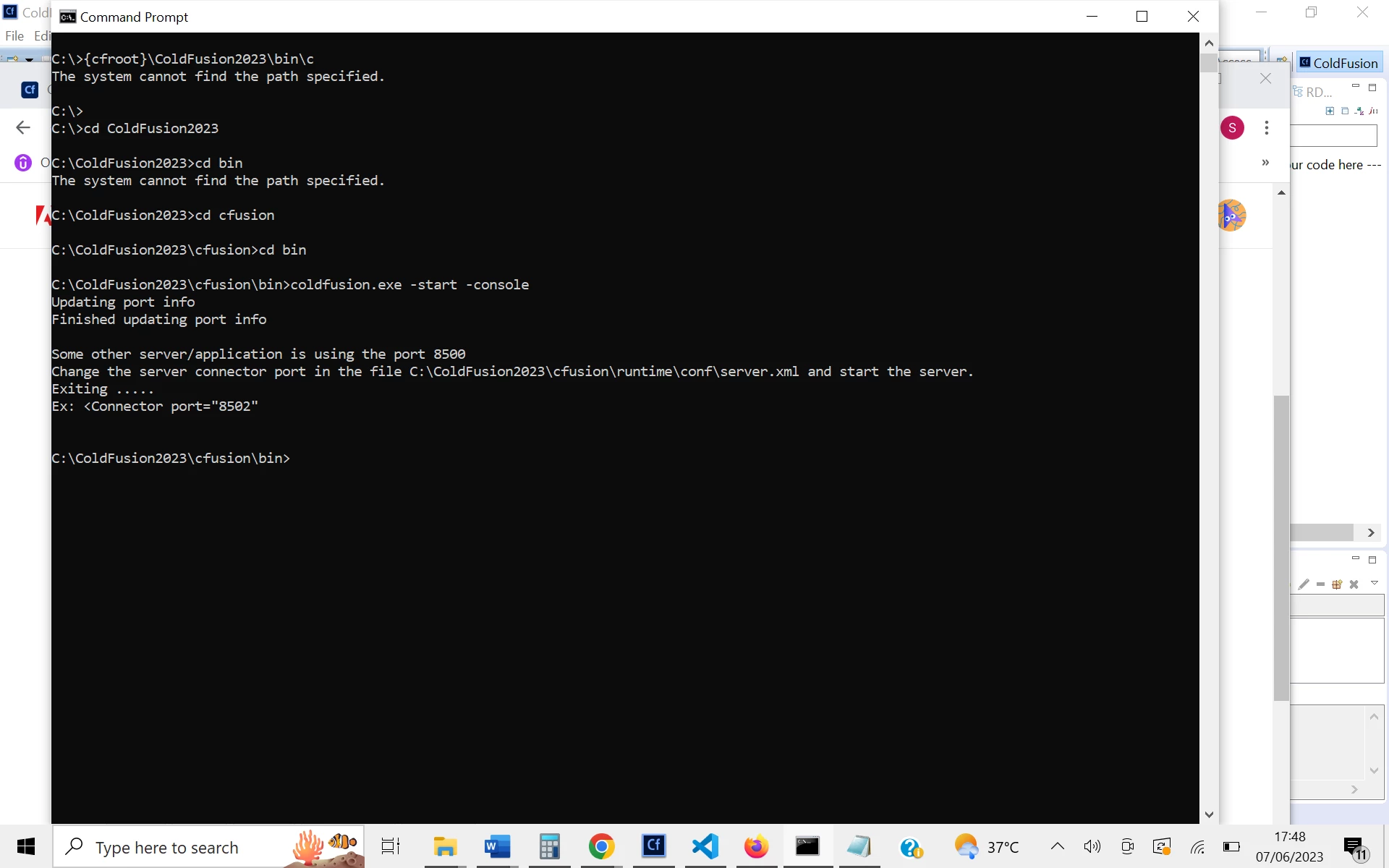
 

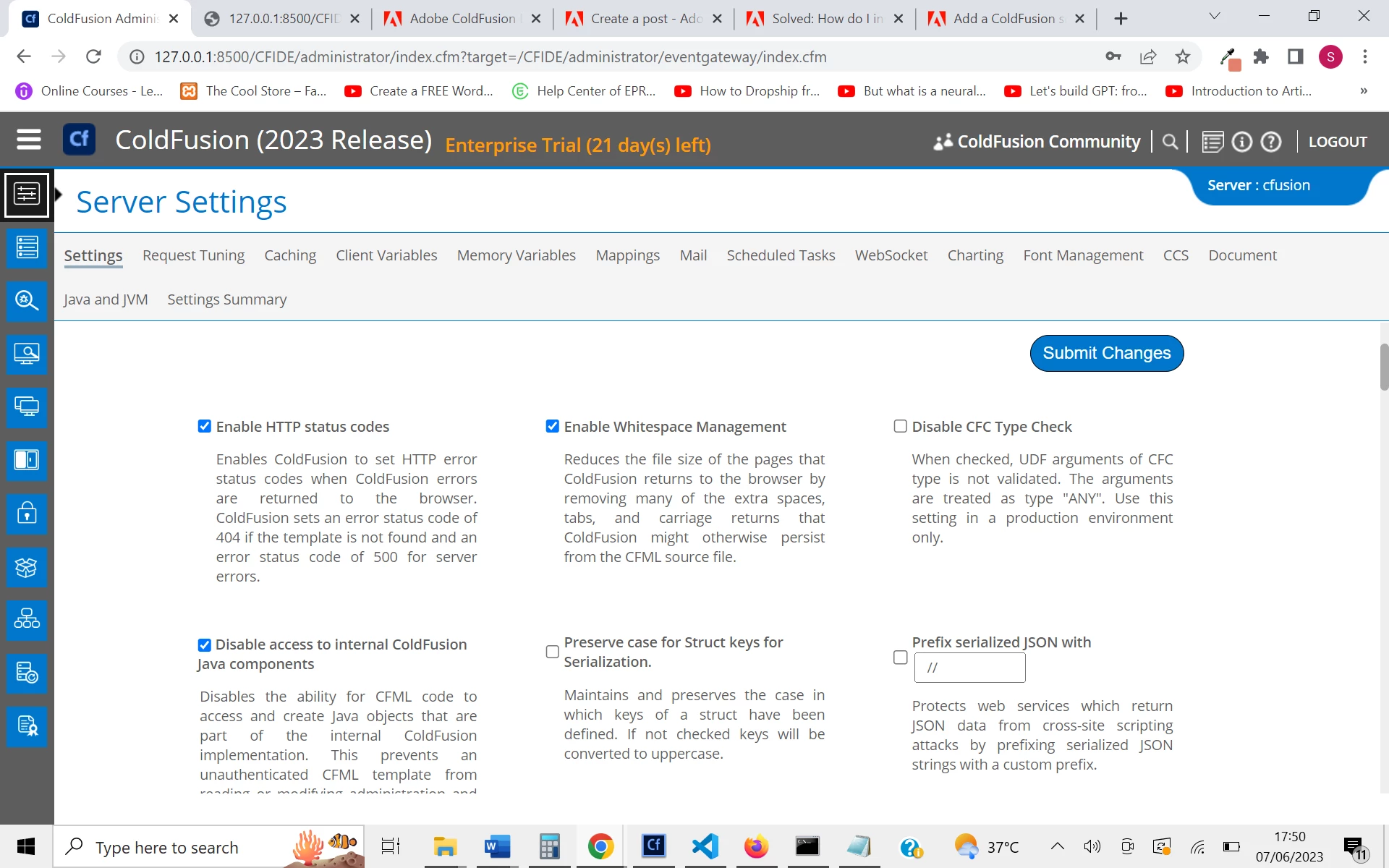
Installed ColdFusion Administrator 

http://127.0.0.1:8500/CFIDE/administrator/index.cfm


ColdFusion Builder 
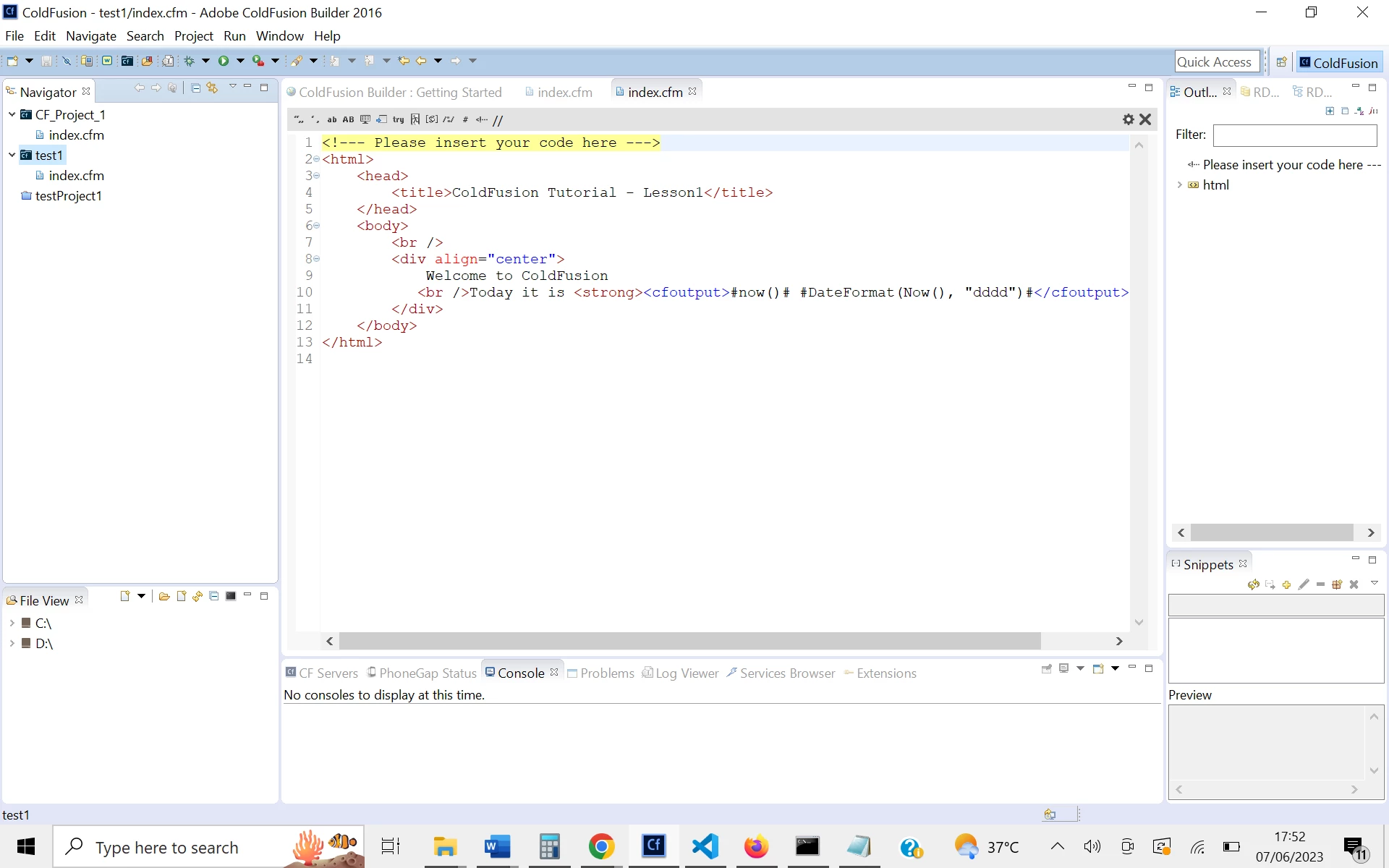
 

Kindly please help me to connect and run the .cfm file, please please.


    This topic has been closed for replies.
    Correct answer sdsinc_pmascari

    Did you connect ColdFusion to a web server, such as IIS?  If so, put your .cfm files into a folder in one of your web sites and load it using your site's domain such as: http://yoursite.com/index.cfm


    If you did not connect it to a web server, you can use ColdFusion's built in web server.  In your ColdFusion folder is a 'wwwroot' directory.  Should be something like: /ColdFusion2023/cfusion/wwwroot


    Place a .cfm file in there and it should load in your browser with this web address: http://127.0.0.1:8500/index.cfm

    1 reply

    sdsinc_pmascariCorrect answer
    Legend
    June 7, 2023

    Did you connect ColdFusion to a web server, such as IIS?  If so, put your .cfm files into a folder in one of your web sites and load it using your site's domain such as: http://yoursite.com/index.cfm


    If you did not connect it to a web server, you can use ColdFusion's built in web server.  In your ColdFusion folder is a 'wwwroot' directory.  Should be something like: /ColdFusion2023/cfusion/wwwroot


    Place a .cfm file in there and it should load in your browser with this web address: http://127.0.0.1:8500/index.cfm

    shivjvAuthor
    Participant
    June 7, 2023


    Thank You so much   sdsinc pmascari

    I have got some clarity.