

Answered
Upgraded to ColdFusion 2018 - Unable to Uninstall ColdFusion 2016
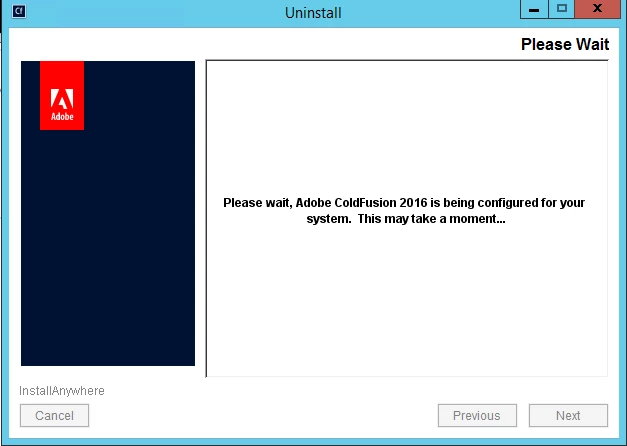
I successfully upgraded Adobe ColdFusion 2016 to 2018. Once complete, I attempted to uninstall ACF 2016 using the windows uninstaller as well as via the command line. I've tried rebooting the system, making sure services are turned off and/or disabled, but it always hangs on the screen that says: "Please wait, Adobe ColdFusion 2016 is being configured for your system. This may take a moment...". When I fire up the Task Manager I see the ColdFusion Launcher Application isn't using any CPU so it's just sitting there.
I am running Windows Server 2012 R2. If anyone has any tips for removing the old version, please let me know.



 AdChoices