


Inspiring
March 10, 2025
Answered

Using a .cfm in an iframe throws a 404 error

  • March 10, 2025
  • 1 reply
  • 605 views

I am trying to set a .cfm file insde of an iframe. within a .net website.
It was working fine using CF 2016 but now that I am using CF 2023 it doesn't work anymore... thoughts?

this is the page: https://www.transducertechniques.com/track-order.cfm

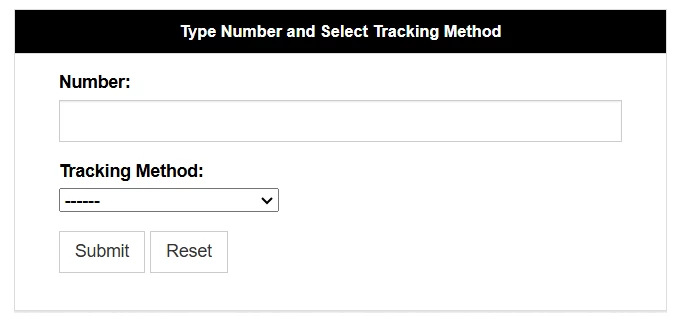
This is the page in an iframe - it throws a 404 error

https://www.transducertechniques.com/track-your-order.aspx

here is the iframe.  I used it with and without the full URL
<iframe id="locator" src="https://www.transducertechniques.com/track-order.cfm" frameborder="0" scrolling="no" width="100%" height="243"></iframe>
    Correct answer LarryRamp

    Yes, please, tell us the solution. 4xx errors aren't usually caused by permissions errors. Thanks in advance!


    Hi Dave,

    What solved the issue was the files in the config/wsconfig/n/ directory.
    I double checked the permissions on isapi_redirect.dll and isapi_redirect.log
    I used the lockdown guide for CF 2016 to look up the permissions on each of these files.
    These permissions worked:

    isapi_redirect.dll

    CF: Full

    Admin: Full

    AppPool R&E, R

    IIS_IUSRS : R&E, R


    isapi_redirect.log

    CF: Full

    Admin: Full

    AppPool R&E, R, W

    IIS_IUSRS : R&E, R, W

    and this is how it's supposed to look:


    1 reply

    LarryRampAuthor
    Inspiring
    March 10, 2025

    I got it.... Permissions ...always permissions...ugg

    BKBK
    Community Expert
    Community Expert
    March 11, 2025

    Thanks for the hint. Could you please describe in full how you solved it using permissions? That will certainly help a fellow developer in future.

    Community Expert
    March 11, 2025

    Yes, please, tell us the solution. 4xx errors aren't usually caused by permissions errors. Thanks in advance!


    Dave Watts, Eidolon LLC