
VS Code Adobe CF Builder Extension debugger stopped
I am not able to get line debugging to work.
I have an up-to-date VS Code and believe the CF Extension to be up-to-date.
I am devopling against a localhost instance of CF, and have administered its RDS to be enable. From VS Codes CF Server configuation, and can test connetion. That works.
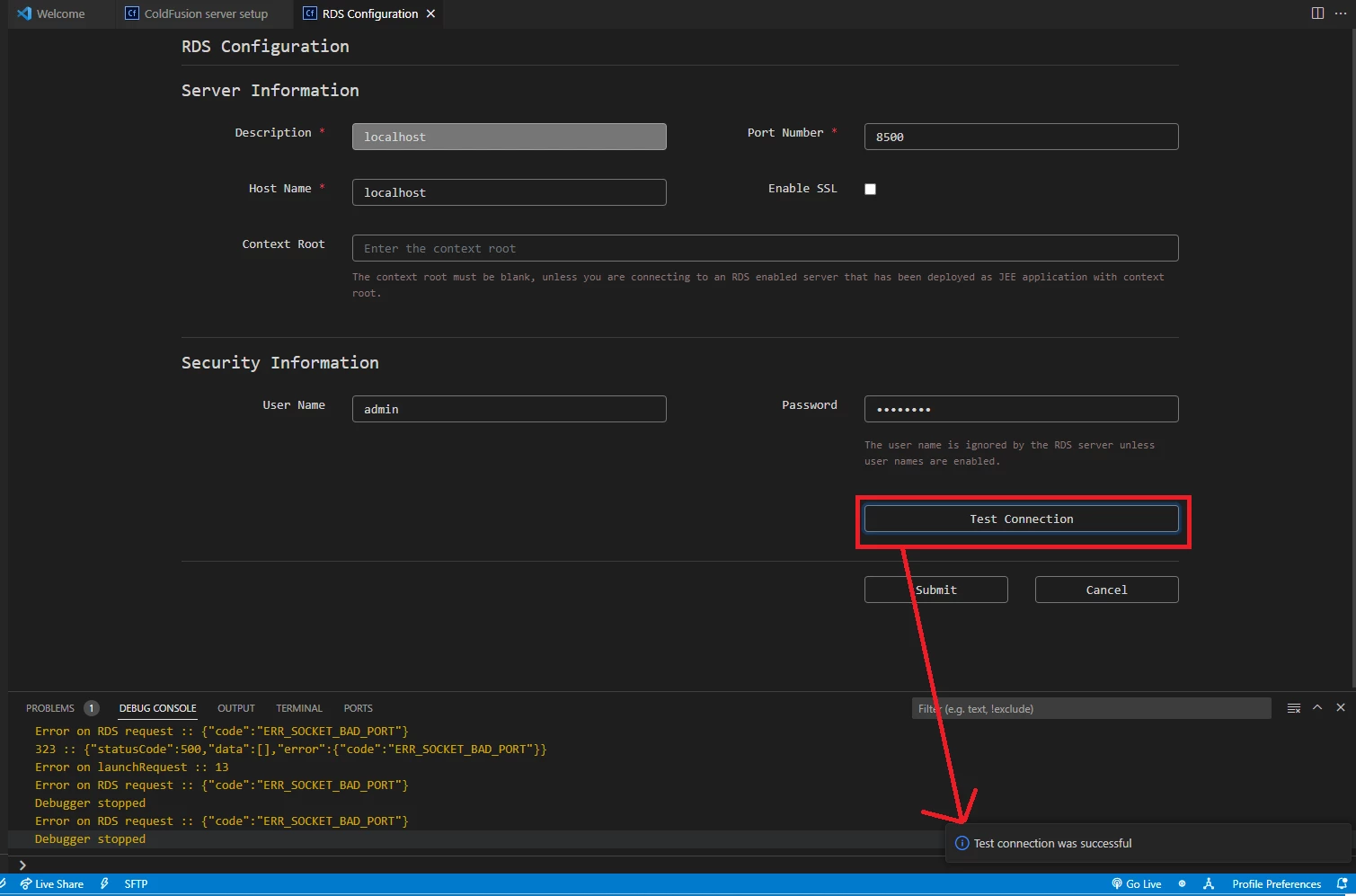
But when I choose a file with a breakpoint, nothing happens.
The debug console output is this:
Error on RDS request :: {"code":"ERR_SOCKET_BAD_PORT"}
323 :: {"statusCode":500,"data":[],"error":{"code":"ERR_SOCKET_BAD_PORT"}}
Error on launchRequest :: 13
Error on RDS request :: {"code":"ERR_SOCKET_BAD_PORT"}
Debugger stopped
Error on RDS request :: {"code":"ERR_SOCKET_BAD_PORT"}
Debugger stopped
All, I know is that CF+Tomcat is configured for port 8500 and the RDS line debugger port is 5005. No changes from defaults. Everything about runing CF code and using RDS on my development platform but this appears to run as expected.
There is a bug tracker report about something similar, but I see nothing that tells me that someone has suggested why the VS Code extension is throwing this error.
https://tracker.adobe.com/#/view/CF-4220242
I am at a loss to get line debugging working. It seems like it would be valuable.


 AdChoices