


Question
Cannot find where to turn off colour management in Adobe colour utility
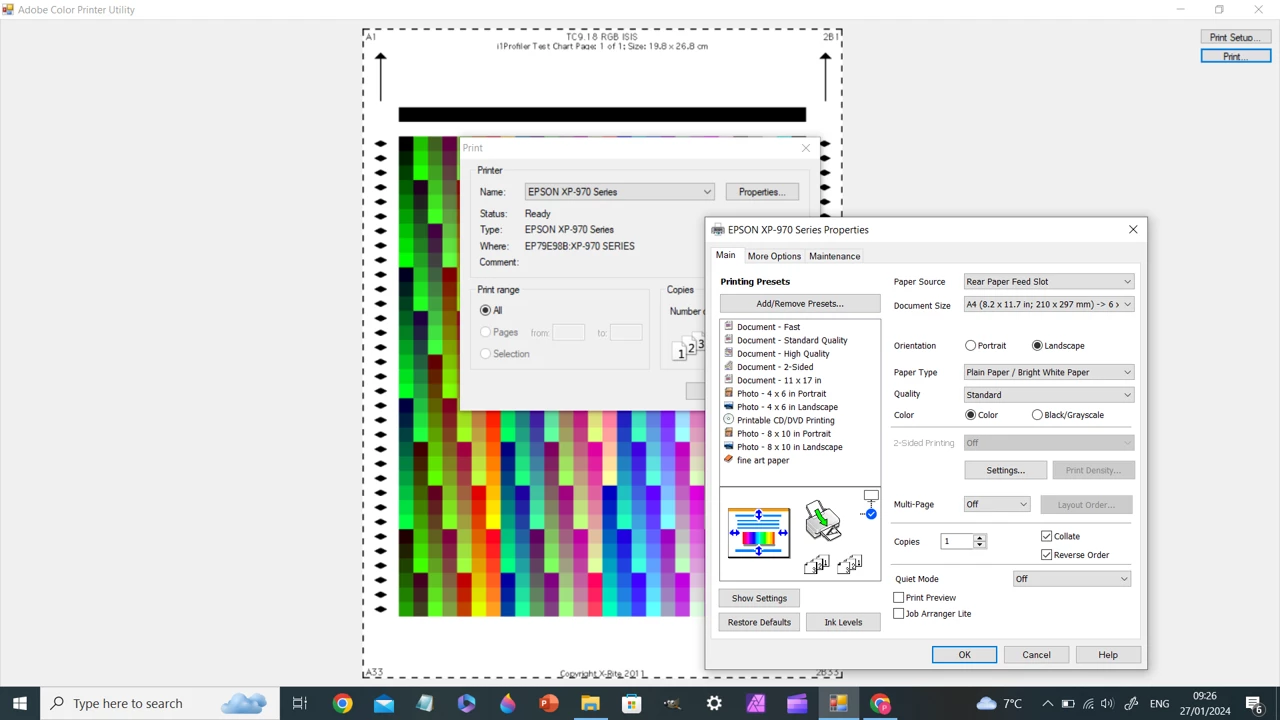
Hi all. I have an Epson 970 and some Marrutt fine art paper and the colours on the printout outs are too dark and cold. After doing research i downloaded the adobe colour management utility and i am following the you tube videos for PC (windows 10). on the tutorials it says to go into the app and select 'print', then to go into Mode and turn colour management off. I don't see an option for this. I don't have photoshop or any fancy photo apps so that isnt the problem. I am definitly within the utility app. I have attached what the you tube video displays compared to what i am seeing. Hope someone can help 🙂 Thanks 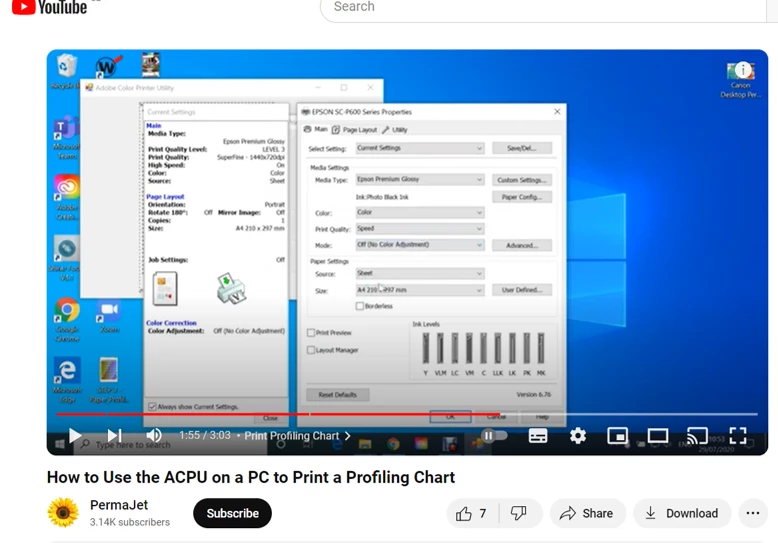
 AdChoices