Baturi returned
Participant
April 12, 2021
Answered

CMYK ICC Profile download not working?

  • April 12, 2021
  • 6 replies
  • 8963 views

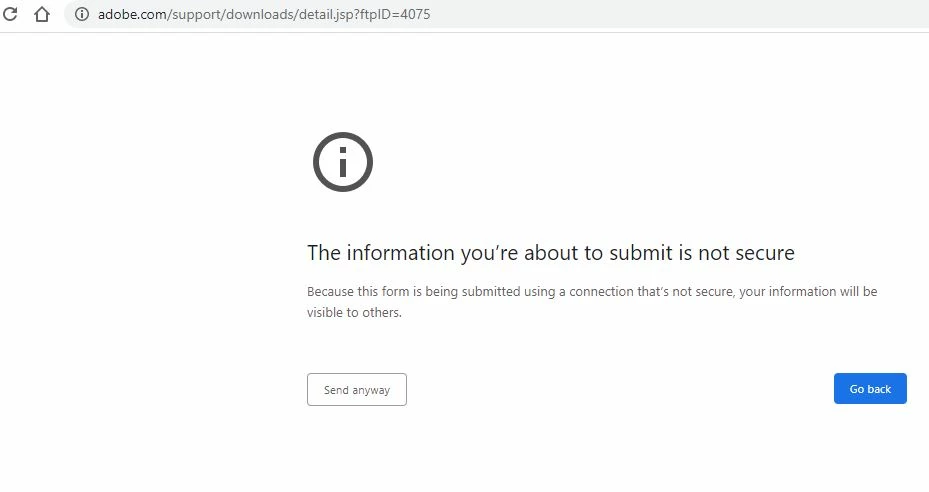
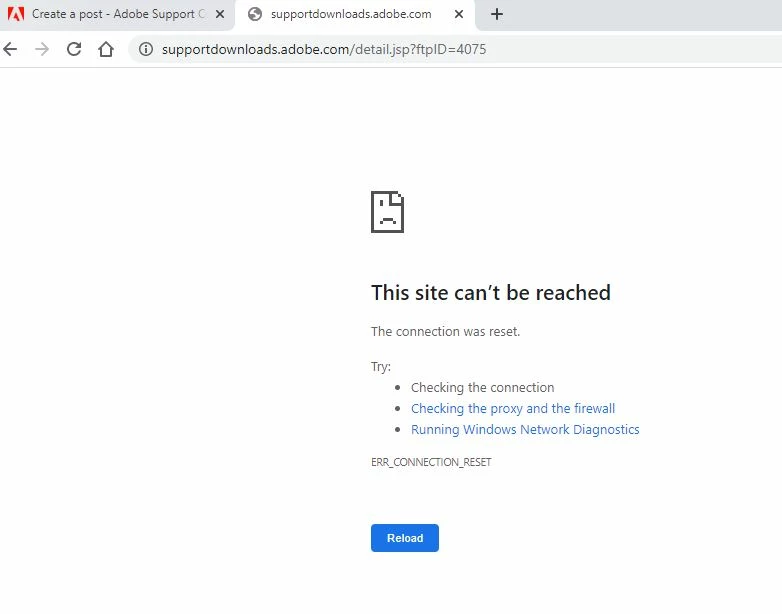
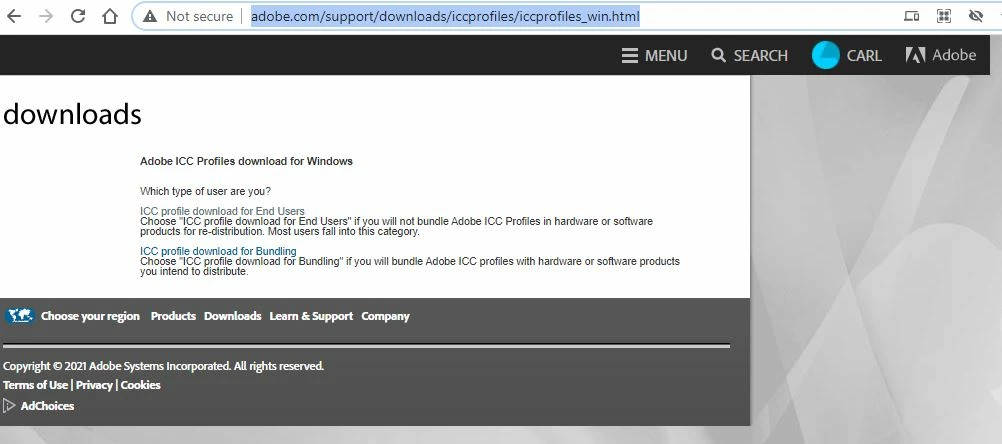
I get an error message saying the site is insecure when trying to download CMYK ICC Profile from Adobe support and it ends in Site cannot be reached. I urgently need to download the color profiles. Any advice for an alternative FREE source or how to overcome this will be greatly appreciated..🙏 here https://www.adobe.com/support/downloads/iccprofiles/iccprofiles_win.html .
 

    Correct answer Baturi returned

    All sorted thanks. The link is dead but I did manage to get the ICC profiles needed.

    6 replies

    Participant
    July 26, 2021

    i need to download the icc color profiles, I don't use adobe i use gimp, and on all the tutorials I found to export an image in cmyk colors, I need to download the adobe color profiles package, but the link seems to be dead, any ideas?

    TheDigitalDog
    Inspiring
    July 26, 2021

    @Jimmy Guilliam wrote:

    i need to download the icc color profiles, I don't use adobe i use gimp, and on all the tutorials I found to export an image in cmyk colors, I need to download the adobe color profiles package, but the link seems to be dead, any ideas?


    You MUST contact the printer or prepress dept for a specific profile for their output process. Or find the specific kind of CMYK process, (if used) and maybe find a profile for that process (such as SWOP TR001 etc). 

    SeeL

    http://digitaldog.net/files/CMYKPart1.pdf

    http://digitaldog.net/files/CMYKPart2.pdf


    Author “Color Management for Photographers" & "Photoshop CC Color Management/pluralsight"
    NB, colourmanagement
    Community Expert
    Community Expert
    July 27, 2021

    Jimmy,

    Andrew's absolutely right, you must not just use the Photshop default, choose a CMYK profile at random, or take a recommendation from anyone other than the printer who is doing the job unless you're really confident about who you're asking (asking Andrew The Digital Dog is safe for sure). 


    Oh, I asked a friend whose wife knows a designer what CMYK profile to use and my colours came out wrong" 

    BEWARE


    Where to get Adobe's profiles (the ones that are installed with Photoshop etc.)? I guess they only allow their customers to use them


    I hope this helps
    neil barstow, colourmanagement net :: adobe forum volunteer
    google me "neil barstow colourmanagement" for lots of free articles on colour management
    [please only use the blue reply button at the top of the page, this maintains the original thread title and chronological order of posts]

    mariusdimian
    Participating Frequently
    May 23, 2021

    Hi Neil, 


    Thank you again. I cannot speak about Mac because I don't use one. It might be like you said. I have 2 Windows machines and on both is installed the brand new version from Adobe via Cloud. 

    I didn't found that profile in the Colour Management on both computers and I guess the reason why the Author of this thread asked here is the same as mine. 

    I already found it with google search and now I am fine with that.

    I will insall on a Mac and see if it will be placed an samr location where you point. Are you sure, the profile was not there b4 you install Adobe ?


    Kind regards

    NB, colourmanagement
    Community Expert
    Community Expert
    May 29, 2021

    H

    Are you sure, the profile was not there b4 you install Adobe ?

    yes, I'm sure


    I hope this helps
    neil barstow, colourmanagement net :: adobe forum volunteer
    google me "neil barstow colourmanagement" for lots of free articles on colour management

    Participant
    May 13, 2021

    I have tried to download as well and get an error message, can someone send a better link to download

    NB, colourmanagement
    Community Expert
    Community Expert
    May 23, 2021

    The "AdobeRGB1998.icc" profile is reliably installed by Adobe applications

    I've no idea why you want to download it, but if you must - try googling, I found a few places offering download 


    On a Mac it's installed here, perhaps someone will help,with where to find it on Windows:


    I hope this helps
    neil barstow, colourmanagement net :: adobe forum volunteer
    google me "neil barstow colourmanagement" for lots of free articles on colour management
    [please only use the blue reply button at the top of the page, this maintains the original thread title and chronological order of posts]

    Ton Frederiks
    Community Expert
    Community Expert
    May 29, 2021

    C Drive > Program Files > Common > Adobe > Color > Profiles > Recommended

    ?

    NB, colourmanagement
    Community Expert
    Community Expert
    May 10, 2021

    Hi mariusdimian


    Do you have any Adobe applications installed?

    You should never need to download Adobe RGB (1998) because any Adobe imaging application installer places it on your system - in various places. 


    Why do you need to download?

    If you do a system wide search for "AdobeRGB1998" does it not turn up?


    I suggest you reinstall Photoshop - or whichever Adobe app. you're using.


    I hope this helps
    neil barstow, colourmanagement net :: adobe forum volunteer
    google me "neil barstow colourmanagement" for lots of free articles on colour management
    [please only use the blue reply button at the top of the page, this maintains the original thread title and chronological order of posts]


    mariusdimian
    Participating Frequently
    May 10, 2021

    Hello Neil,


    Thank you for your reply. Yes I use Adobe Photoshop CC and Lightroom  Classic. The reason why I tried to get the ICC profile was because I use a new monitor which is capabile to 99% AdobeRGB. The Monitor is Hardware calibrated and for accurate printings, Colour Management should be set on AdobeRGB1998.icc as the manufacturer of the Monitor recomended.

    Reinstalling Adobe Applications doesn't solve the problem. So ... nope, it doesn't help me this advice but I found the profiles elswhere so I am fine now. Is just pitty that the links on Adobe Site doesn't work and despite it was reported by othe users too, Adobe doesn't fixed the link.


    Best Regards,

    Marius  


    NB, colourmanagement
    Community Expert
    Community Expert
    May 21, 2021

    Hi Marius


    You didn’t tell us the display make?

    In any case, although the manufacturer of your new monitor display may claim that it covers a good portion of Adobe RGB, it's very unlikely that the colour and tonal characteristics match Adobe RGB exactly.

    Ideally, you would use a display profile made specifically for that display.


    A hardware calibrated display such as an Eizo Coloredge can be set to match the gamut of the Adobe RGB colourspace (as near as it can) but it still needs it's own icc profile for the display. 


    Perhaps you may have misunderstood the display manufacturer's advice?

    Would you like to give us a link to the display manual please?


    In any case, if you have any Adobe applications installed Adobe RGB is installed along with them. 


    I hope this helps
    neil barstow, colourmanagement net :: adobe forum volunteer
    google me "neil barstow colourmanagement" for lots of free articles on colour management
    [please only use the blue reply button at the top of the page, this maintains the original thread title and chronological order of posts]


    NB, colourmanagement
    Community Expert
    Community Expert
    April 21, 2021

    Thanks for the update Baturi,

    good to know you worked it out


    you might like to post where you found the profiles you sought [and what they were] to help other forum users find them.

    Also to report the broken link as a website 'bug' here: 

    https://feedback.photoshop.com/photoshop_family/categories/photoshop_family_photoshop


    I hope this helps
    neil barstow, colourmanagement net :: adobe forum volunteer
    google me "neil barstow colourmanagement" for lots of free articles on colour management
    [please only use the blue reply button at the top of the page, this maintains the original thread title and chronological order of posts]

    mariusdimian
    Participating Frequently
    May 7, 2021

    So ... as far as I see ... download link is still dead. Can anybody provide one alternative  source where I can download the AdobeRGB1988 , please ?


    Thank you forwards !

    NB, colourmanagement
    Community Expert
    Community Expert
    April 15, 2021

    Hi

    what specific ICC profile/s are you looking to download please?


    neil barstow, colourmanagement net :: adobe forum volunteer
    google me "neil barstow colourmanagement" for lots of free articles on colour management
    [please only use the blue reply button at the top of the page, this maintains the original thread title and chronological order of posts]

    Baturi returned
    Baturi returnedAuthorCorrect answer
    Participant
    April 20, 2021

    All sorted thanks. The link is dead but I did manage to get the ICC profiles needed.

    Participant
    October 13, 2021

    I wish you would let me know how you did it.  It doesn't work for me either and I get exactly the screens you show.