


Colors of Photos Edited in LR or PS Look Different on iPhone
I have searched all over the Adobe Support Community discussions and despite finding a few similar looking discussions not a one helped to solve my issue. I hope someone here will be able to help.
My problem is this: recently I purchased a subscripton to Lightroom and Photoshop programs and as I was testing the software on photos I took with my iPhone 13 Pro I found a very weird phenomenon. The photos I tried to edit are in a HEIF format. I imported the photos in the Photoshop and did only a slight adjustments with the cloning tool. I was not adjusting colors at all. When I exported the photos and viewed them on the iPhone next to the original photos the edited photos looked different, I would say slightly darker, less bright, and it also seems there is less detail. On a computer both of the photos, the original and the edited one look the same.
At firts I thouht this was caused by the color profile settings. When I was importing the photos in the Photoshop a prompt questtion appeared if I want to use the embedded profile, if I want to convert document colors to the working space or discard the embedded profile. I tried all the options. I also tried to export a JPG picture in SRGB color profile with insert embedded color profile option ticked and all the possible combinations (without embedded color profile option tick and converting to SRGB, with embedded color profile option tick but not converting to SRGB, without embedded color profile option tick and not converting to SRGB). The edited picture never looked the same next to the original picture on iPhone, I mean colorwise.
Then I suspected that the difference might be caused by difference between HEIF and JPG formats. I tried to edit the original photo in the Pixelmator app, made only a slight adjustment with a brush tool and then exported the photo in JPG: the colors of the original and edited picture looked exactly the same on the iPhone.
The same phenomenon happend when I use the Photoshop on PC, the Lightroom on PC or the Lightroom mobile app. It drives me crazy. I tried to screenshot both the original and the edited photo with washed out colors on iPhone only to find out that in the screenshots both the photos looked the same.
Here I add the photos of the original photo (photo 1) and the edited photo (photo 2) as they appear on my iPhone screen.
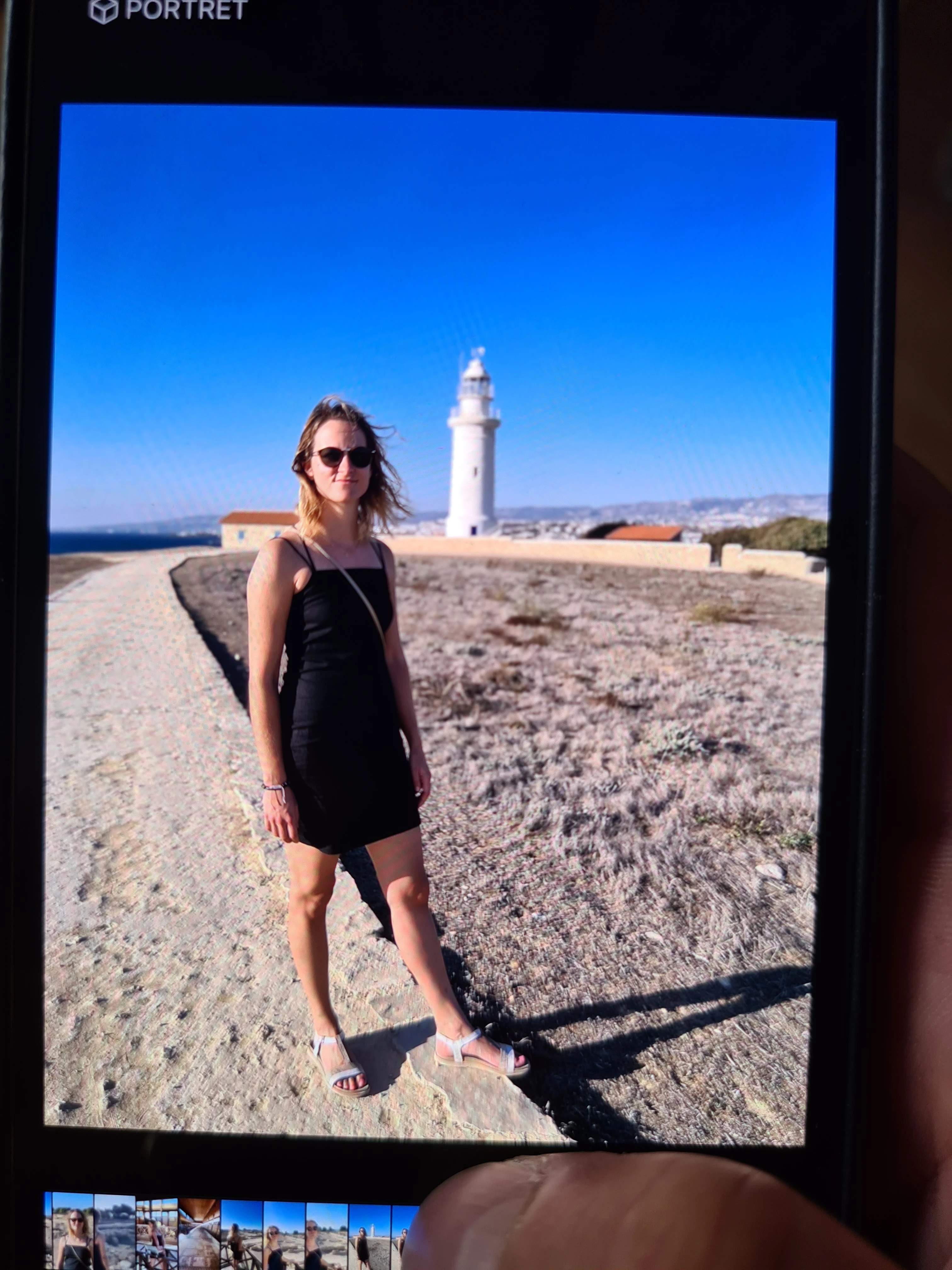
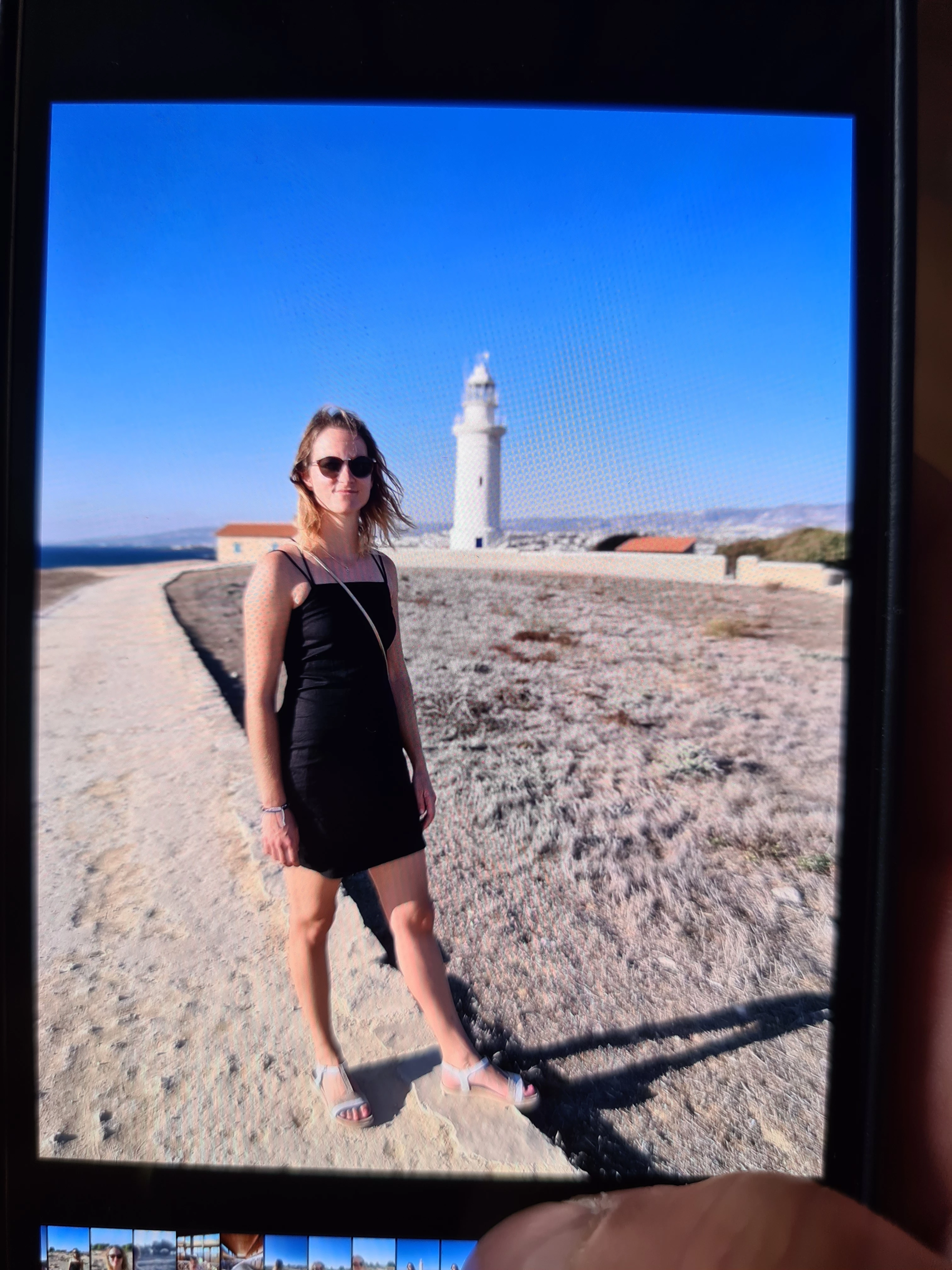
Thank you for any help.
 AdChoices