


Participant
December 7, 2016
Question

DCI-P3 on Mac

  • December 7, 2016
  • 2 replies
  • 3184 views

Hello, I've got the brand new UltraFine display which is supposed to display DCI-P3.

I'm just trying to compare pictures exported in DCI-P3 and sRGB and RGB and I can't find no difference. I don't know what's wrong.

I'm pretty new to this so help would be really appreciated. By the way, shooting on D5100

sRGB
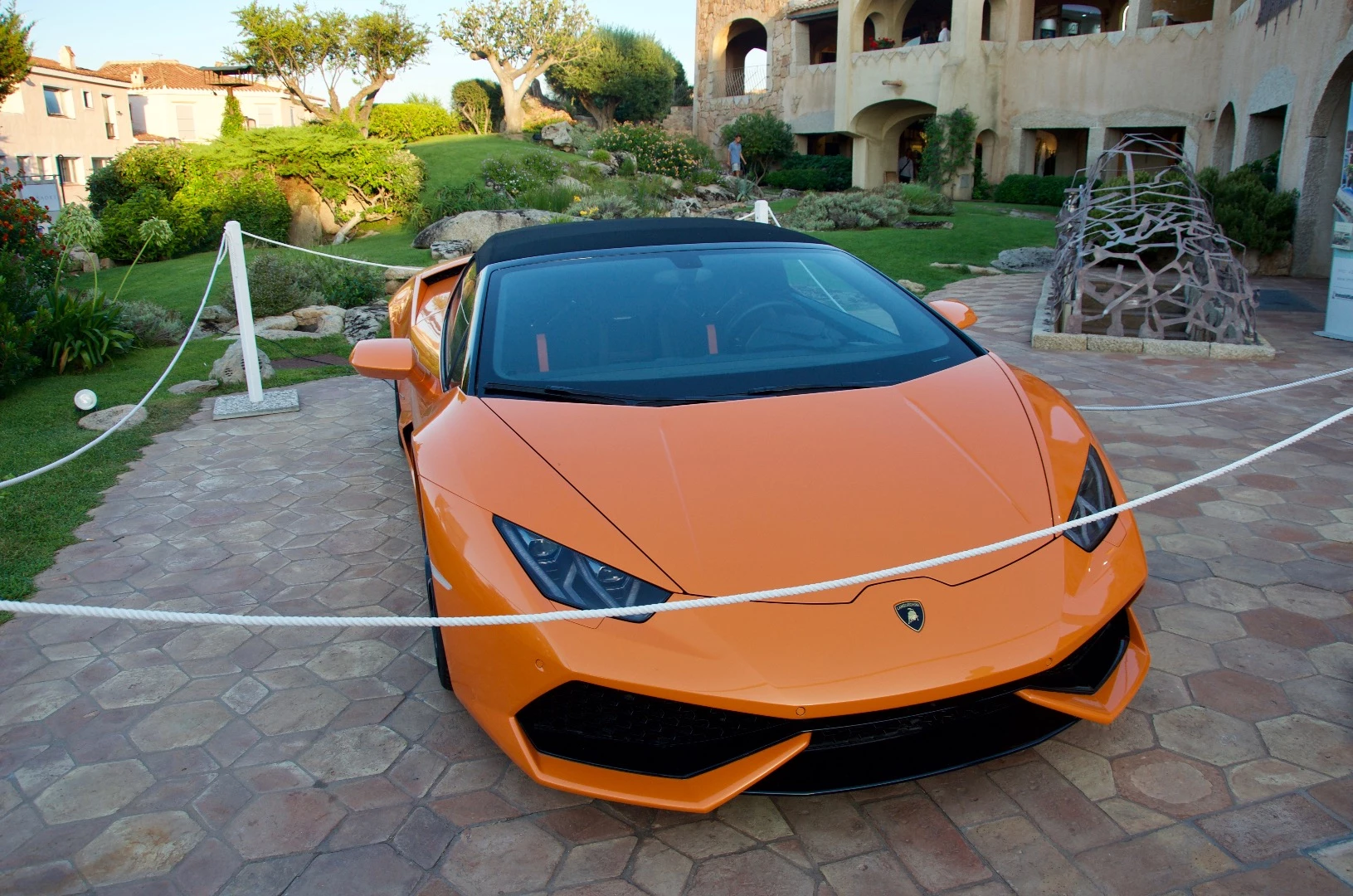
Display P3
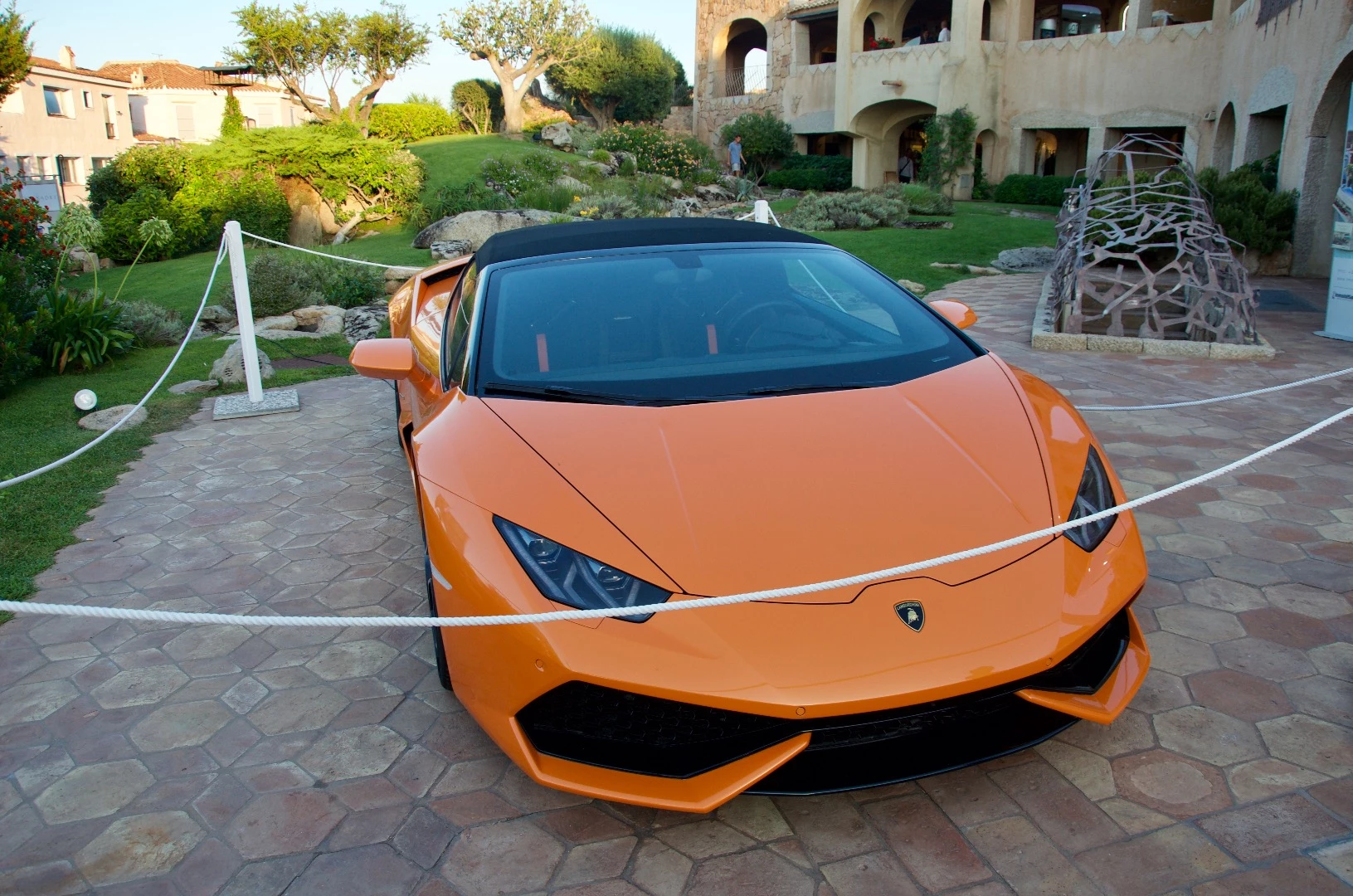
RGB

    This topic has been closed for replies.

    2 replies

    D Fosse
    Community Expert
    Community Expert
    December 16, 2016

    It's not really about sRGB vs DCI-P3. It's about color management vs no color management.

    One could ask why Apple decided to push a standard for digital cinema projectors - especially since the practical implications are the same as for traditional wide gamut displays: they are simply not usable without full end-to-end color management. As long as you have that, the exact shape of the display color space is of less importance.

    Still, it may turn out to be a good thing, because it will force a wider implementation of color management. It has to. Buyers of traditional wide gamut displays generally know what they're getting into. They have made a conscious choice, and configure their systems accordingly. They know they have to use a color managed web browser with these units.

    An iMac buyer is a different kettle of fish. They haven't made this choice, and they expect the thing to "just work".

    It's important to keep in mind that there are still millions of images out on the web without an embedded icc profile. There are still websites out there that strip the profile if present. The Photoshop default is still (in the new Export module) to not embed the profile. Most web browsers still treat untagged material in the simplest possible way: they just send the data straight through to the display, without any attempt at color managing for the display. That does not work for wide gamut, and it does not work for DCI-P3.

    One more thing: I get the impression that the OP treats DCI-P3 as a document color space. It is most certainly not that - it is a display color space. In time it could well develop into a standard color space along with sRGB, Adobe RGB and ProPhoto RGB, but we're not there yet. Older versions of Photoshop doesn't even have this profile installed, unless it's installed separately by the user.

    TheDigitalDog
    Inspiring
    December 16, 2016

    D Fosse wrote:

    It's not really about sRGB vs DCI-P3. It's about color management vs no color management.

    It doesn't really matter. It's a wide gamut space very similar to Adobe RGB (1998) and when using color managed app's, when the rubber meets the road, the soft proofing outside display gamut between the two will be very similar.

    IF Adobe hadn't hosed SMPTE-240M originally in PS5 and then did an about face by renaming the mistake Adobe RGB (1998), I bet Apple might have gone a route that didn't have "Adobe" in the name.

    As for all the millions of images on the web without profiles or EXIF data defining their color space; the color appearance wasn't apparently important to the image creators and can't be used reliably by anyone viewing them. The answer is of course color management!

    Author “Color Management for Photographers" & "Photoshop CC Color Management/pluralsight"
    TheDigitalDog
    Inspiring
    December 7, 2016
    Author “Color Management for Photographers" & "Photoshop CC Color Management/pluralsight"
    Participant
    December 7, 2016

    Hello,

    Thanks for your reply.

    Done the same process, they still look exactly the same

    TheDigitalDog
    Inspiring
    December 7, 2016

    Convert a copy of my image to sRGB and compare.

    Author “Color Management for Photographers" & "Photoshop CC Color Management/pluralsight"