


Question
Error when using Adobe Color Print Utility
Hi,
I'm trying to use the ACPU to print a Fotospeed Colour Management test chart onto various papers so that I can submit to have custom ICC profiles created.
I'm on a MacBook running Sequoia 15.6.1
After selecting the printer (Canon Pro-310) paper type, paper feed and print quality I click 'Print' but then immediately get an error popup as shown below.
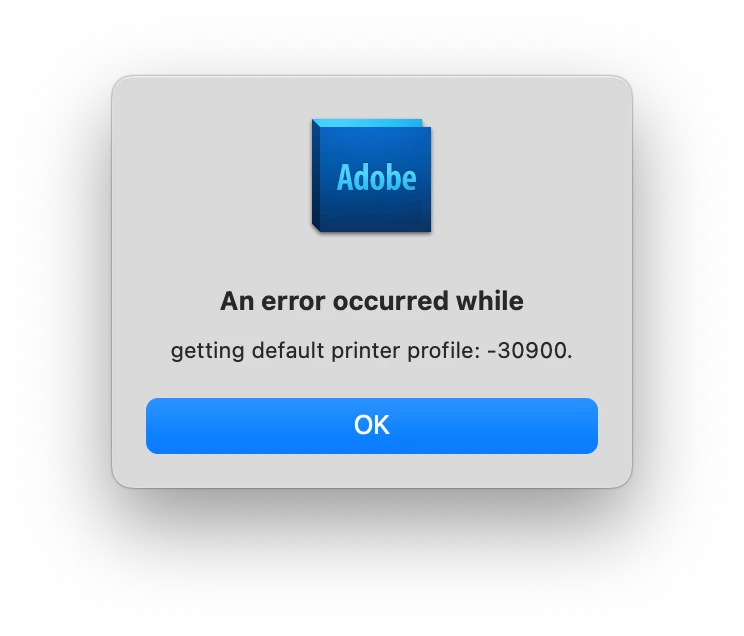
If I click 'OK' then it goes on to print, but I'm concerned that the printed image may not be absolutely correct and suitable for profiling.
Does anyone have any idea what is causing this, whether it's actually and issue and, if so, how to resolve?
Thanks
 AdChoices