Hi AmyBeth
The icc profiles accessed by Photoshop can be kept in various places.
Photoshop has its own folder (se below) as well as accessing the "system" folders.
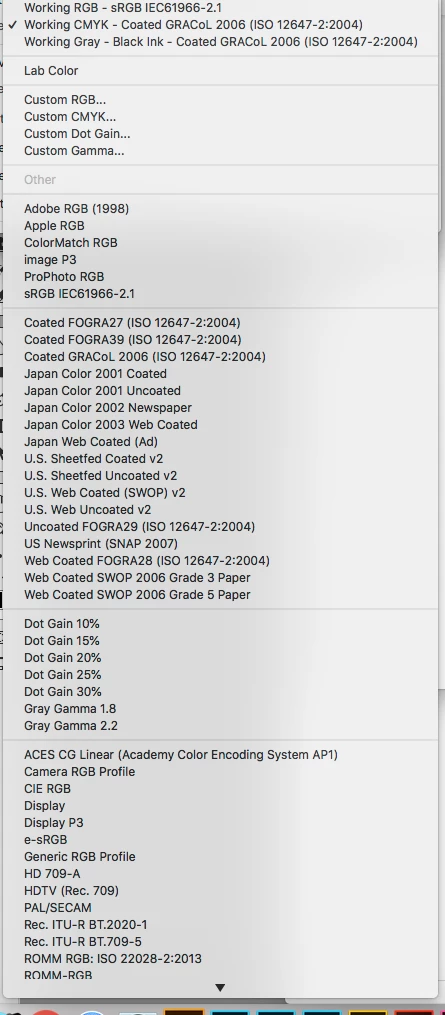
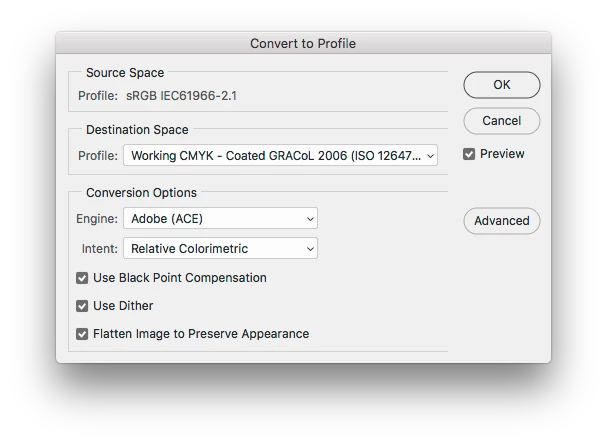
You will need to download those GRACoL profiles and place them in the correct folder following these instructions :
https://www.colourmanagement.net/advice/where-are-my-icc-profiles/
mac:
In OSX the ICC profiles are in various places, but if we want anyone who uses the system, however they logged in, to have access to them we put them in the main Library > Colorsync > Profiles folder. This is where the OSX system and many installed applications put profiles.
There are also ICC profiles in the "your username">Library > Colorsync > Profiles folder. Putting them there has the advantage of backing them up whenever the user's home folder is archived. Screen calibration applications like basICColor Display often place profiles into this user folder.
On later versions of mac OSX, the "username"/library is a hidden folder. It's easy to get to though, just hold down the Alt key (near your keyboard spacebar) and then mouse down on the "Go" menu item (up near the Apple logo, top left of your screen). Now you'll see a list which includes "Library", just highlight it and release the mouse and the folder will open.
For recent versions of Photoshop on Mac, Adobe's own profiles are placed in the Library > Application support > Adobe > Color > Profiles folder. Some more commonly used ones are inside that folder in a Recommended folder.
I hope this helps
if so, please do mark my reply as "helpful" and if you're OK now, please mark it as "correct" below, so others who have similar issues can see the solution
thanks
neil barstow, colourmanagement




 AdChoices