


How to keep my Photoshop CMYK file colours looking the same
Apologies for my lack of understanding. I've been reading about this extensively in forums and online but I'm clearly missing something still, I'm doing my best to understand. Please be kind ❤️
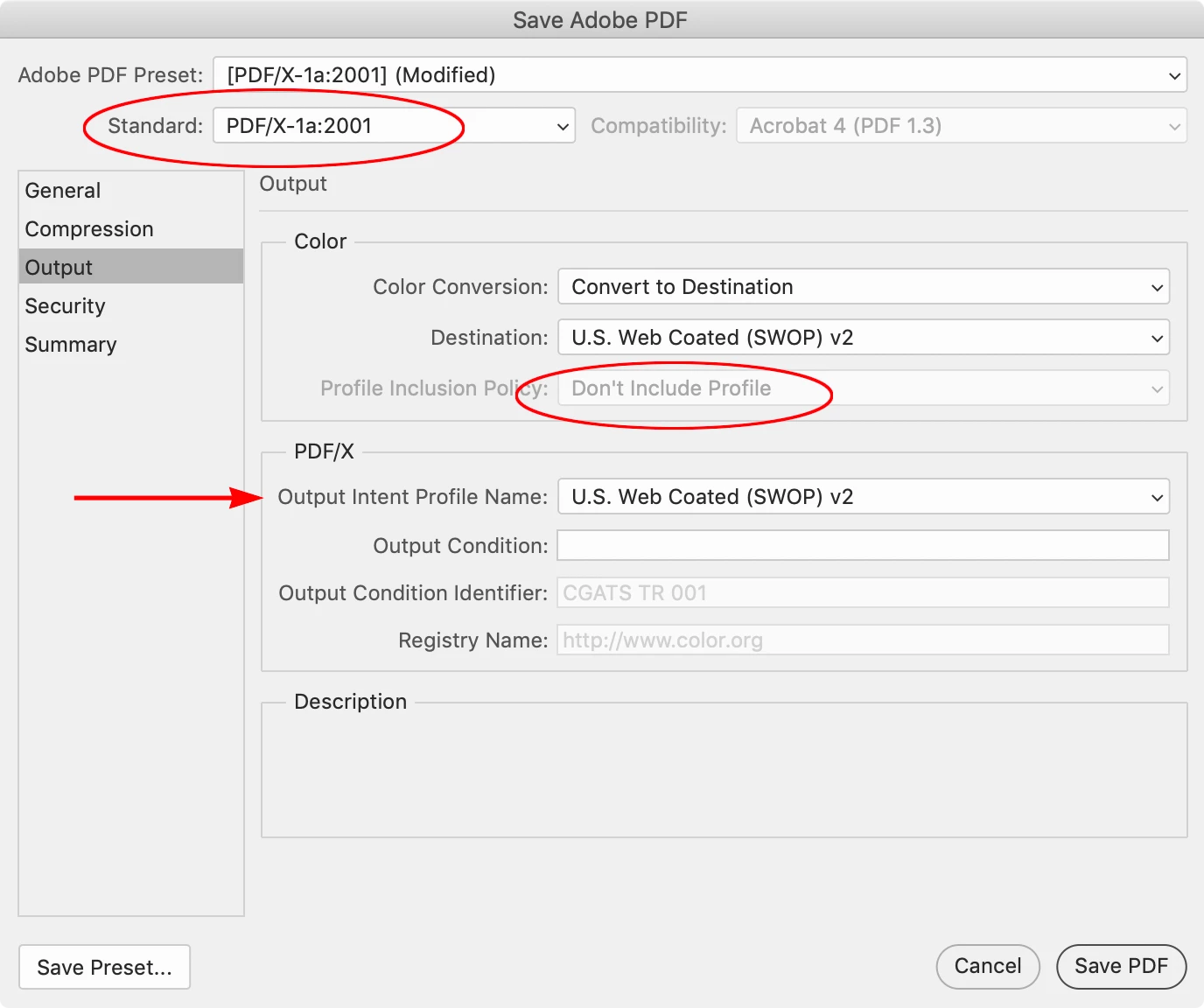
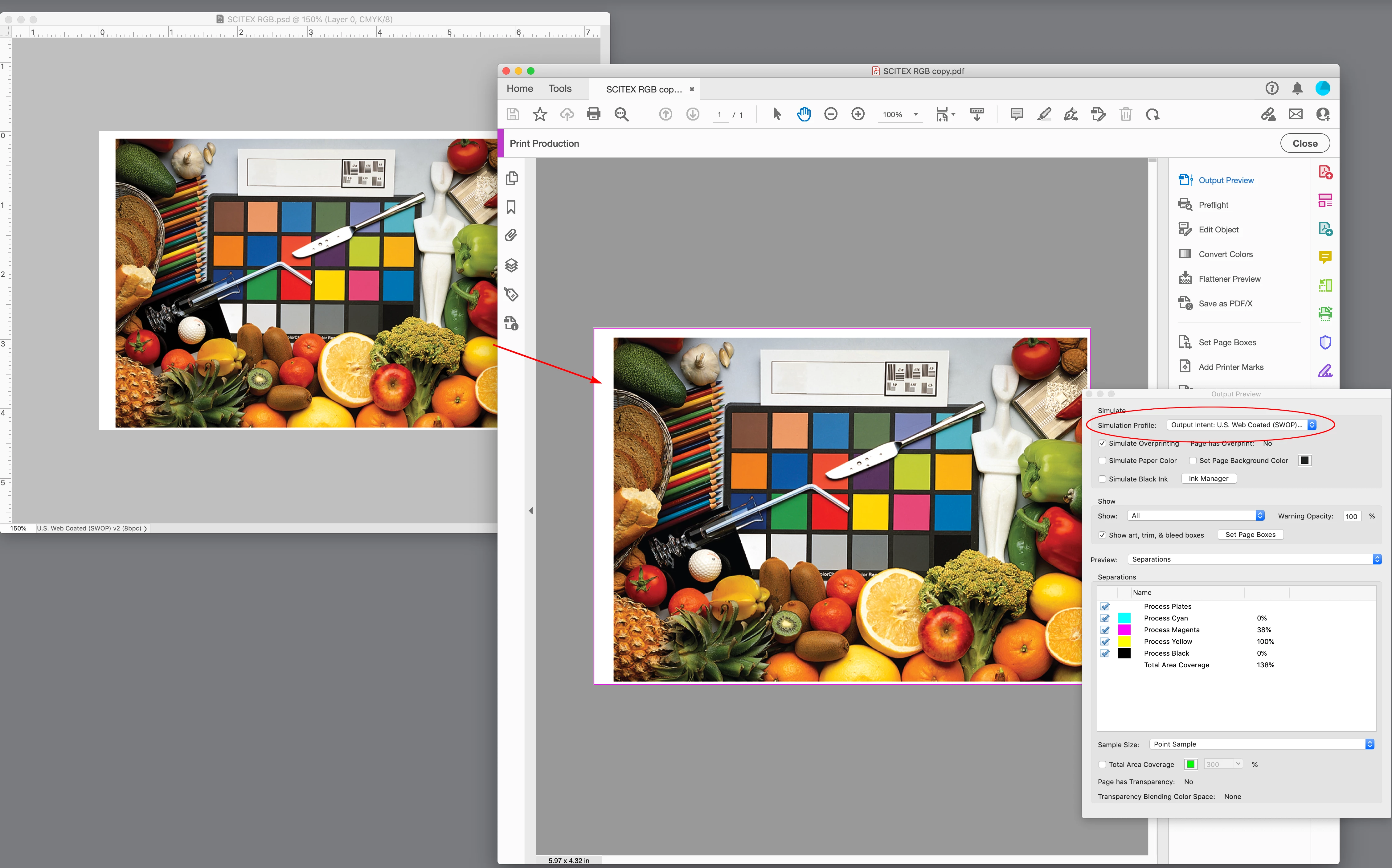
I'm creating an A4 brochure, 36 pages total, in Adobe Photoshop (so each page is an individual file). I have these set up Image Mode- CMYK. The printer I am using asks for files to be sent as [PDF/X-1a:2001] but when I export to this, I lose some colour, in particular the whole thing becomes very dark. Does anyone have any advice for rectifying this? Is there a way within my psd edit files that I can preview what these colours will look like whilst I'm working on it so that I can adjust accordingly? I've rooted around in the view tab and I have Proof Colours checked and Proof Setup- Device to Simulate: US Web Coated (Swop) V2, but this still looks the same, and only changes after I've saved to PDF.
Thank you for any advice and help!

 AdChoices