


images not showing correctlyin in Lightroom or photoshop :(
Hi all,
First post in these forums and really hoping for someone will have some insights on this issue I've been trying to solve for months now.
I'm a little behind with my software, running LR4 and PS CS5. It's worked fine for me on this computer for a long time before this...
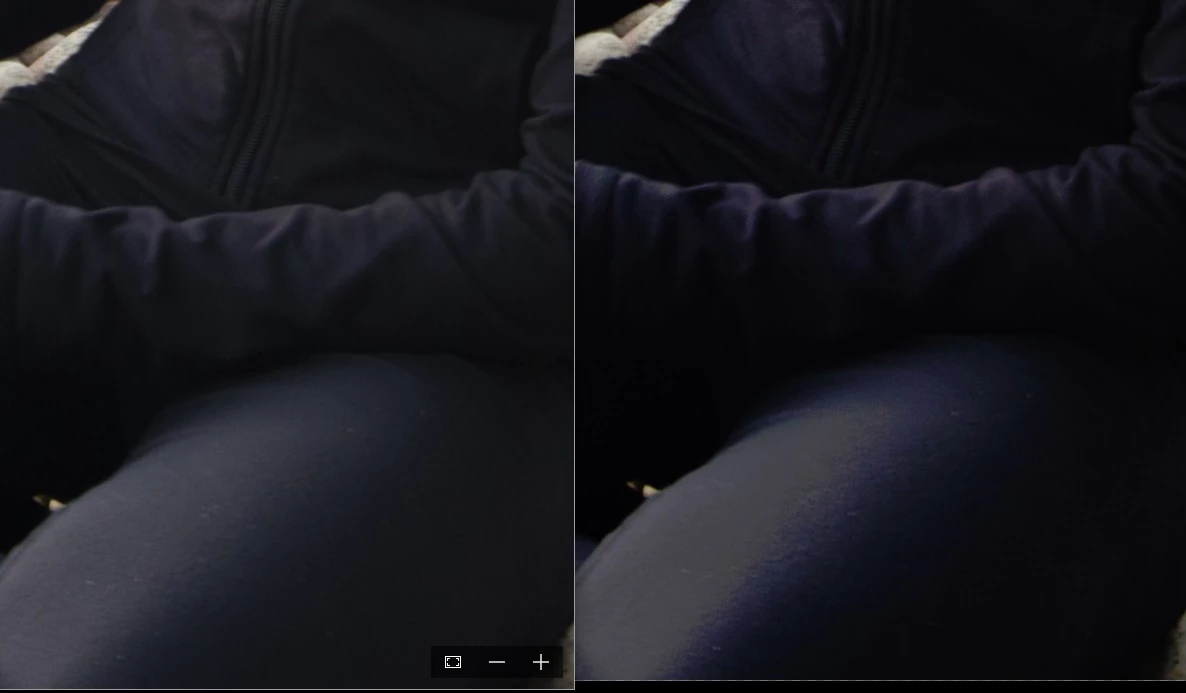
My issue is that none of my images are rendered correctly in photoshop or lightroom, but they look fine in other programs (eg., paint, windows 10 photos app, but not the windows photo viewer). The only way I can get the images to look correctly is to proof view them for monitor RGB. That tells me it must be a colour management issue. I've played around with all the colour management settings in lightroom and photoshop, but nothing has worked.
The image below is a crop of a screenshot showing the correct appearance in the windows 10 photos app (left) and ugly photoshop version (right).
Does anyone have any ideas???

 AdChoices