



Palette color chosen with color.adobe.com displays differently in my test app
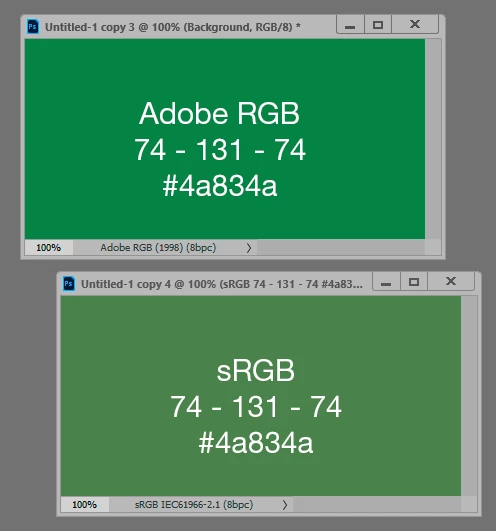
I am developing an app for Android devices using the raylib library. I have used the color.adobe.com website on my Windows notebook computer to generate a palette - a series of colors that “go together”. However, when I display one of the colors in my app that is connected to my Red Hat Enterprise Linux notebook, it appears to my eyes more brownish. I have a quite a bit of C/C++ development experience, but relatively little experience with digital color issues. I’ve consulted my “A Field Guide to Digital Color” by Maureen Stone, which seems to have good information, but nothing that I’ve been able to apply to this specific issue.
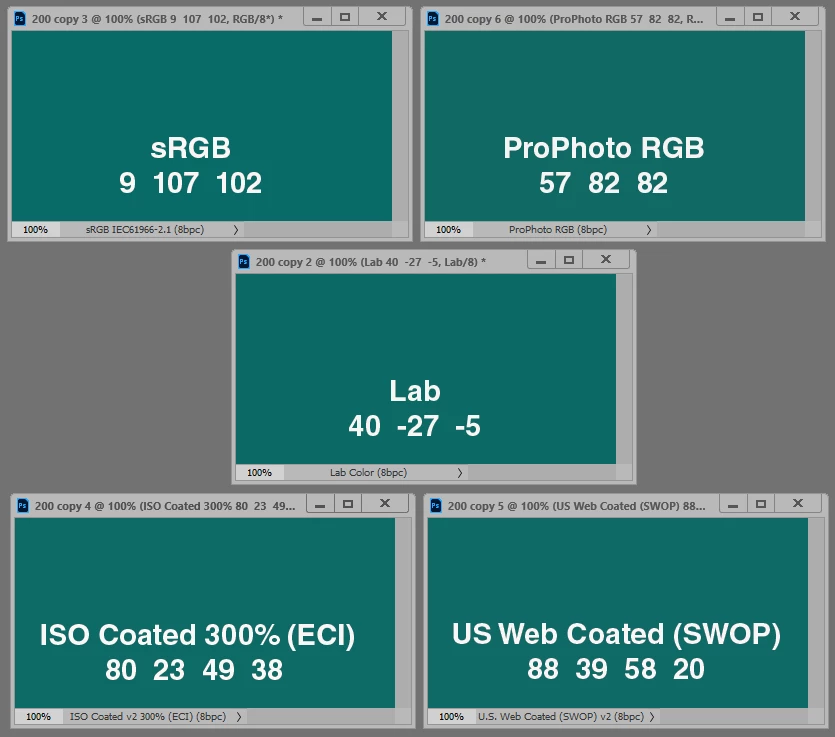
Has anyone had a similar experience? If so, is it just that my eye is seeing the same color differently? Is it a Windows vs. RHEL display issue? Something else?
Thank you for your time in reading this, and I am very grateful for any suggestions anyone has in what the issue is or if there is an issue at all, and how I might best proceed.
The hex code for the color is #9C7214, and the C/C++ code decimal equivalents are as follows, with the final value being the alpha, which I have tried making different numbers, but to no avail: 156, 114, 20, 225

 AdChoices