



Using a colourwheel to set colours in photo
Hello All,
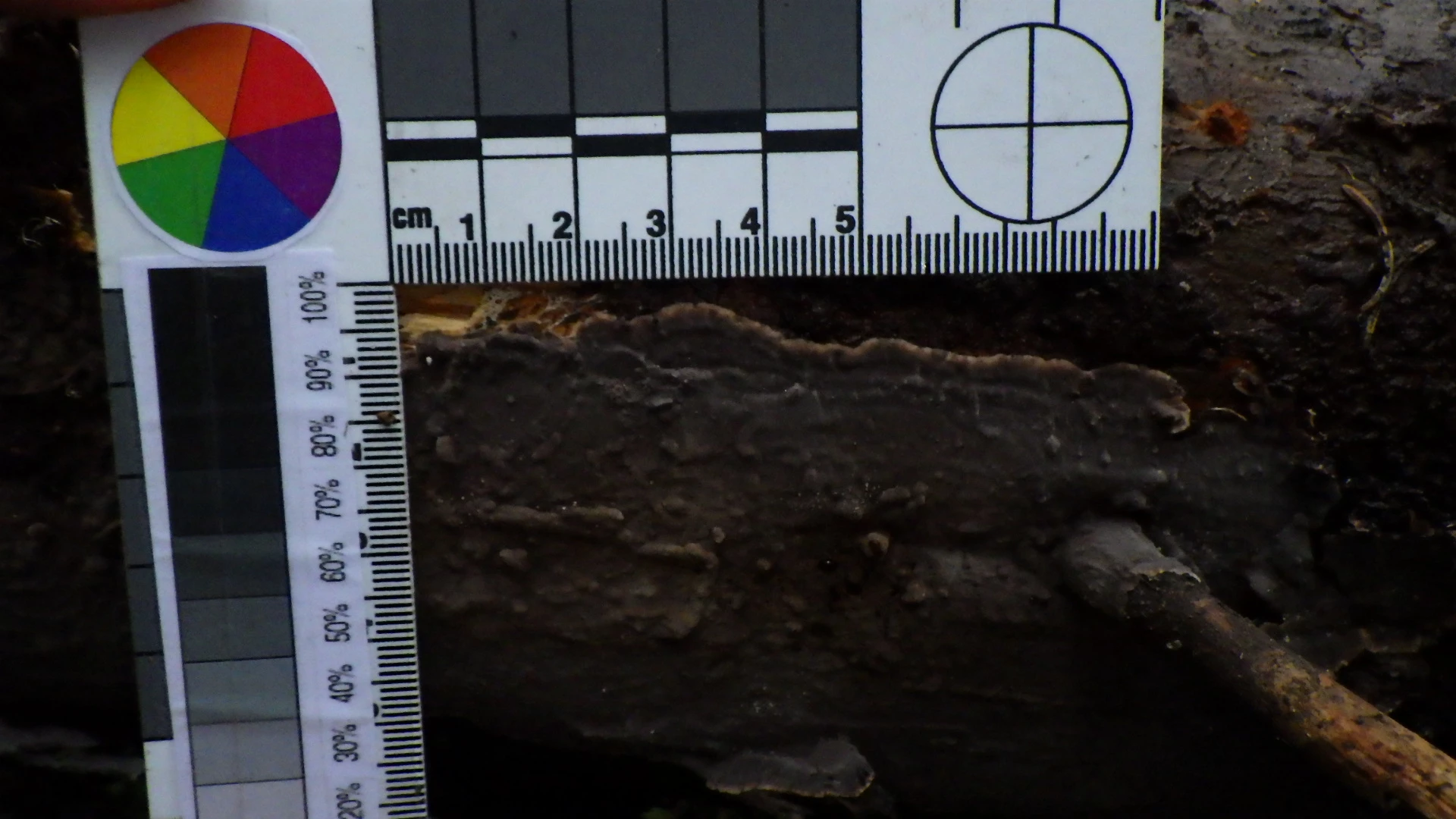
I have some photos that I have taken for scientific observations of fungi, which I now want to correct to light/colour of so I can extract info on colour and size. The camera that I had access to only took JPG images (no raw) but I did include a colour wheel and grey standard in each photo (see attached example). Apologies for non-technical language, but I have not used photoshop a lot before. I have figured out how to adjust to lighting of the photo in GIMP program using the black, white and 18% grey in the GIMP program, but someone suggested that I could use photoshop to, for example, say that the red on the colourwheel equals a certain RGB and the blue another and the green a third, and then photoshop could adjust the image accordingly. However I have had no luck trying to muddle out how to do this myself. Could anyone help?
Thanks, Sam
 AdChoices