



Why is my color different when in print preview compared to document?
I've noticed that when I go to print images in Photoshop, the print preview is less vibrant and more washed out than the actual document. Here is an example. The vibrant gradient below is the basic document:

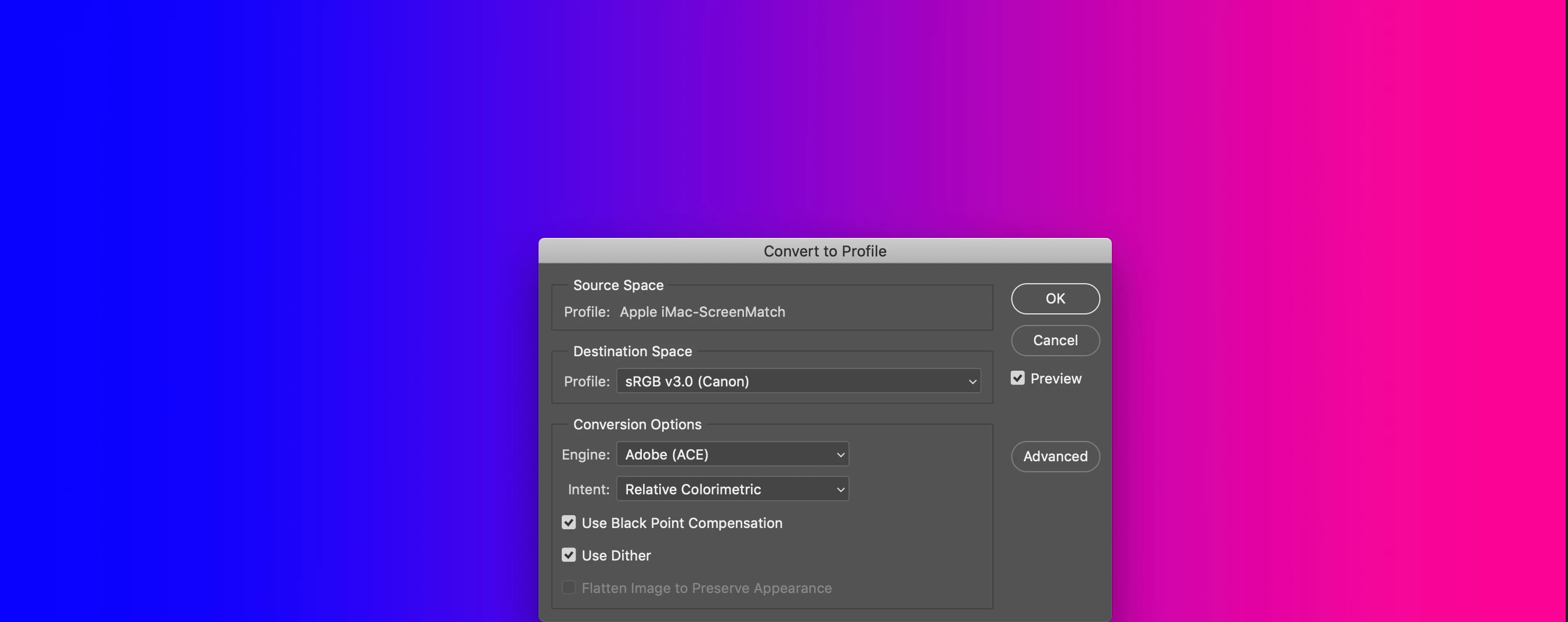
Here is the profile dialog, to confirm that its in sRGB v3.0:
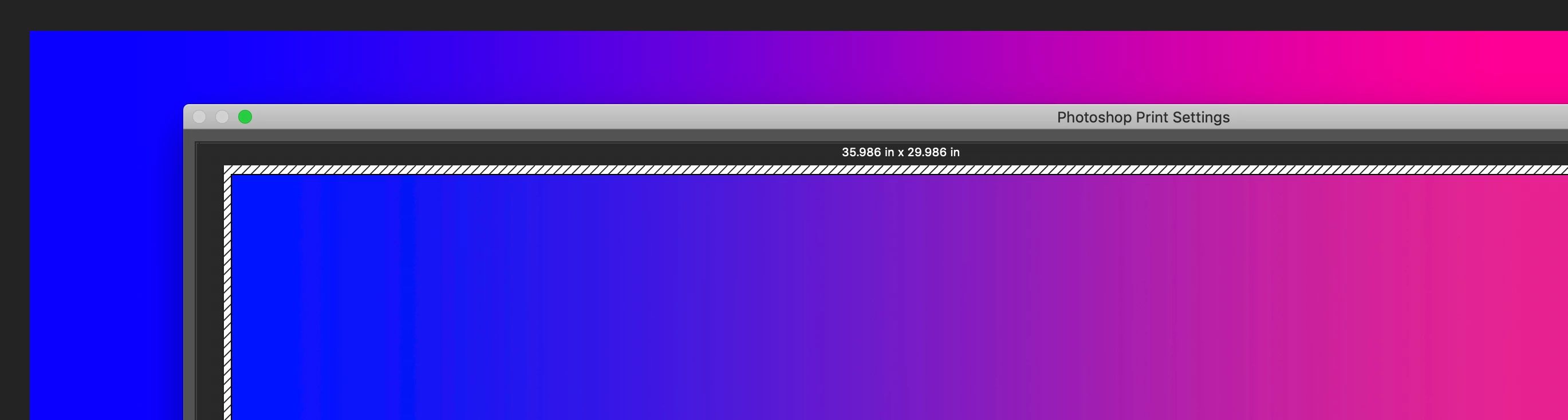
When I open the print option, you can see the difference (mostly in the upper right corner). The pink looks...I dunno...washed out?
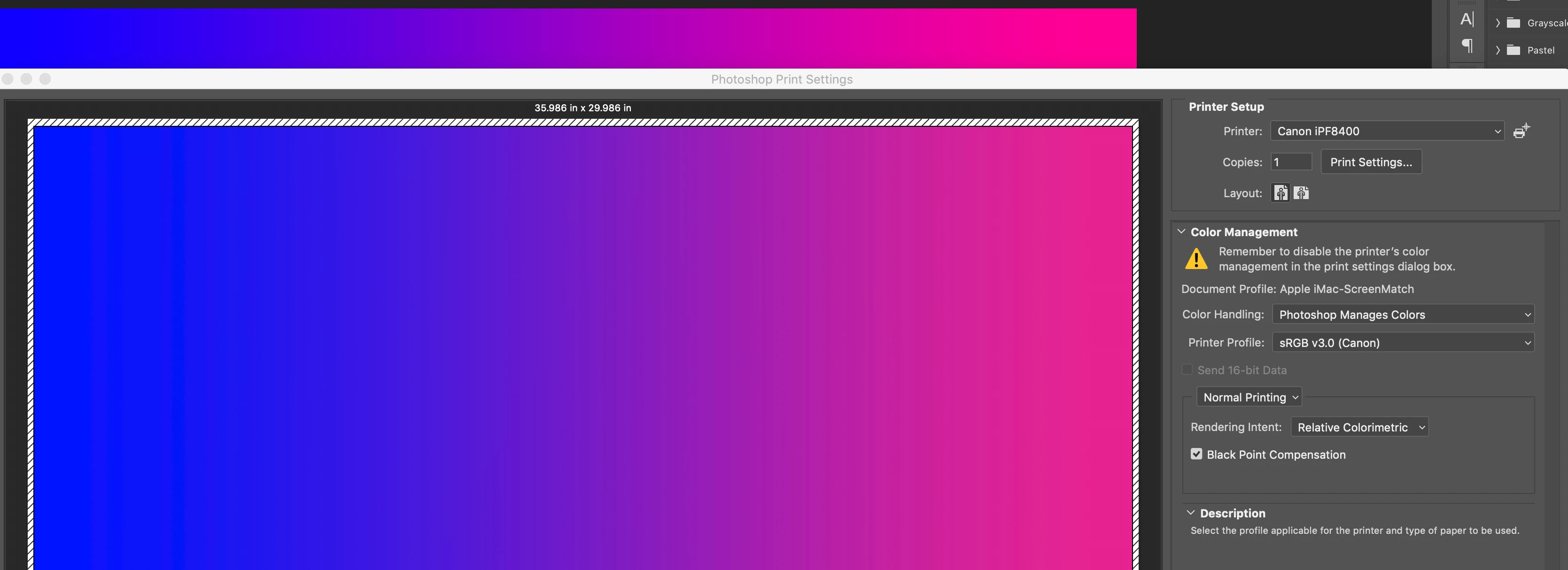
Here is the full print dialog, with the color management options:
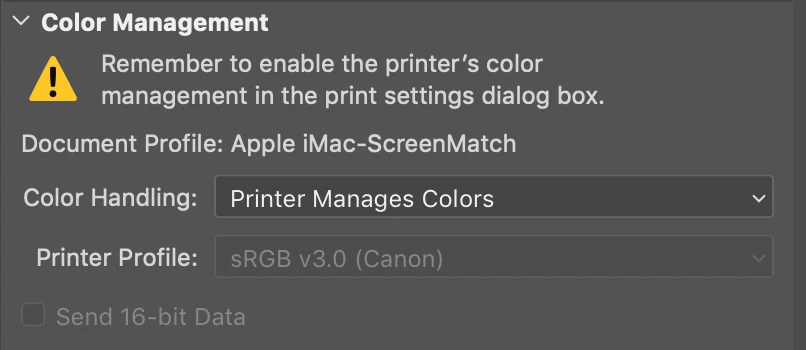
The images are printing sort of washed out, which I worked with the Canon rep to confirm that the printer is correctly reproducing colors. We tested the color on other colleagues' computers and they were able to reproduce accurate color.
I'm not if its something off with my Photoshop settings or the printer settings? Can anyone help my diagnose this discrepancy? Thanks!
 AdChoices