



Add Templates to "Sample Folder:" list
This sounds kind of easy but once I download and unzip a template (or if I was to make my own - and I like/want to save it here) how do I save/create folders at this specific location (see pictures below). I am in the process of switching from simple HTMLs to CSS Bootstraps and want to start this way. My first attempt I tried I went there and obviously there was nothing there to play with other than a simple "Responsive Starters" folder (second picture). Here are the pics:
and here's what I have now:
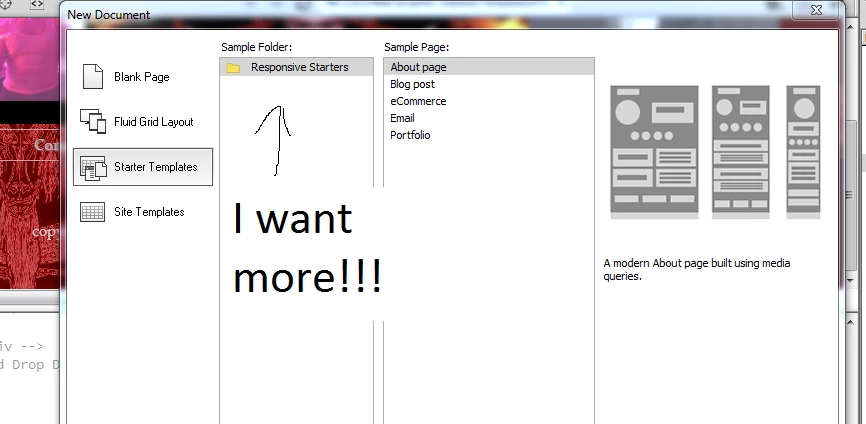
Note: Dreamweaver is located at C;/Program Files (x86) > Adobe > then it breaks to creative cloud and digital editions...folders after that are all-over the place.
If there are any website suggestions as to where I can maybe find some awesome Bootstrap Templates I'm open-eared too...but that's obviously after I find how to find out how to do the above. Thanks.

 AdChoices