


Question
adjust photo size in script
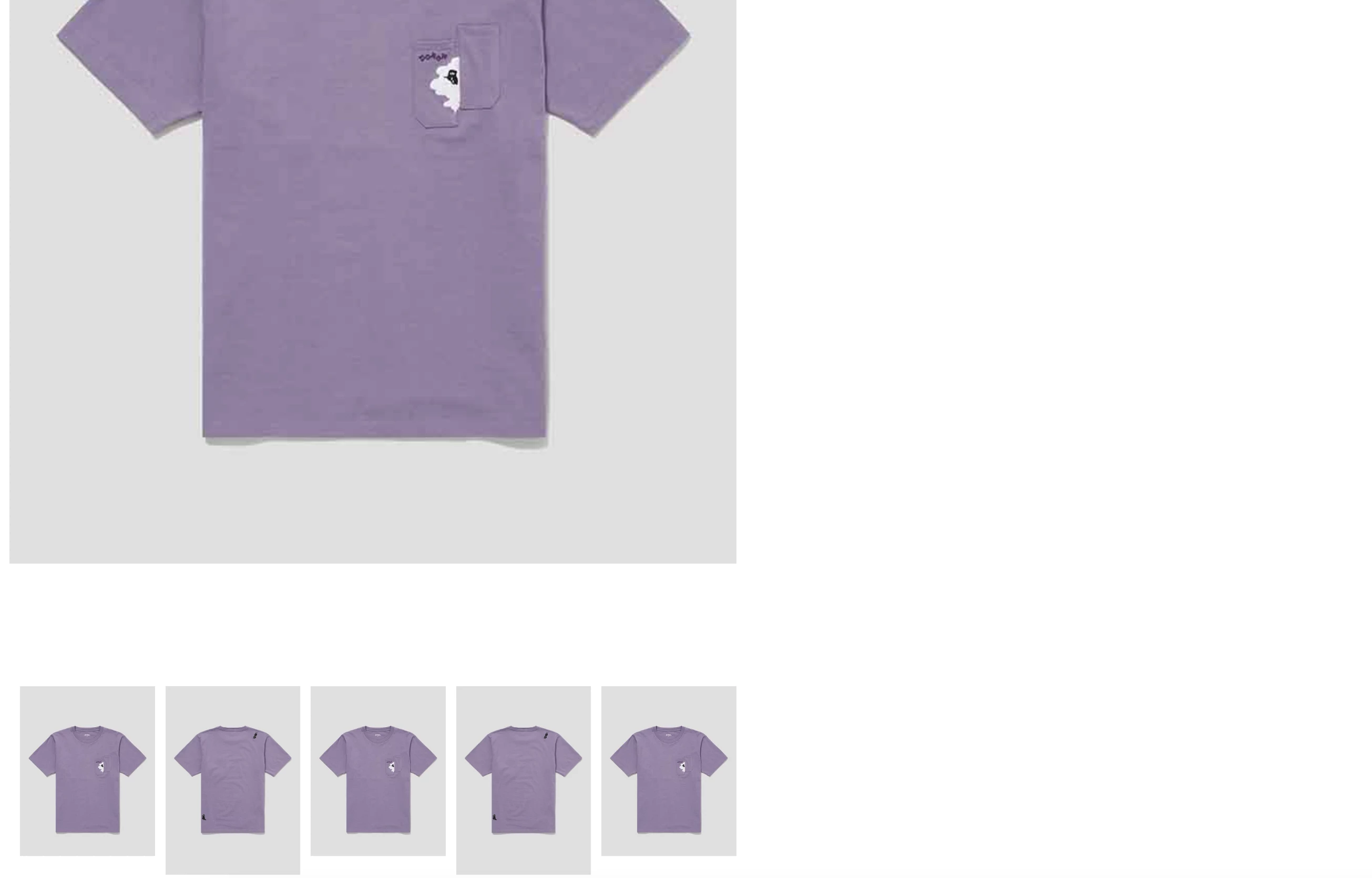
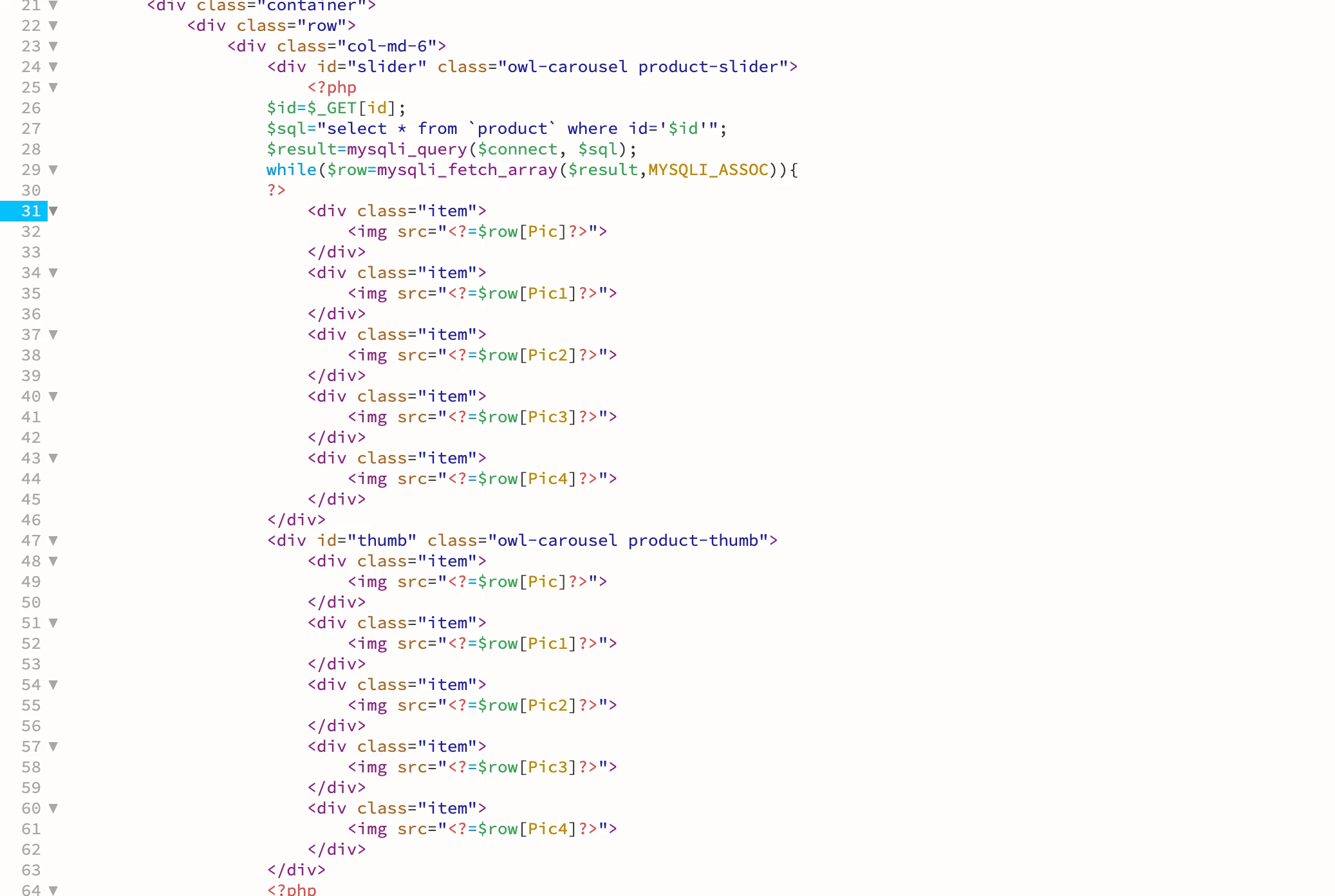
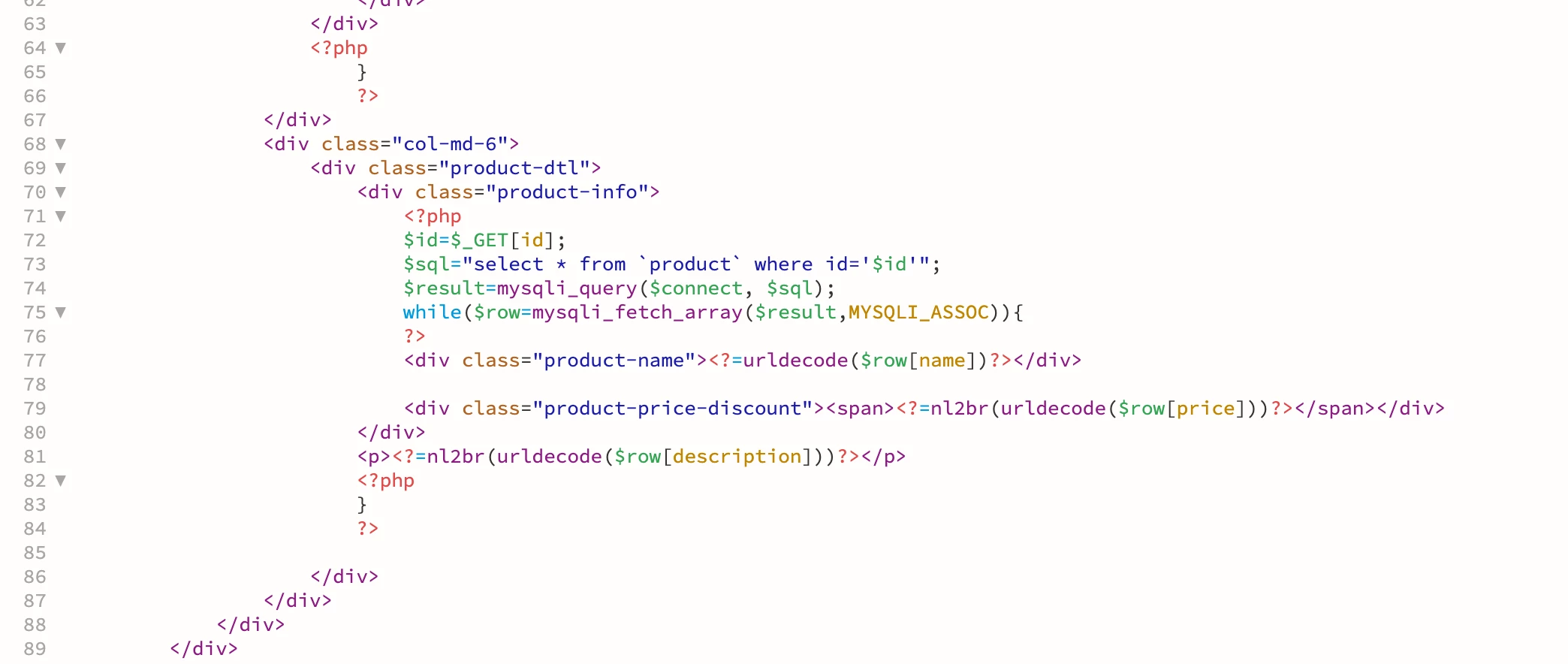
Hi, may i know how can i adjust the photo size in the script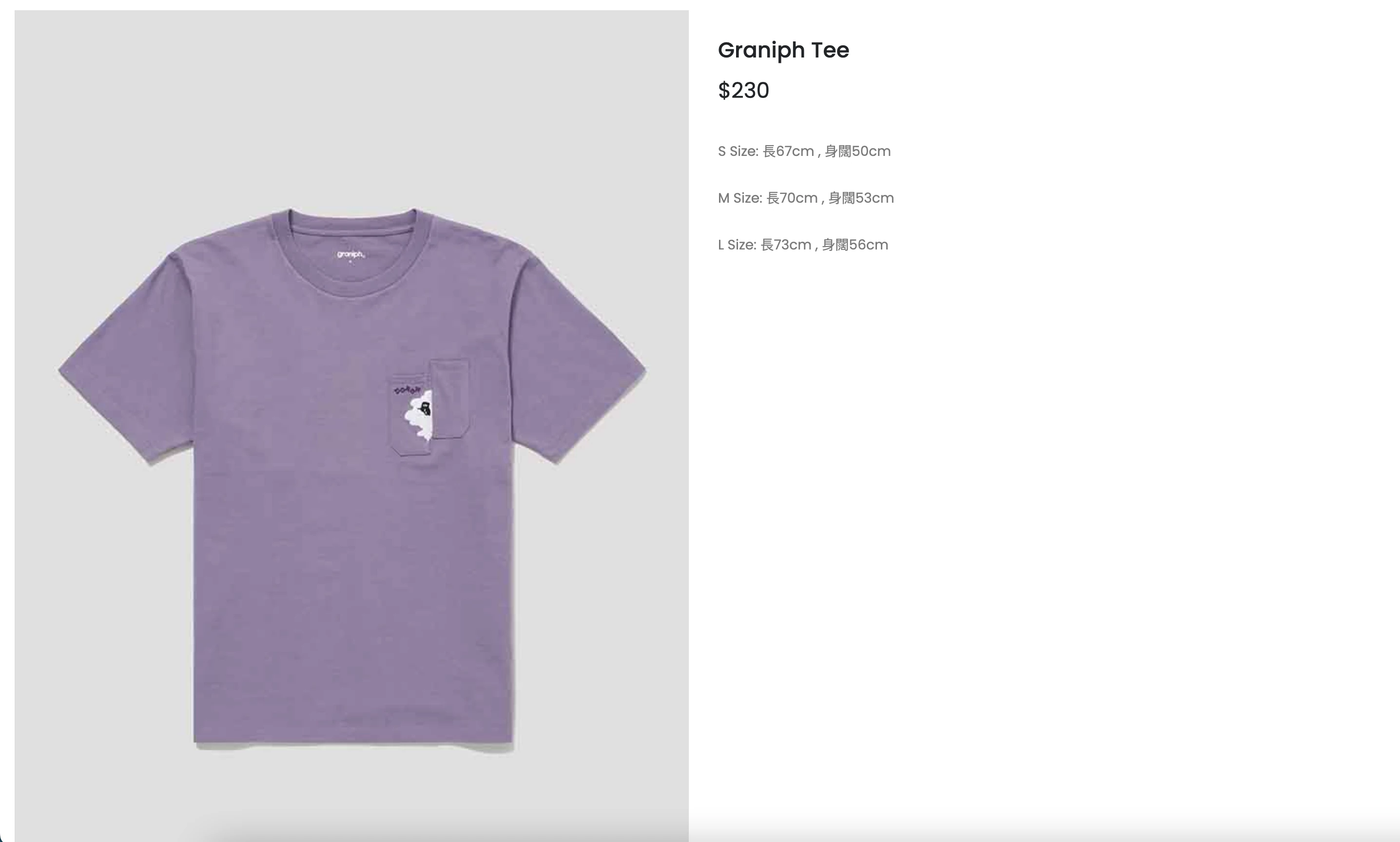
<script>
$(document).ready(function() {
		    var slider = $("#slider");
		    var thumb = $("#thumb");
		    var slidesPerPage = 5; //globaly define number of elements per page
		    var syncedSecondary = true;
		    slider.owlCarousel({
		        items: 1,
		        slideSpeed: 2000,
		        nav: false,
		        autoplay: false,
		        dots: false,
		        loop: true,
		        responsiveRefreshRate: 200
		    }).on('changed.owl.carousel', syncPosition);
		    thumb
		        .on('initialized.owl.carousel', function() {
		            thumb.find(".owl-item").eq(0).addClass("current");
		        })
		        .owlCarousel({
		            items: slidesPerPage,
		            dots: false,
		            nav: true,
		            item: 5,
		            smartSpeed: 200,
		            slideSpeed: 500,
		            slideBy: slidesPerPage,
		        	navText: ['<svg width="18px" height="18px" viewBox="0 0 11 20"><path style="fill:none;stroke-width: 1px;stroke: #000;" d="M9.554,1.001l-8.607,8.607l8.607,8.606"/></svg>', '<svg width="25px" height="25px" viewBox="0 0 11 20" version="1.1"><path style="fill:none;stroke-width: 1px;stroke: #000;" d="M1.054,18.214l8.606,-8.606l-8.606,-8.607"/></svg>'],
		            responsiveRefreshRate: 100
		        }).on('changed.owl.carousel', syncPosition2);
		    function syncPosition(el) {
		        var count = el.item.count - 1;
		        var current = Math.round(el.item.index - (el.item.count / 2) - .5);
		        if (current < 0) {
		            current = count;
		        }
		        if (current > count) {
		            current = 0;
		        }
		        thumb
		            .find(".owl-item")
		            .removeClass("current")
		            .eq(current)
		            .addClass("current");
		        var onscreen = thumb.find('.owl-item.active').length - 1;
		        var start = thumb.find('.owl-item.active').first().index();
		        var end = thumb.find('.owl-item.active').last().index();
		        if (current > end) {
		            thumb.data('owl.carousel').to(current, 100, true);
		        }
		        if (current < start) {
		            thumb.data('owl.carousel').to(current - onscreen, 100, true);
		        }
		    }
		    function syncPosition2(el) {
		        if (syncedSecondary) {
		            var number = el.item.index;
		            slider.data('owl.carousel').to(number, 100, true);
		        }
		    }
		    thumb.on("click", ".owl-item", function(e) {
		        e.preventDefault();
		        var number = $(this).index();
		        slider.data('owl.carousel').to(number, 300, true);
		    });


            $(".qtyminus").on("click",function(){
                var now = $(".qty").val();
                if ($.isNumeric(now)){
                    if (parseInt(now) -1> 0)
                    { now--;}
                    $(".qty").val(now);
                }
            })
            $(".qtyplus").on("click",function(){
                var now = $(".qty").val();
                if ($.isNumeric(now)){
                    $(".qty").val(parseInt(now)+1);
                }
            });
		});
</script>
 AdChoices