
Adobe fonts look different on Mac Safari/Chrome
Hi, sorry if this is the wrong place to ask but was speaking to someone from the Web support team and they suggested to post this here.
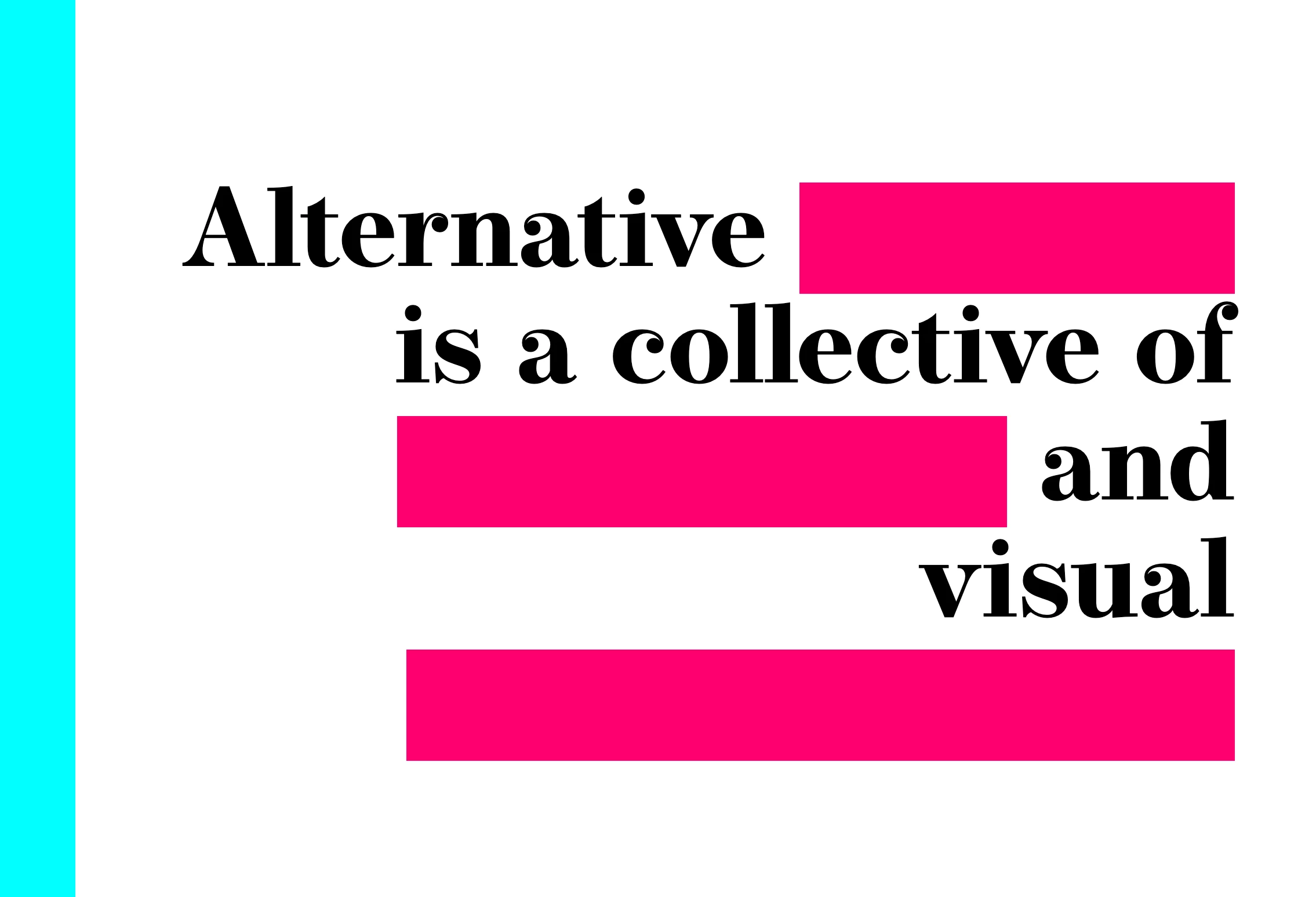
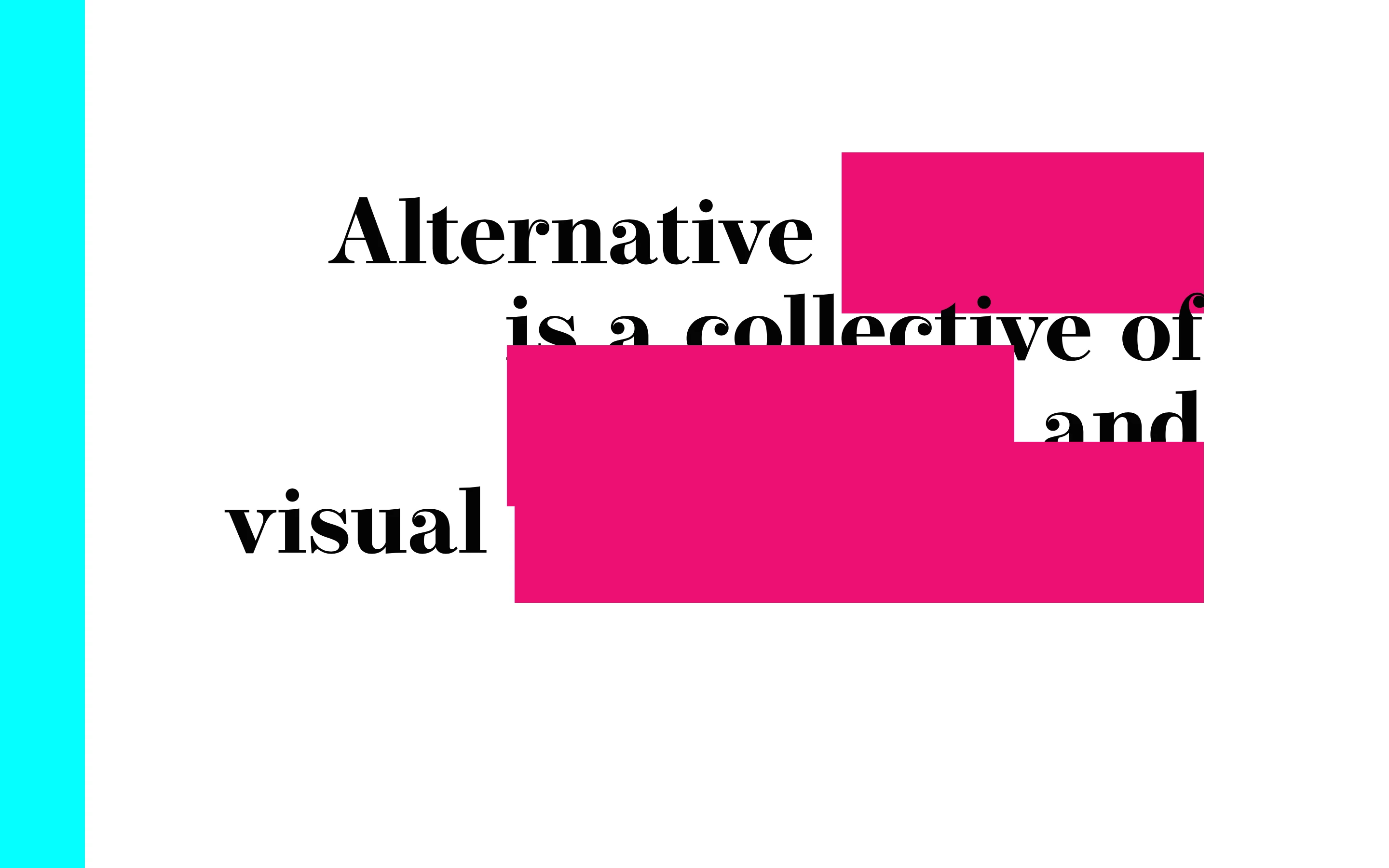
I designed a website with dreamweaver, using background color to hide/reveal text on hover. This works fine in Dreamweaver and on IE/Firefox/Chrome on Windows 10 perfectly, however on Safari and Chrome on Mac, there seems to be a different calculation of the height of the background color. Firefox appears as should. It doesn't seem to be related to screen size, and developer tools shows that it's only the height of the "boxes" that is any different, while the width stays the same. Is there some chance that the ios/browser combination interprets the vertical ascent/descent of the web font differently? Any ideas how to get around this issue? If it helps, the font is Operetta8. If there's any more information that can help, let me know.
Many thanks!
Here is how it should appear (Mac/Firefox):
And here it is on chrome on Mac:


 AdChoices