Known Participant
February 25, 2023
Question

Align content with pagination

  • February 25, 2023
  • 2 replies
  • 4031 views

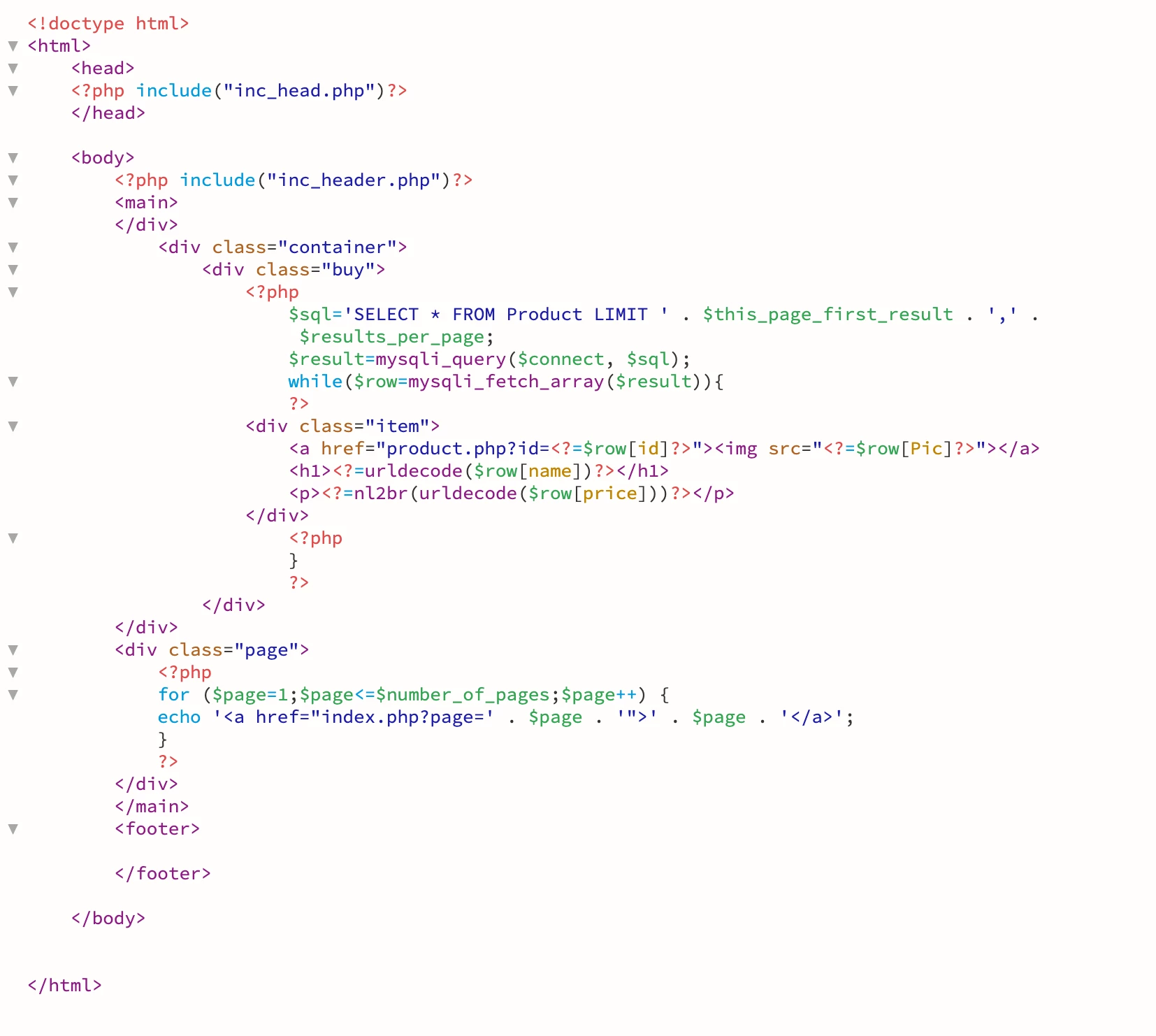
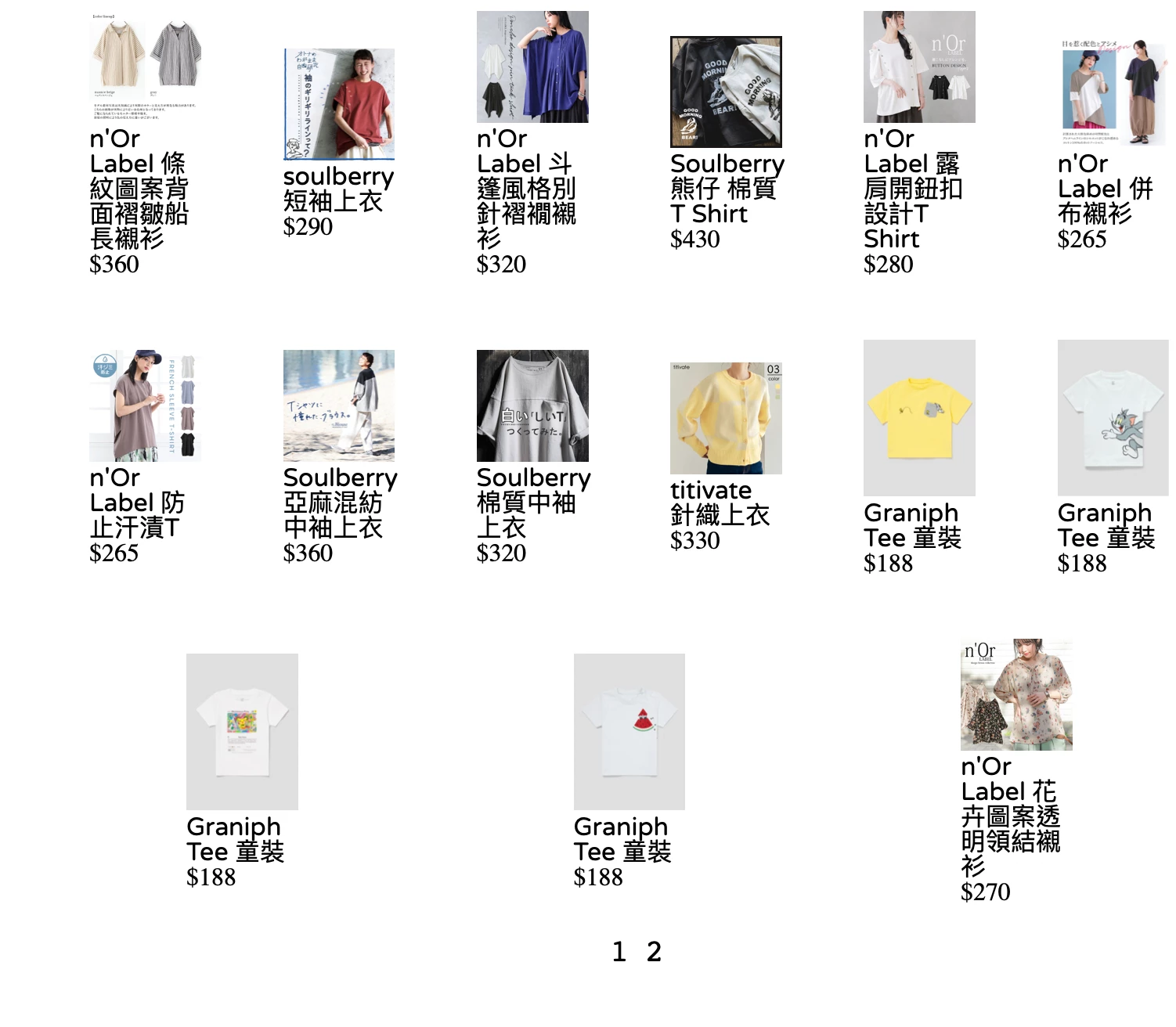
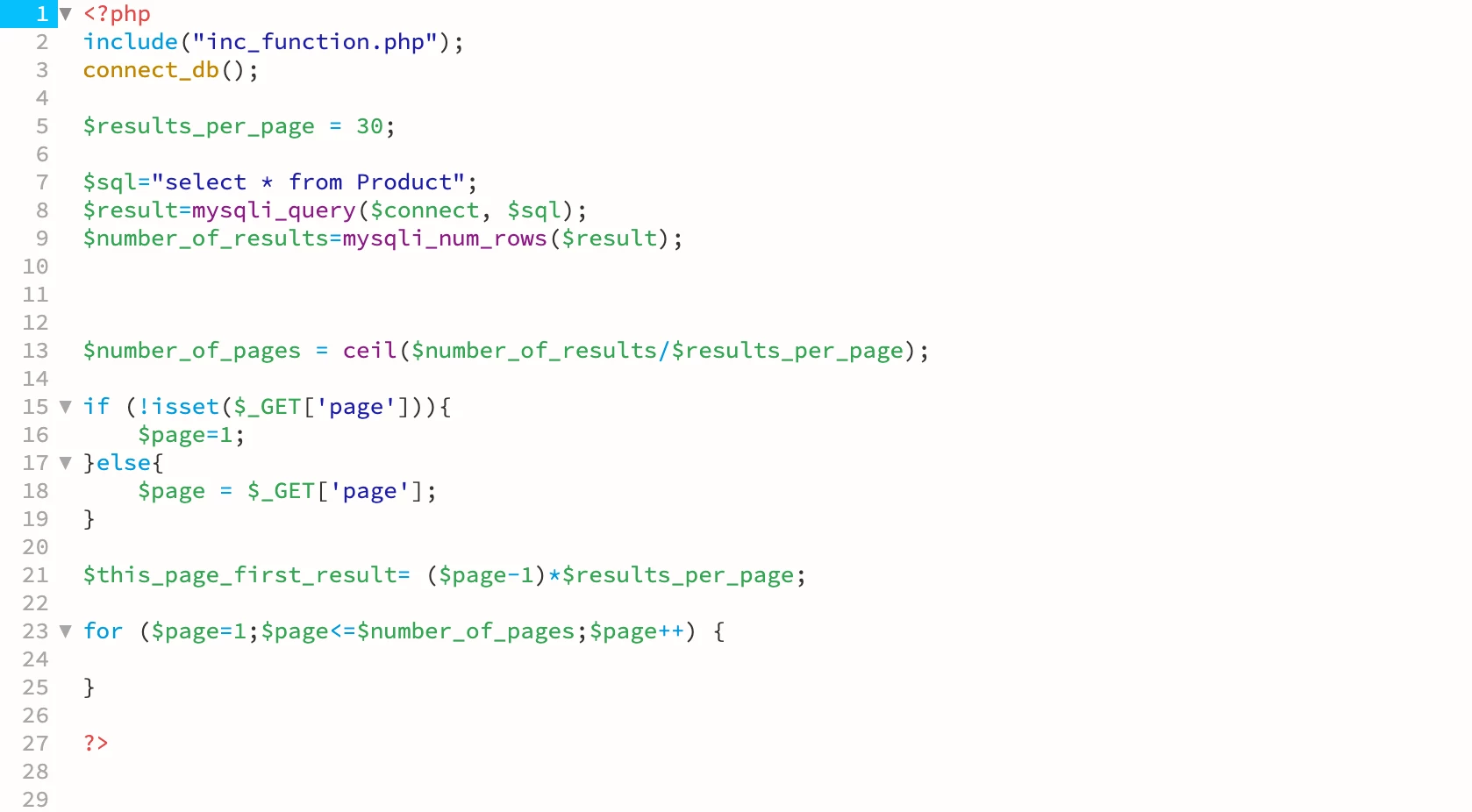
I try to make 6 items in a row, and divide in pages
However, when i go to the last page,  the remaining items are aligned central

i try to edit in align-content/align-itself in left 

but it doesnt change 

may i know is there any method?

    This topic has been closed for replies.

    2 replies

    Nancy OShea
    Community Expert
    Community Expert
    February 25, 2023

    You provided no link and no CSS code, so I'll take a stab in the dark and speculate that this is caused by Flexbox's handling of negative space.  What appears to be aligned-center is actually just wider product containers compensating for empty space across the bottom row.   More details on that below.

    https://developer.mozilla.org/en-US/docs/Web/CSS/CSS_Flexible_Box_Layout/Controlling_Ratios_of_Flex_Items_Along_the_Main_Ax


    Hope that helps.


    Nancy O'Shea— Product User & Community Expert
    Known Participant
    April 12, 2023

     Yes, i would like to show in this ratio

     What ccs should write?


    Legend
    April 12, 2023

    Looks like you have used flex on the 'buy' div and probably space between or space around for justify content.


    Youre better off in this situation using grid, try:


    .buy  {

    display: grid;

    grid-template-columns: repeat(6, 1fr);

    grid-gap: 30px;

    }


    Legend
    February 25, 2023

    What css are you using for the 'container' and 'buy' divs?