Participant
February 2, 2021
Question

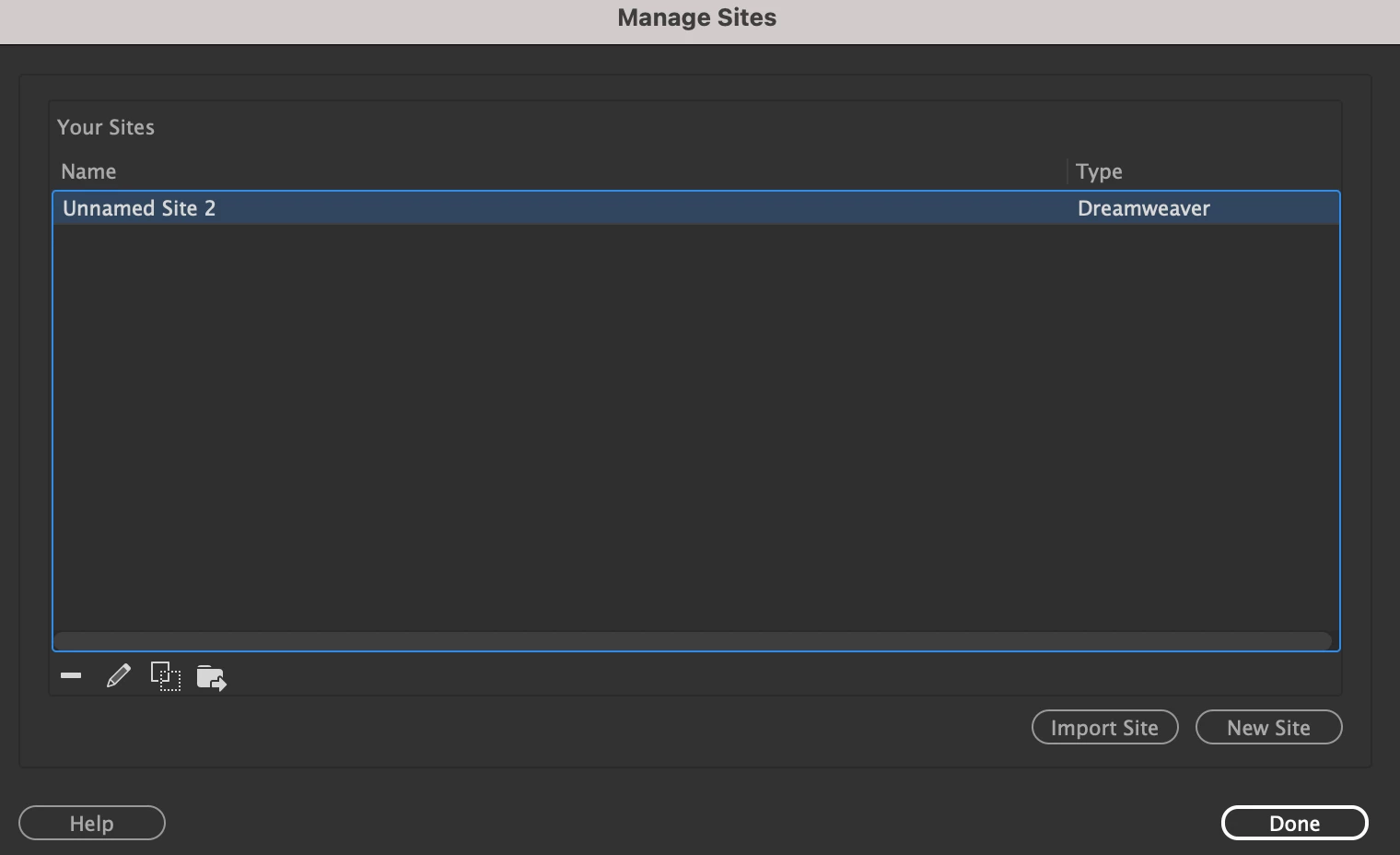
All my sites are gone

  • February 2, 2021
  • 2 replies
  • 250 views

Hey there, i had to restart Dreamweaver and when it loaded back up, all my sites were gone. Can anyone tell me where these are stored

so I can bring them back. Ignore  the 'Unnamed Site 2'. Many thanks
 

This topic has been closed for replies.

2 replies

Community Expert
October 20, 2021

If you have other versions of DW or a backup of your user folders/registry on your system you may be able to restore sites without the ste files.  


On a Mac: {your user library}:Application Support:Adobe:Common:{Version}:Sites

On Windows Registry: HKEY_CURRENT_USER\Software\Adobe\Common\{Version}\Sites

Nancy OShea
Community Expert
Community Expert
February 2, 2021

Hi @riccardoc40261467,

Unless your hard drive incurred a catastrophic failure,  your site folders are still on your hard drive.  But your Site Definitions have vanished from DW. It has happened to me a few times, too.  Fortunately, I keep my site settings backed up on STE files.


OPTIONS:

  • Import synced site settings from your Creative Cloud space by going to Preferences > Sync Settings.
  • If you had previously exported your site definitions to STE files, you can import them through the Manage Sites panel.
  • Or recreate site definitions manually by going to Site > New Site.


Post back if you need more help.


Nancy O'Shea— Product User & Community Expert
