
Answered
@2x and pixel density
Hi,
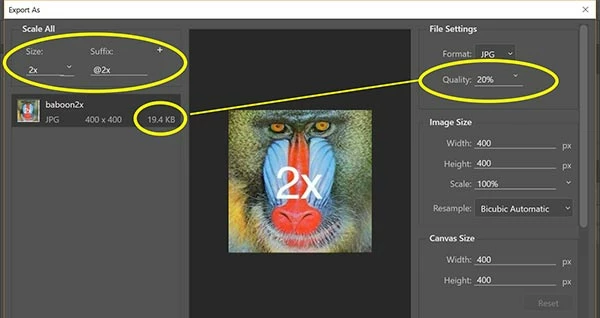
If I have an image set to @15739213 so it is increased pixel density... unfortunately because this image is for a full width banner - even at the PNG setting for 8 vs 24, it is a few mb. I am thinking this is far too large for a web image.
Can you advise how to further control / optimize such a PNG? Maybe I need to pull it into Photoshop and do something else with it to further reduce file size overall? What should be the max file size for such a use I've described? I need it hiDPI or retina ready.
Also, what about for smaller view on phone and tablet. I was thinking to have the media query swap out the img for smaller size but still need hi enough res.
Any ideas there?
Thank you.



 AdChoices