
Participant
November 21, 2019
Answered

Bad eyesite Font view in Local/Remote enlarge?

  • November 21, 2019
  • 2 replies
  • 734 views

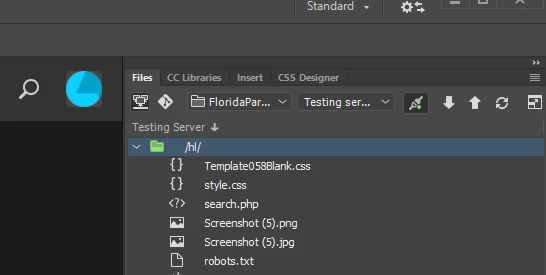
I am new to Dreamweaver and do not have good eyesite. Is it possible to enlarge the view for Local/Remote Server inside Dreamweaver, (the files that I am working with) Like you do in a browser I would just us Ctrl +.
Thank you,
This topic has been closed for replies.
Correct answer Nancy OShea

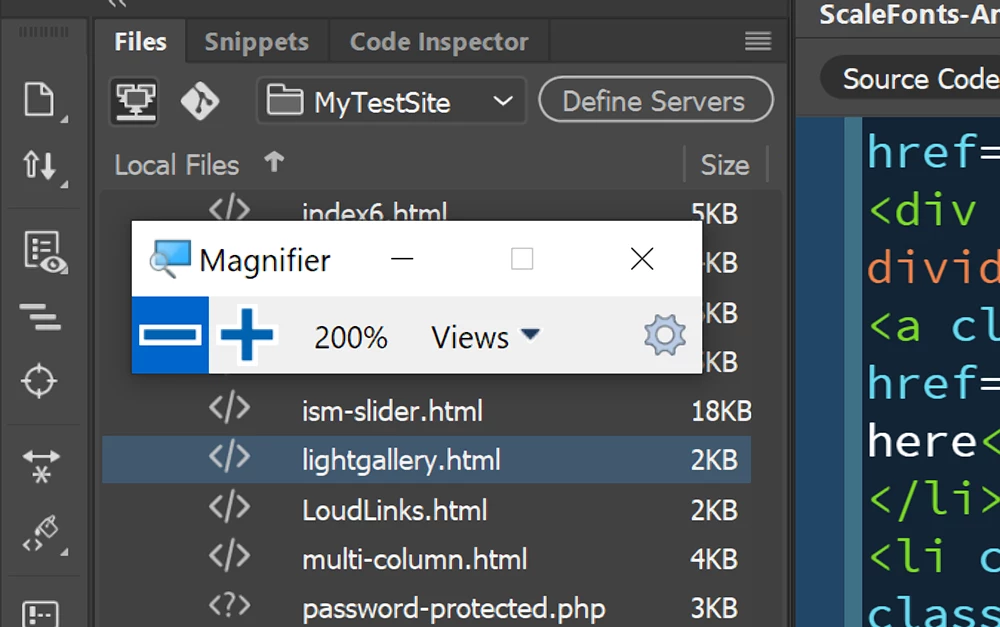
Code, Design and Live view respond to Ctrl + + but not the Files Panel.   Have you tried the Windows magnifier?

Win key + + or Win key + -


2 replies

Nancy OShea
Community Expert
Nancy OSheaCommunity ExpertCorrect answer
Community Expert
November 21, 2019

Code, Design and Live view respond to Ctrl + + but not the Files Panel.   Have you tried the Windows magnifier?

Win key + + or Win key + -


Nancy O'Shea— Product User & Community Expert
^Zit^Author
Participant
November 25, 2019

Thank you so much Nancy, I did this and it does work. I click on setting and did a custom for 120 and I can see it much better. thank you again,


BenPleysier
Community Expert
Community Expert
November 21, 2019

This is not possible within Dreamweaver. You can, however, change the system font size by right cliccking the desktop and choosing Display Settings.


Once in the Display Settings window, choose a larger font size


Wappler is the DMXzone-made Dreamweaver replacement and includes the best of their powerful extensions, as well as much more!
^Zit^Author
Participant
November 25, 2019

Thank you so much Ben, this works,  I did a custom for 120, and I can see it  much better. Maybe they can put something in Dreamweaver for this soon.