I think this is what you want. Your way doesn't make sense because a carousel image is the full size image.
This uses an inline- list of thumbnails. When thumbnails are clicked, a modal window with a carousel of full sized images appear to facilitate swiping through all images in that carousel group.
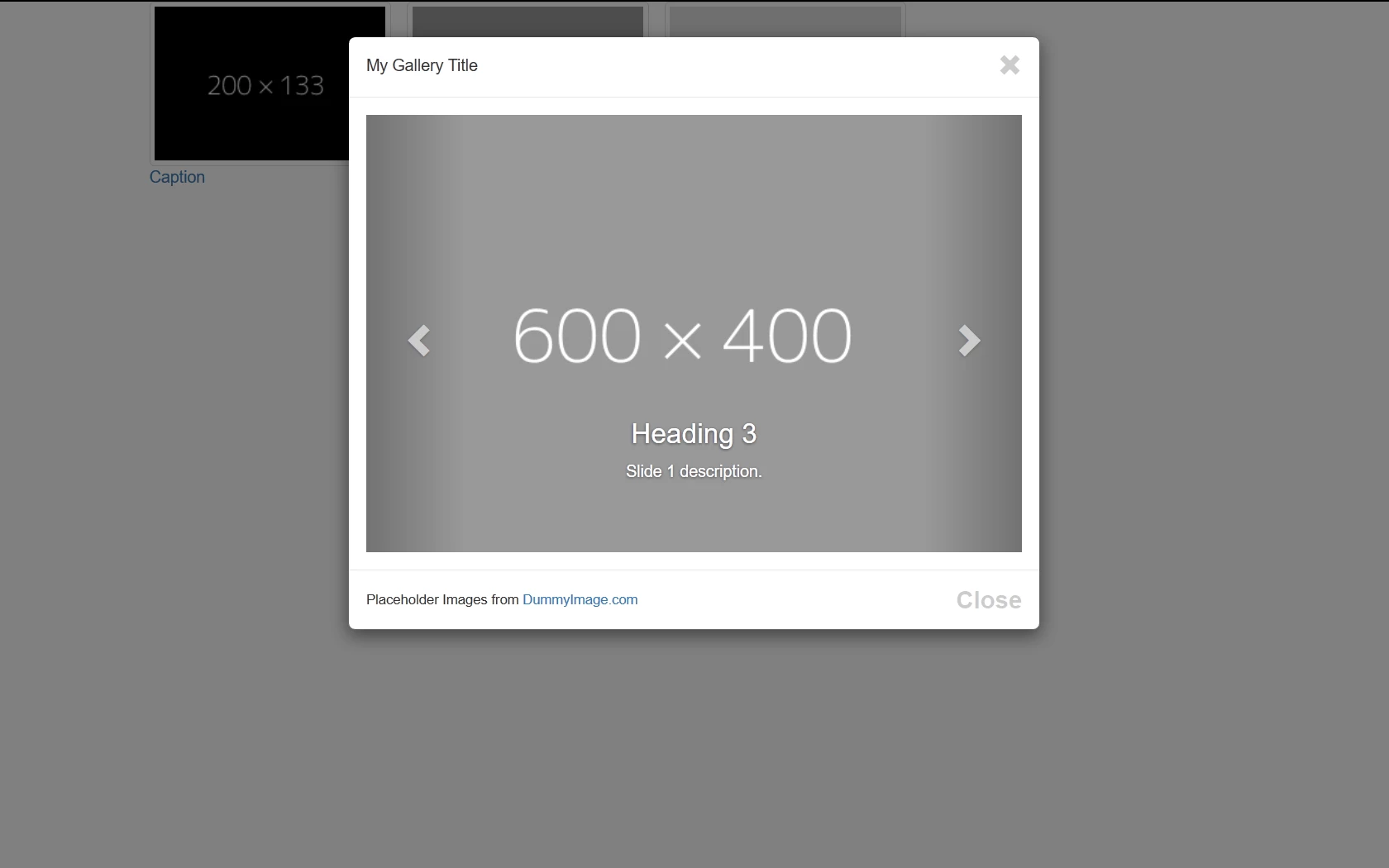
Copy & paste code below into a new, blank document.
<!doctype html>
<html lang="en">
<head>
<meta charset="utf-8">
<title>Bootstrap 3.3.7 Starter</title>
<meta name="viewport" content="width=device-width, initial-scale=1">
<meta http-equiv="X-UA-Compatible" content="IE=edge">
<!--[if lt IE 9]>
<script src="http://html5shiv.googlecode.com/svn/trunk/html5.js"></script>
<![endif]-->
<!--Bootstrap-->
<link rel="stylesheet" href="http://maxcdn.bootstrapcdn.com/bootstrap/3.3.7/css/bootstrap.min.css">
<style>
.center-block { float: none }
</style>
</head>
<body>
<div class="container">
<div class="row">
<div class="col-sm-10 center-block center-text">
<!--THUMBNAILS-->
<ul class="list-inline">
<li data-toggle="modal" data-target="#myModal"><a href="#myCarousel" data-slide-to="0"><img class="img-thumbnail" src="https://dummyimage.com/200x133/000/fff" alt="..."><br>
Caption</a></li>
<li data-toggle="modal" data-target="#myModal"><a href="#myCarousel" data-slide-to="1"><img class="img-thumbnail" src="https://dummyimage.com/200x133/999/fff" alt="..."><br>
Caption</a></li>
<li data-toggle="modal" data-target="#myModal"><a href="#myCarousel" data-slide-to="2" ><img class="img-thumbnail" src="https://dummyimage.com/200x133/ddd/f00" alt="..."><br>
Caption</a></li>
<!--end of thumbnails-->
</ul>
<!--begin modal window-->
<div class="modal fade" id="myModal">
<div class="modal-dialog">
<div class="modal-content">
<div class="modal-header">
<div class="pull-left">My Gallery Title</div>
<button type="button" class="close" data-dismiss="modal" title="Close"> <span class="glyphicon glyphicon-remove"></span></button>
</div>
<div class="clearfix"></div>
<div class="modal-body">
<!--CAROUSEL CODE GOES HERE-->
<div id="myCarousel" class="carousel slide" data-interval="false">
<div class="carousel-inner">
<div class="item active"> <img src="https://dummyimage.com/600x400/000/fff" alt="item0">
<div class="carousel-caption">
<h3>Heading 3</h3>
<p>Slide 0 description.</p>
</div>
</div>
<div class="item"><img src="https://dummyimage.com/600x400/999/fff" alt="item1">
<div class="carousel-caption">
<h3>Heading 3</h3>
<p>Slide 1 description.</p>
</div>
</div>
<div class="item"> <img src="https://dummyimage.com/600x400/ddd/f00" alt="item2">
<div class="carousel-caption">
<h3>Heading 3</h3>
<p>Slide 2 description.</p>
</div>
</div>
<!--end carousel-inner--></div>
<!--Begin Previous and Next buttons-->
<a class="left carousel-control" href="#myCarousel" role="button" data-slide="prev"> <span class="glyphicon glyphicon-chevron-left"></span></a> <a class="right carousel-control" href="#myCarousel" role="button" data-slide="next"> <span class="glyphicon glyphicon-chevron-right"></span></a>
<!--end carousel--></div>
<!--end modal-body--></div>
<div class="modal-footer">
<div class="pull-left"> <small>Placeholder Images from <a href="https://dummyimage.com" target="new">DummyImage.com</a></small> </div>
<button class="btn-sm close" type="button" data-dismiss="modal">Close</button>
<div class="clearfix"></div>
<!--end modal-footer--></div>
<!--end modal-content--></div>
<!--end modal-dialoge--></div>
<!--end myModal--></div>
<!--end col--></div>
<!--end row--></div>
<!--end container--></div>
<!--latest jQuery-->
<script src="https://code.jquery.com/jquery-1.12.2.min.js" integrity="sha256-lZFHibXzMHo3GGeehn1hudTAP3Sc0uKXBXAzHX1sjtk=" crossorigin="anonymous"></script>
<!--Bootstrap-->
<script src="http://maxcdn.bootstrapcdn.com/bootstrap/3.3.7/js/bootstrap.min.js"></script>
</body>
</html>
=================
Having said all that, you could potentially put your thumbnails inside a horizontal or vertical slider too. One such slider I'm using currently is this one. It's lightweight, easy to set-up and compatible with Bootstrap.
JQuery lightSlider
Nancy O.




 AdChoices