
Inspiring
May 29, 2019
Question

Button changes images onclick

  • May 29, 2019
  • 1 reply
  • 852 views
I found some code, so when you click on the button, it changes.

On the demo, it works, but when I try to add the code, I’m not sure where to place it within the HTML to get it to work, tried everywhere but can’t get it to work.

My plan to have three buttons ( can’t even get one to work!) which will be a HEART image  - BELL image and a Thump image for Likes which I have created illustrations for them. Additional code will be added later just need to the simple part sorted first!
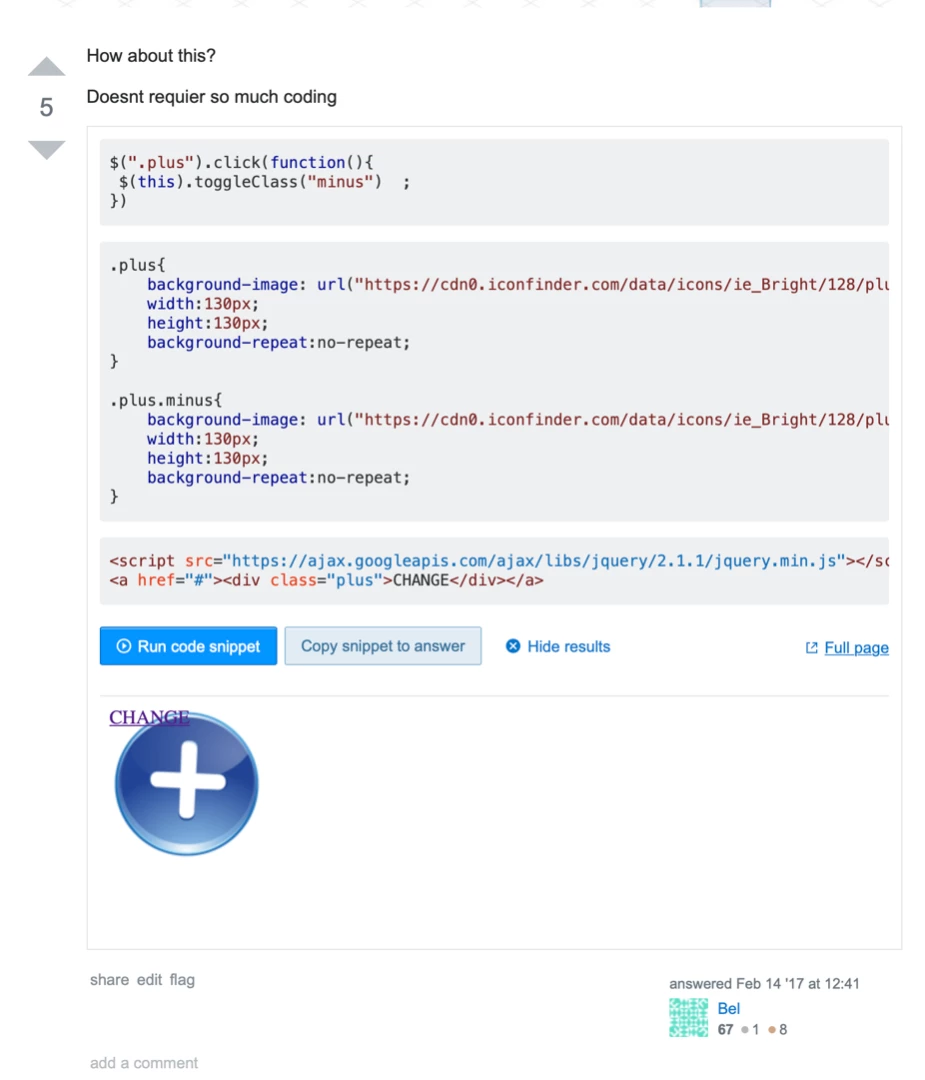
Hope you can have a look, please?

Tim

------------
-----------

$(".plus").click(function(){

$(this).toggleClass("minus")  ;

})

.plus{

    background-image: url("https://cdn0.iconfinder.com/data/icons/ie_Bright/128/plus_add_blue.png");

    width:130px;

    height:130px;

    background-repeat:no-repeat;

}

.plus.minus{

    background-image: url("https://cdn0.iconfinder.com/data/icons/ie_Bright/128/plus_add_minus.png");

    width:130px;

    height:130px;

    background-repeat:no-repeat;

}

<script src="https://ajax.googleapis.com/ajax/libs/jquery/2.1.1/jquery.min.js"></script>

<a href="#"><div class="plus">CHANGE</div></a>

————————————

https://stackoverflow.com/questions/6764961/change-an-image-with-onclick

This topic has been closed for replies.

1 reply

Legend
May 29, 2019

Tim, see below:

<!DOCTYPE html>

<html>

<head>

<meta charset="UTF-8" />

<title>Swap background image</title>

<script src="http://code.jquery.com/jquery-3.3.1.min.js" integrity="sha256-FgpCb/KJQlLNfOu91ta32o/NMZxltwRo8QtmkMRdAu8=" crossorigin="anonymous"></script>

<script>

$(document).ready(function() {

$(".plus").click(function(){

$(this).toggleClass("minus");

});

});

</script>

<style>

.plus{

display: flex;

align-items: flex-end;

justify-content: center;

background-image: url("https://cdn0.iconfinder.com/data/icons/ie_Bright/128/plus_add_blue.png");

width:130px;

height:160px;

background-repeat:no-repeat;

}

.plus.minus{

background-image: url("https://cdn0.iconfinder.com/data/icons/ie_Bright/128/plus_add_minus.png");

}

</style>

</head>

<body>

<a href="#"><div class="plus">CHANGE</div></a>

</body>

</html>