
me...Trevor
Participant
February 23, 2021
Answered

Can't interact with website

  • February 23, 2021
  • 2 replies
  • 208 views

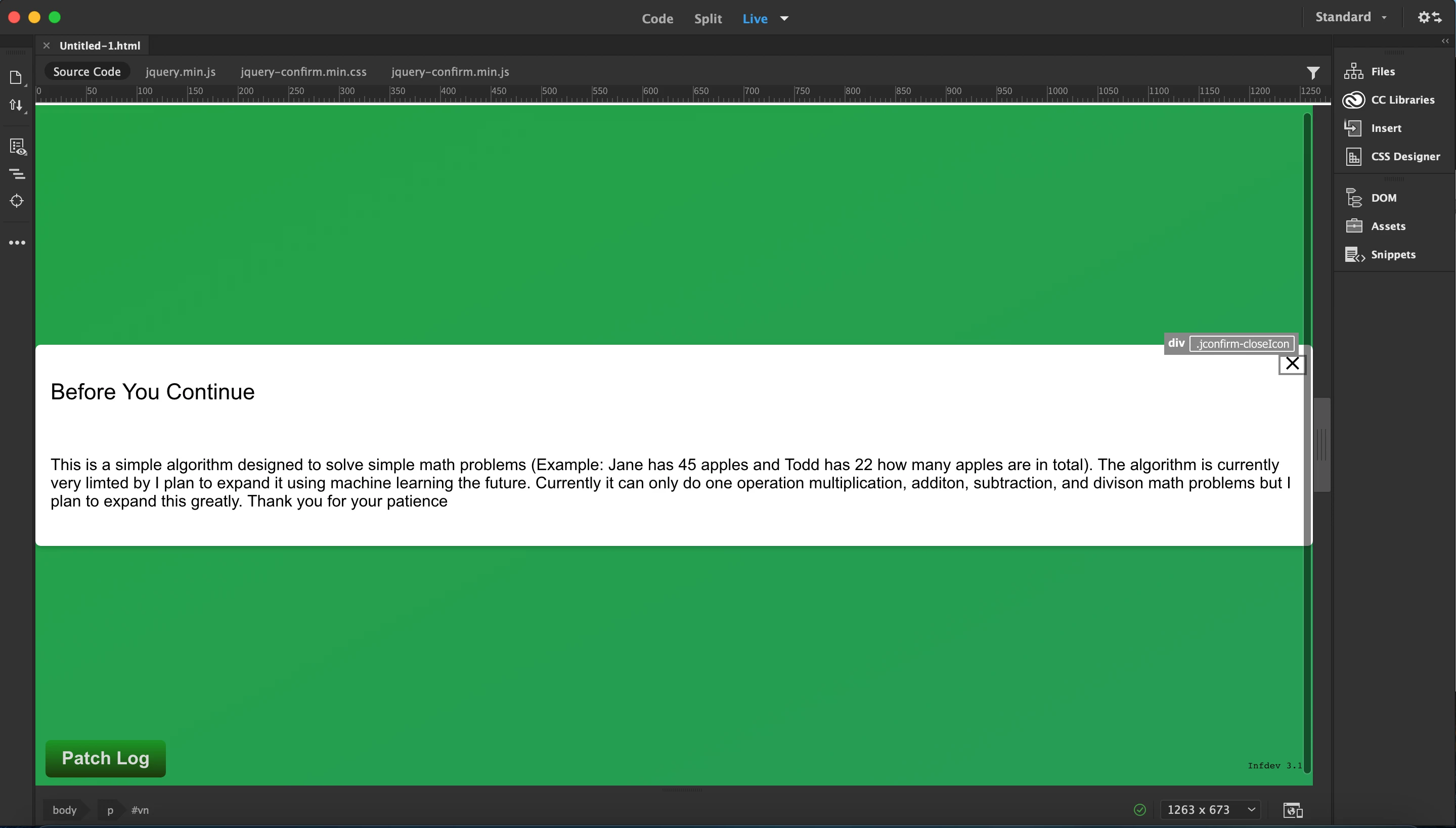
I am brand new (and I mean like I have like an hour of use time) and I was wondering when I use split/live view I can't interact/click on anything. It shows the element I'm selecting and I can't click on anything.


I know you can pull it up in your browser but I want to work on the website from the front and backend as I go. Any help will be super appreciated.
This topic has been closed for replies.
Correct answer BenPleysier

Live view in Dreamweaver is an editable view. If you want to interact with the app, you will need a browser.

2 replies

Nancy OShea
Community Expert
Community Expert
February 24, 2021

In Live View, use Ctrl + click on links.  But it's only an emulator. 


As Ben said, you need to test your apps on real web devices and browsers to get the full user experience.  And some things will only work on a live server.  In that case, you must have a local server installed on your computer or upload work to your remote server for testing & debugging.  I use both.


Nancy O'Shea— Product User & Community Expert
BenPleysier
Community Expert
BenPleysierCommunity ExpertCorrect answer
Community Expert
February 23, 2021

Live view in Dreamweaver is an editable view. If you want to interact with the app, you will need a browser.

Wappler is the DMXzone-made Dreamweaver replacement and includes the best of their powerful extensions, as well as much more!