


December 23, 2016
Answered

Code window vertical scroll bar issue

  • December 23, 2016
  • 2 replies
  • 1383 views

This is probably a very simple question but, in Dreamweaver CC 2017:

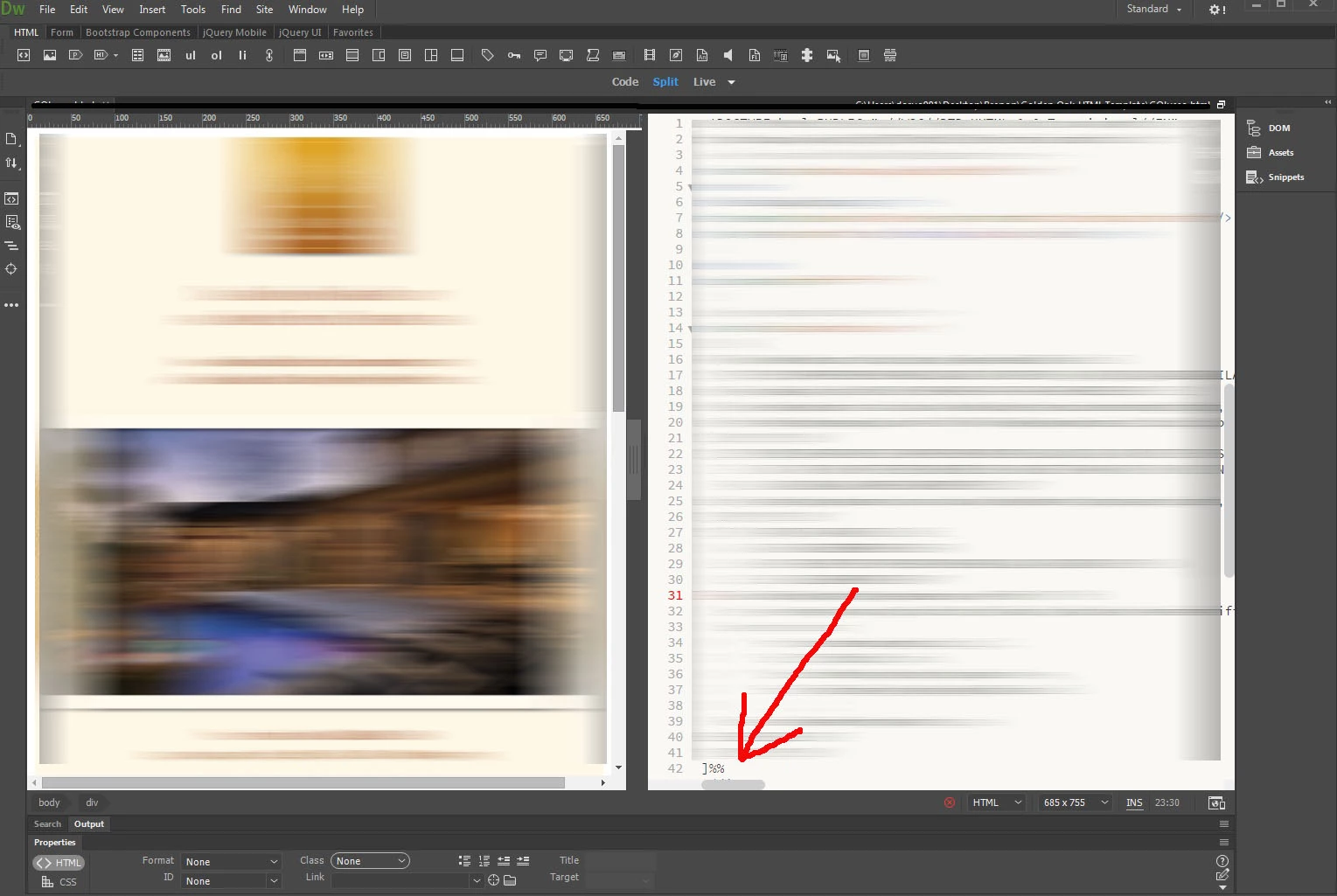
On the Code window (whether split or not)  how do i get all my code to fit in the window without having the vertically scroll bar at the bottom. I want view all my code without having to scroll within the window. In the old versions, never had this. Probably just a default setting i have to adjust, but cant seem to find it. Please help!

    This topic has been closed for replies.
    Correct answer Nancy OShea

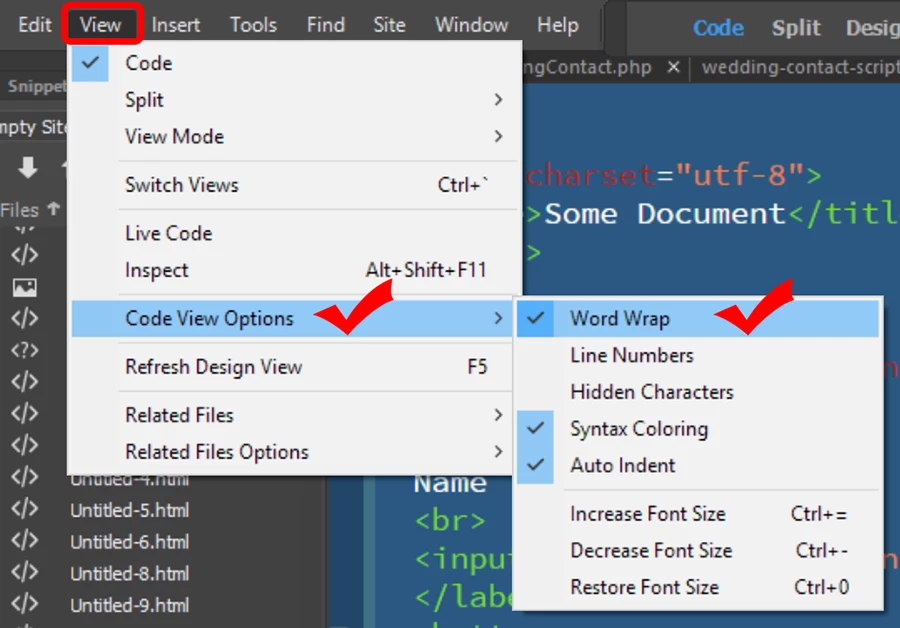
    Set Code View options to Word Wrap.  See screenshot.

    Nancy

    2 replies

    Taneja
    Participant
    March 2, 2017

    Sorry for refreshing this but just wanted to say thank you. No one I knew had a workaround this.

    Nancy OShea
    Community Expert
    Nancy OSheaCommunity ExpertCorrect answer
    Community Expert
    December 23, 2016

    Set Code View options to Word Wrap.  See screenshot.

    Nancy

    Nancy O'Shea— Product User & Community Expert
    December 27, 2016

    Thanks so much Nancy!

    One more question. Some of the code lines up horizontally (see screenshot). How do I get it to appear vertical so its easier to view (like it should be)? There is also large amounts of blank space that appears within the code

    Thank You

    Legend
    December 27, 2016

    See this thread, maybe that will work for you:

    Re: css Apply Source Formatting DW 2017