CSS Gradient is all code. It's not a jpg or png image so DPI and size are irrelevant.
Permalink - use to edit and share this gradient: http://colorzilla.com/gradient-editor/#f1e767+0,feb645+100;Yellow+3D
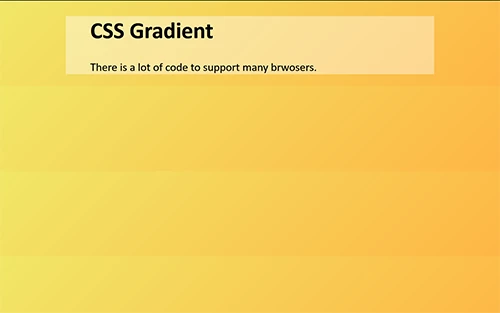
HTML Code Demo:
<!doctype html>
<html lang="en">
<head>
<meta charset="utf-8">
<title>CSS Gradient</title>
<style>
body {
background: rgb(241,231,103); /* Old browsers */
background: -moz-linear-gradient(-45deg, rgba(241,231,103,1) 0%, rgba(254,182,69,1) 100%); /* FF3.6-15 */
background: -webkit-linear-gradient(-45deg, rgba(241,231,103,1) 0%, rgba(254,182,69,1) 100%); /* Chrome10-25,Safari5.1-6 */
background: linear-gradient(135deg, rgba(241,231,103,1) 0%, rgba(254,182,69,1) 100%); /* W3C, IE10+, FF16+, Chrome26+, Opera12+, Safari7+ */
filter: progid:DXImageTransform.Microsoft.gradient( startColorstr='#f1e767', endColorstr='#feb645', GradientType=1 ); /* IE6-9 fallback on horizontal gradient */
}
/**DEMO**/
.container {
background: rgba(255,255,255,0.4);
width: 65%;
margin: 0 auto;
padding: 0 5%;
}
</style>
</head>
<body>
<div class="container">
<h1>CSS Gradient</h1>
<p>There is a lot of code to support many browsers.</p>
</div>
</body>
</html>
That's all there is to it.







 AdChoices