Create a site folder on your hard drive with your operating system's file manager. Example C:\myTestSite. That's the folder you will keep all your files and assets in.
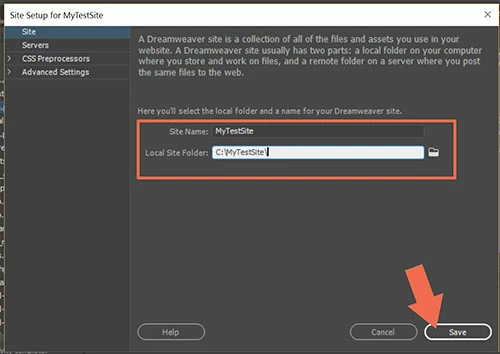
Tell DW where your newly created site folder is located. Go to Site > New Site. Give your site definition a name you can recognize. See screenshot. Hit Save button.
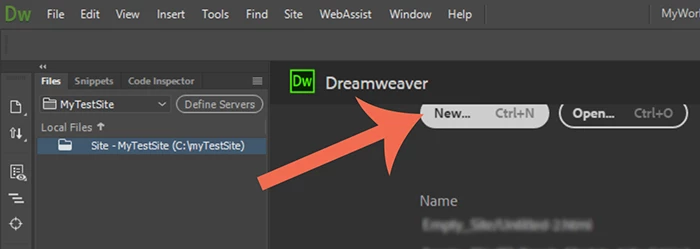
In your Files Panel, you should see your new site folder. To create a new starter page, click New or Ctrl+N
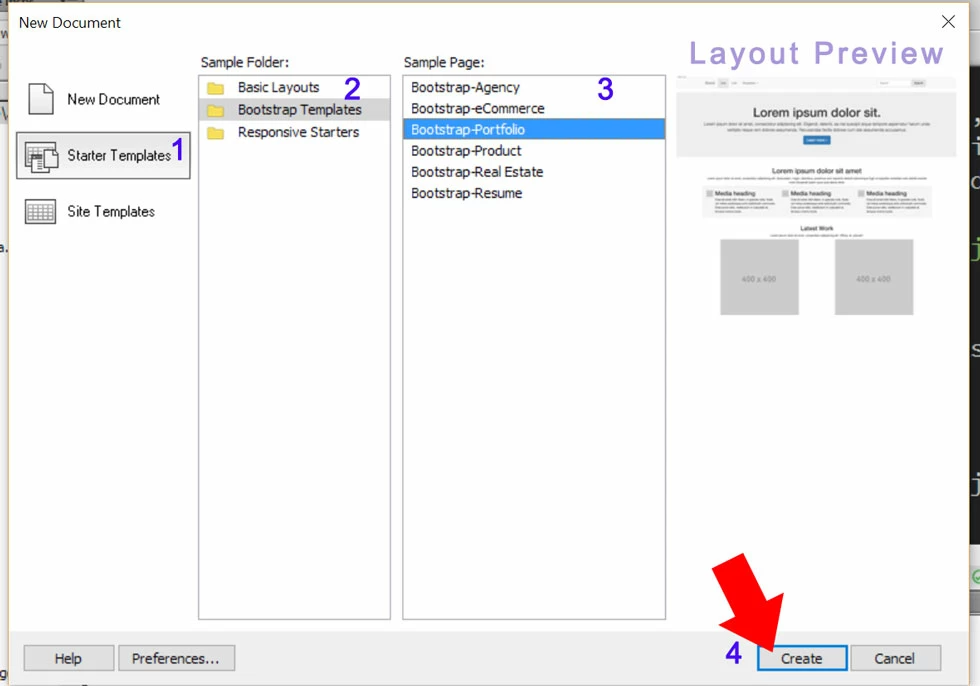
Choose a Layout and hit the Create button.
Go to File > SaveAs and name your new page index.html (your default home page).
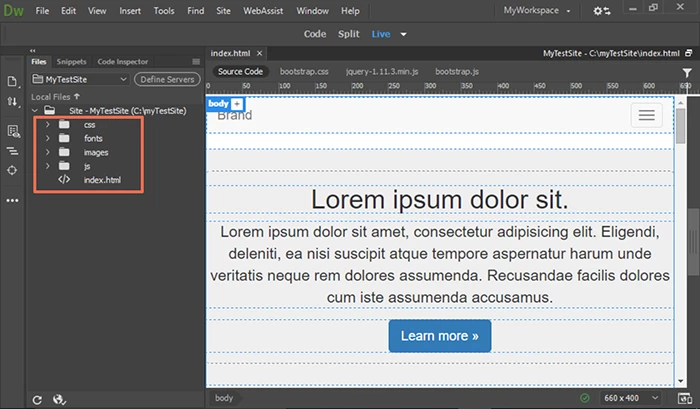
You have now created your first new site complete with asset folders. Happy editing!
Nancy





 AdChoices