
Participant
December 5, 2019
Answered

creative desktop and dreamweaver

  • December 5, 2019
  • 2 replies
  • 320 views

I downloaded the Creative Cloud desktop to check it out and now my Dreamweaver CS6 won't launch or start-up it does nothing. Creative Cloud listed as an app in task manager and several adobe processes running in the background but no Dreamweaver anywhere. Any ideas of what to do? 
This topic has been closed for replies.
Correct answer Nancy OShea

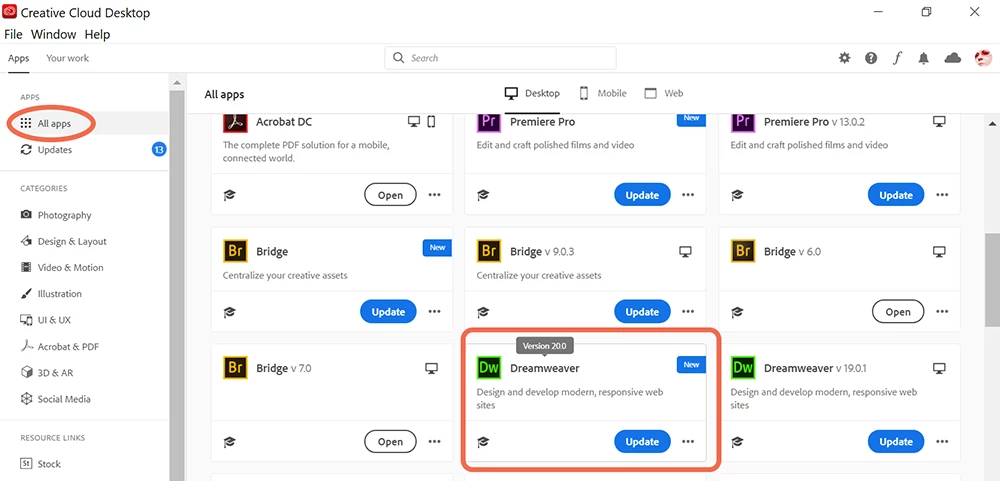
The CC Desktop App should give you access to the latest DW CC 2020.  If not, maybe your computer doesn't meet the minimum system requirements. 

https://helpx.adobe.com/dreamweaver/system-requirements.html


Creative Suite should still be among your Program Files.

Can you right click the desktop icon and selct Run as Administrator?

Or, can you boot up in Safe Mode and launch CS6?


2 replies

Nancy OShea
Community Expert
Nancy OSheaCommunity ExpertCorrect answer
Community Expert
December 5, 2019

The CC Desktop App should give you access to the latest DW CC 2020.  If not, maybe your computer doesn't meet the minimum system requirements. 

https://helpx.adobe.com/dreamweaver/system-requirements.html


Creative Suite should still be among your Program Files.

Can you right click the desktop icon and selct Run as Administrator?

Or, can you boot up in Safe Mode and launch CS6?


Nancy O'Shea— Product User & Community Expert
Jon Fritz
Community Expert
Community Expert
December 5, 2019

CS6 and CC "should" get along, but sometimes the CC Desktop App takes over launching duties, gets confused, and falls on its face.


You'll likely need to reinstall CS6 to get it running again.