
Inspiring
May 25, 2019
Answered

cs5 Design View Crash?

  • May 25, 2019
  • 1 reply
  • 392 views

I have been using cs5 (version 11.0) for years on my MacBook Pro.  Today the Design View developed a major problem.  Starting about 1/3 of the way down the .html page, the background stops -- or is covered over by a black screen as seen in the image below: 
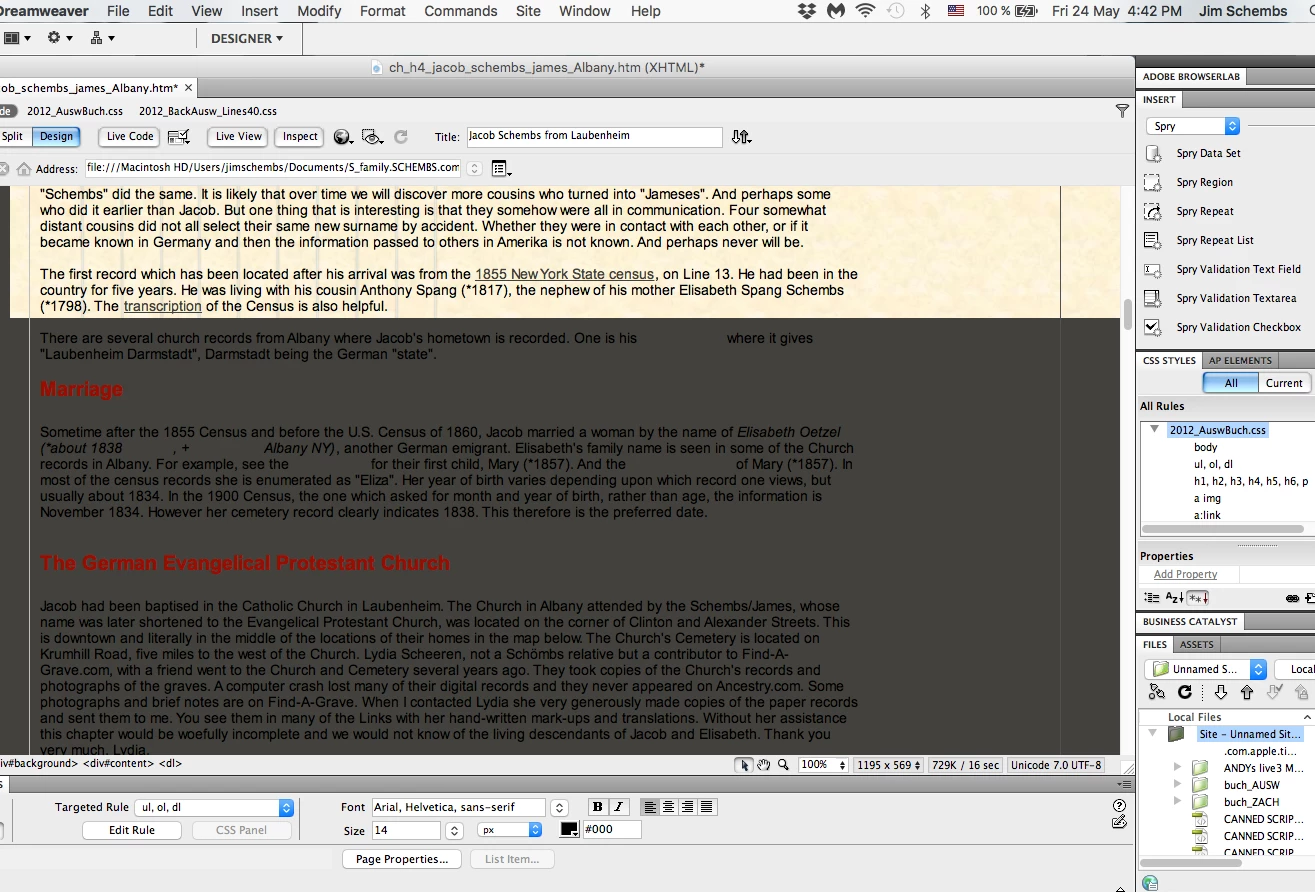
I was not working at this point in the code at the time but rather much farther down the page.  I looked at the code at this point (where it begins the screen) and there is no visible code problem.  I deleted a few lines of code surrounding this transition and it did not solve the problem.  I rebooted the system, which did not get rid of the screen.

Any image files (.png, etc) are not covered by the screen. 
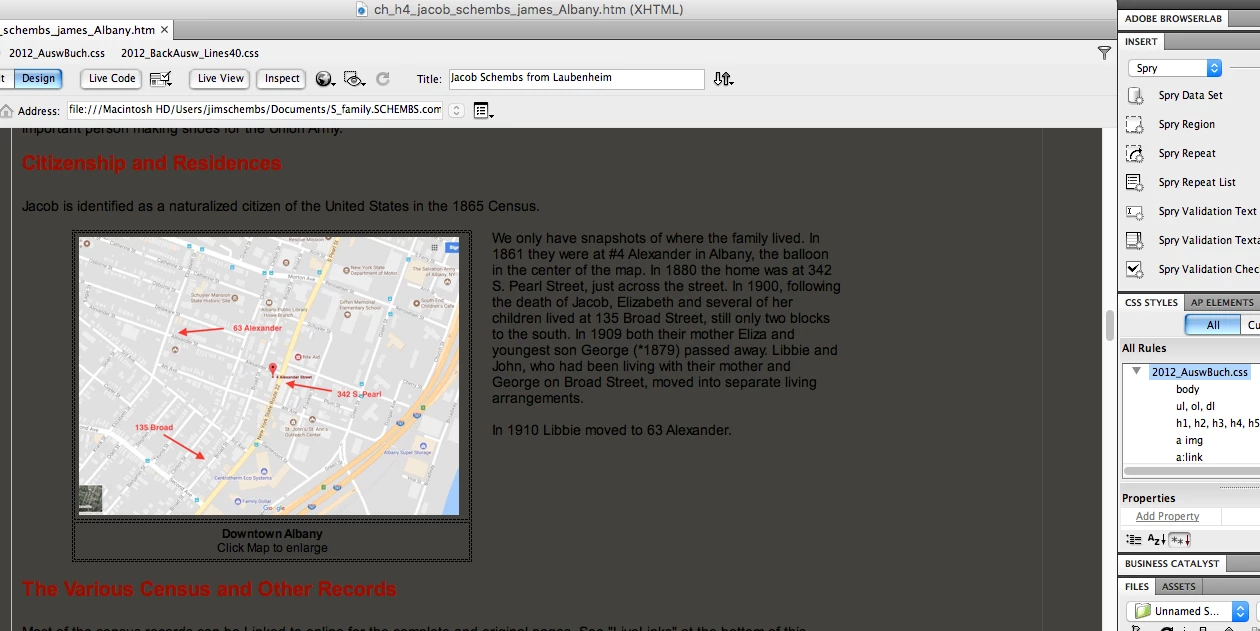
When I save the page and open it in a browser, the screen does not appear.  Just in the Design View while in Dreamweaver.  But this makes developing/editing the page impractical/impossible.

If I am in the wrong Forum, please direct me to the correct one.

Thanks for any ideas or help.

jim

This topic has been closed for replies.
Correct answer jds_zigzag

This web forum does not support e-mail attachments.  If you want to post screenshots, you had best come  back to the web forum.  Don't use e--mail to reply.

To see the Configuration folder, turn on hidden files and folders in your OS's File Manager .


Thank you Nancy.  I did the W3C Validation.  The only result was that it said two .css stylesheets were missing.  This seemed strange, as in the Design View I could see the stylesheets displayed. 

In thinking further about the problem, it seemed to be just with this one .html page.  I have sixty-some other pages using the same template.  The problem had to be related to this specific .html page.  I copied and pasted bits and pieces of the problem page into a new page using the template.  Finally, when I got down to about line 650 of a total 720 lines, I discovered the problem.  There was a missing </div> callout.  I added it back in and the problem in Design View went away.

I have used the W3C Validation process many times before but not for a while.  It is surprising to me that it did not identify the missing callout!

Thanks for your help.

jim

1 reply

Nancy OShea
Community Expert
Community Expert
May 25, 2019
Nancy O'Shea— Product User & Community Expert
Inspiring
May 26, 2019

Thank you, Nancy. Here is the progress report:

I did the W3C Validation with the following results:

Yet the style sheets are being called by the .htm file as seen from the background and lines on the images sent yesterday. Here it is again:

And when I open the .htm page with the browser the .css files are providing the background and other things.

Next, I attempted to restore the Dreamweaver Preferences, following the directions. But I could not find a file or folder “Dreamweaver Preference”. Here is the screenshot:

Where can I find it? I am the only User.

Jim

Nancy OShea
Community Expert
Community Expert
May 26, 2019

This web forum does not support e-mail attachments.  If you want to post screenshots, you had best come  back to the web forum.  Don't use e--mail to reply.

To see the Configuration folder, turn on hidden files and folders in your OS's File Manager .

Nancy O'Shea— Product User & Community Expert