


CSS Designer Panel "Current" Not Showing Selected Item's CSS Properties
I've been using Dreamweaver for about 20 years. The latest 2021 iteration's handling of CSS is a real step back from earlier versions. According to Adobe help, updated 16 May 2021, I should see a selection's CSS properties in the CSS Designer set to "Current," like the image they provide at right. That is what I've been used to for years, and would like to be able to see with the current 2021 version.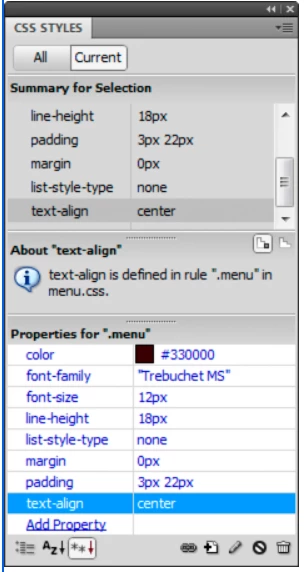
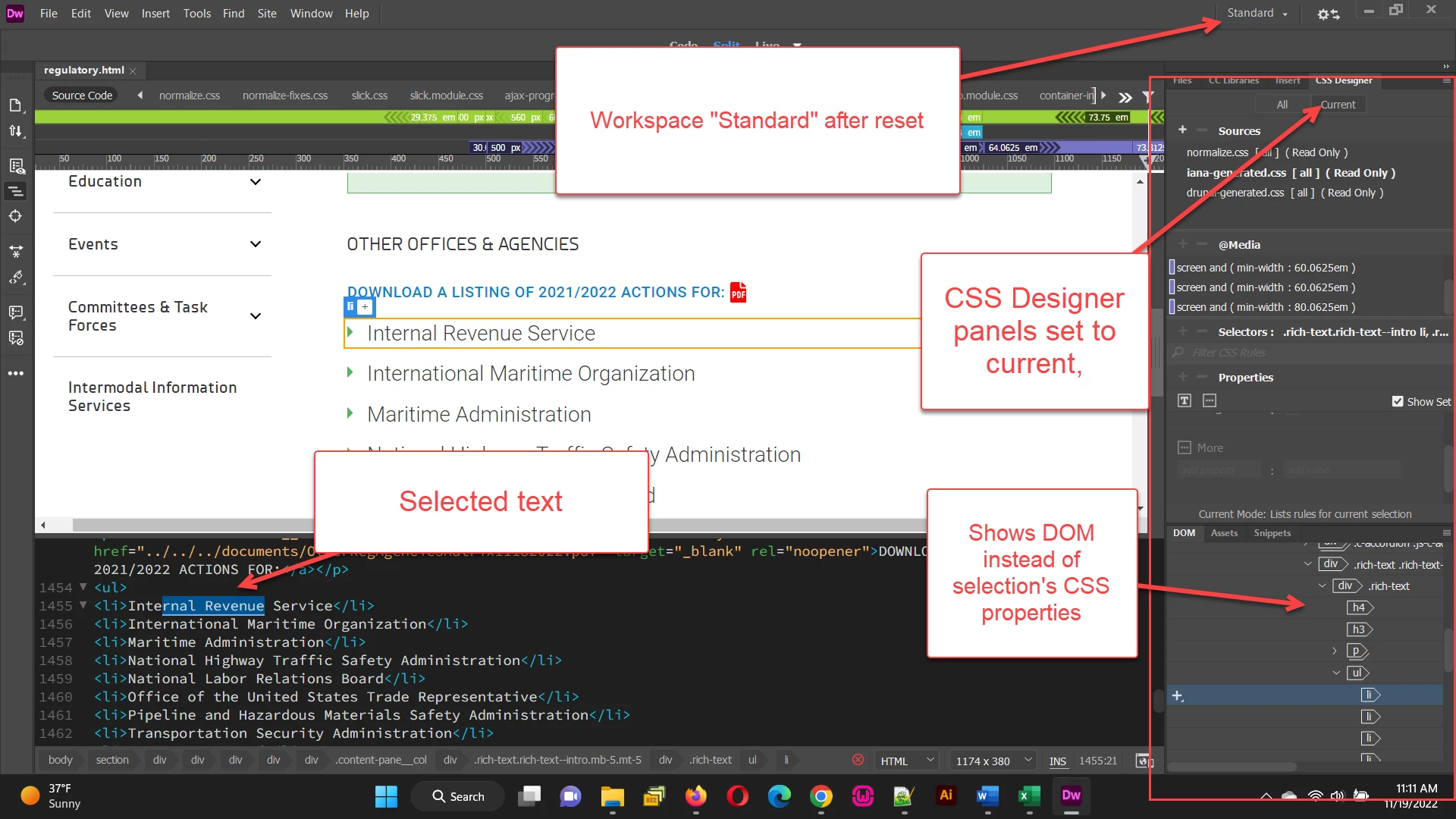
However, even when I "reset" the "standard "workspace, I don't see the css properties, instead the prominent panel shows the DOM tree, as in the image below left. I assume there might be a way to change the settings so I can see a selection's CSS properties, but I've been unable to find any relevant help from Adobe to do so. Anybody know what I need to do?
 AdChoices