Participant
June 8, 2018
Answered

css not executing - Include works on other documents

  • June 8, 2018
  • 2 replies
  • 381 views

Has anyone ever seen this bar at the top of their design page before.
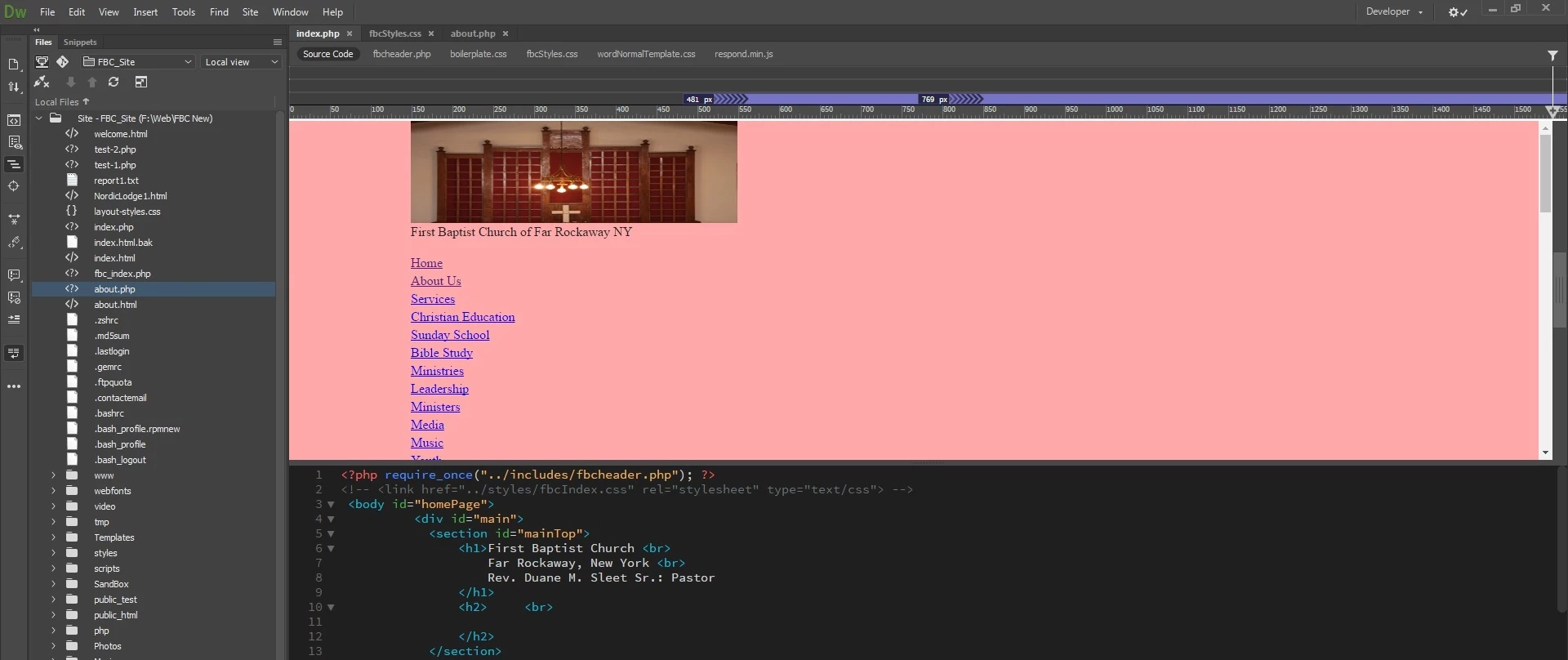
Not sure if you can see the purple bar, but I don't know where it came from.  As a result, my menu and blockings aren't working - locally or live(web).

Any thoughts as to what happen?

Thanks.

This topic has been closed for replies.
Correct answer Jon Fritz

Your css not showing correctly is being caused by an error somewhere in your code. Run the validators at...

The W3C CSS Validation Service

Ready to check - Nu Html Checker

...for a listing of issues in your code.

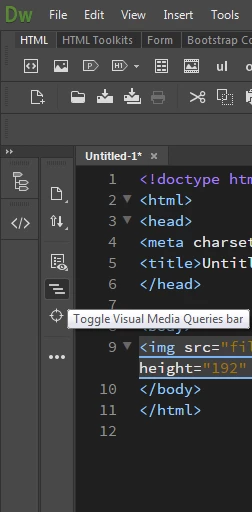
The purple bar is part of Live View's Visual Media Query bar.

Go to Window > Toolbars > Document

That will open the Document toolbar and allow you to switch out of Live View and into Design if you don't want to have the VMQ and Rulers show at all. You can also turn off the VMQ bar (but not the ruler) in the Common toolbar, it's the 3 horizontal bar icon...

2 replies

Jon Fritz
Community Expert
Jon FritzCommunity ExpertCorrect answer
Community Expert
June 8, 2018

Your css not showing correctly is being caused by an error somewhere in your code. Run the validators at...

The W3C CSS Validation Service

Ready to check - Nu Html Checker

...for a listing of issues in your code.

The purple bar is part of Live View's Visual Media Query bar.

Go to Window > Toolbars > Document

That will open the Document toolbar and allow you to switch out of Live View and into Design if you don't want to have the VMQ and Rulers show at all. You can also turn off the VMQ bar (but not the ruler) in the Common toolbar, it's the 3 horizontal bar icon...

BenPleysier
Community Expert
Community Expert
June 8, 2018

On line 2 of your document, the link to the CSS file has been commented out? Has that been done on purpose?

Wappler is the DMXzone-made Dreamweaver replacement and includes the best of their powerful extensions, as well as much more!
JZeig1Author
Participant
June 8, 2018

No. The commented it out because part of the code wasn't working.  I remove the comment just to check and see if everything's OK:  ie, folder location, php executing...