


Answered
Deactivate Live-Preview function in browser
Hi @ all,
I'm using the newest version of DW 2017 (Windows 10 x64). But I have many problems with the live preview in the browser.
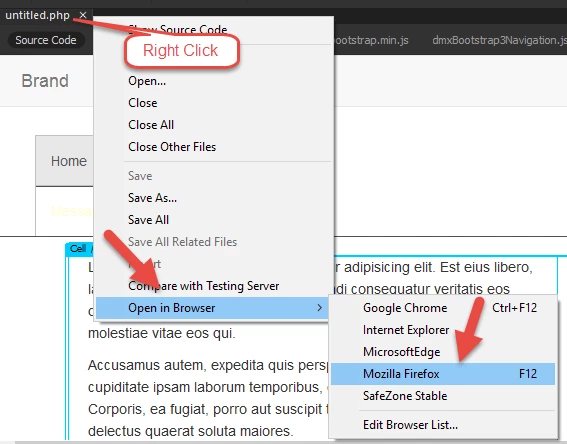
So for example my fancy box does not work fine in the preview (but on the website everything is already o.k). So do you know how I can deactivate the live preview function when I open the file (by clicking F12 in DW) in the browser?
In DW 2015 the file was openend by the path (for example) c:\my project\filename.html
Now the project is open by the path http://127.0.0.1:51395/preview/app/index.html So I want to deactivate the live function.
Is it possible?

 AdChoices