
Participant
April 16, 2018
Answered

Design View Bug

  • April 16, 2018
  • 1 reply
  • 1255 views

Using the following code:

<html>

<head>

<title></title>

</head>

<body>

<p>

    <font face="verdana, geneva, sans-serif">

        <span style="font-size: 12px;">Dreamweaver Test</span>

    </font>

</p>

</body>

</html>

When I open a file with the contents the Split/Design View shows this:
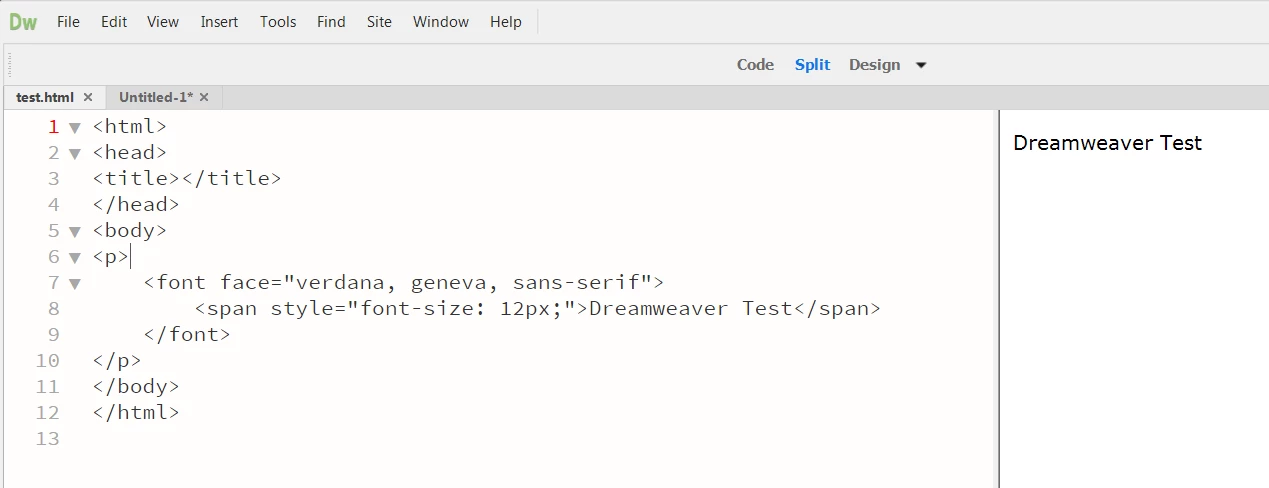
When I copy and paste into a new tab it shows this:
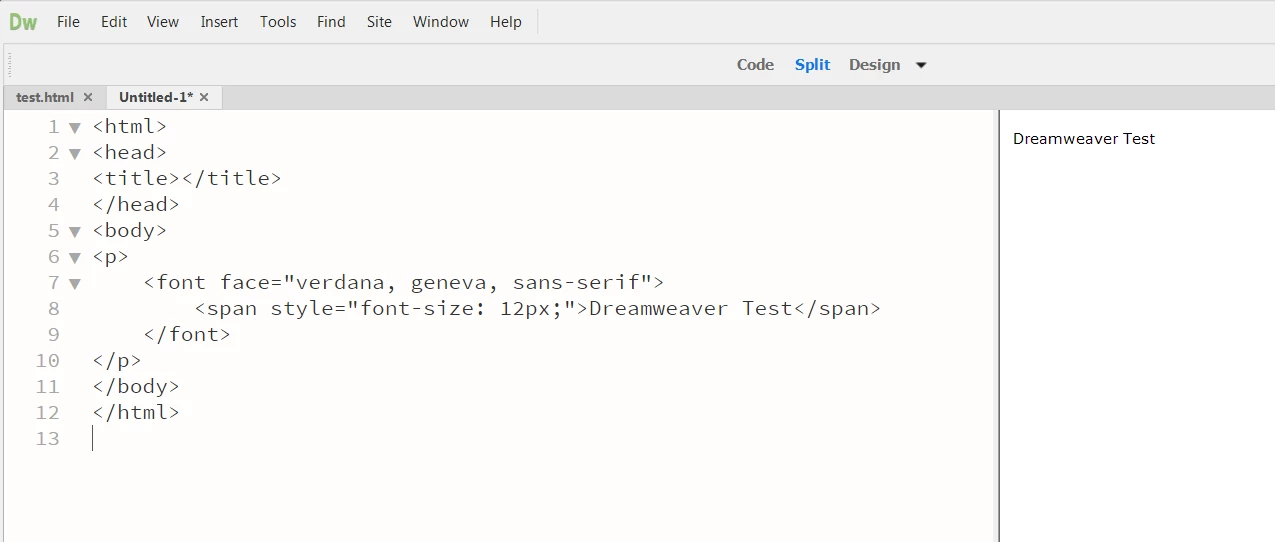
The appearance of the text is incorrect when the former, and correct in the latter.

Reproducible: 100%
OS: Windows 7
DW: CC 18.1 Build 10155

    This topic has been closed for replies.
    Correct answer Jon Fritz

    I'm not understanding why Jon's post was marked as "CORRECT". He confirmed this is a bug as he was able to reproduce the issue.

    Can someone provide a link to submit this to Adobe developers?

    Thanks!


    It's also available in DW under Help > Submit Bug/Feature Request

    Adobe Dreamweaver: Bugs

    1 reply

    Jon Fritz
    Community Expert
    Community Expert
    April 16, 2018

    Can you verify your magnification setting is 100% in that document?

    View > Design View Options > Magnification

    Magnification is "per document" so subsequent copy/pastes from the original would not be zoomed in on.

    Participant
    April 16, 2018

    The magnification level for both documents is 100%.

    When I save the second file (and close DreamWeaver) and then reopen the file, the font size changes.

    Jon Fritz
    Community Expert
    Community Expert
    April 16, 2018

    I can reproduce the same behavior here with your code.

    Same OS and DW Build.

    However, once I modify the code to match HTML5 specs, it stops enlarging the text when opening the file...

    <!doctype html>

    <html lang="en-us">

    <head>

    <title>Dreamweaver Test</title>

        <style>

            span {

                font-size:12px;

                font-family:verdana, geneva, sans-serif;

            }

        </style>

    </head>

    <body>

         <p><span>Dreamweaver Test</span></p>

    </body>

    </html>