



WolfShade
Legend
Jun 16, 2020 1:50 PM UTC
Question

Disable "feature popups"?

Hello, all,


I've had to get a new laptop from work, and have installed Adobe CC 2018 on it.  When using Dw, I keep getting these "feature popups" that are driving me up a wall.  Please see image.
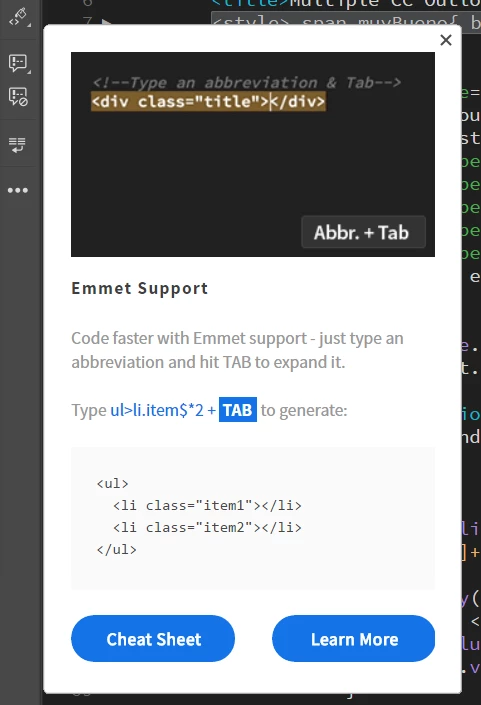


How do I get these annoying things to stop appearing??


V/r,


^ _ ^

This topic is closed to new replies. Start a new post to keep the conversation going.

3 replies

WolfShade
WolfShadeAuthor
Legend
Jun 22, 2020 1:49 PM UTC

Sorry for the delayed reply.  My notifications aren't appearing at the top of the page.


Thank you for the link.  Going there, now.


V/r,


^ _ ^

Translate
Nancy OShea
Community Expert
Community Expert
Jun 16, 2020 6:56 PM UTC

The first time, I run through all of them once and then they're gone.


Translate
Nancy O'Shea— Product User & Community Expert
Jon Fritz
Community Expert
Community Expert
Jun 16, 2020 3:06 PM UTC

Unfortunately, you can't.

They all have to to run once before they stop. We can reset them, but we can't turn them off.

It has been asked for repeatedly in these forums, make sure to add your voice, or create a new request in the official Feature Request Forum: https://dreamweaver.uservoice.com/forums/379458-adobe-dreamweaver-ideas

Translate