
Distorted images and text in Dreamweaver 2018
I recently updated to Dreamweaver 2018 and have noticed a lot of distortion in all images and a lot of the text in the Design view. I thought that this could be a new settings to make things faster but I was unable to find any new setting that could cause this problem. I then thought maybe it was an issue with the sites CSS or other special setting but have the same problem if I create a new page with no CSS or other special settings. Attached is a picture as an example of what is happening. I added only a picture of the Adobe logo and as can be seen it is distorted. The image width and height are also set correctly and are the same dimensions of the actual image.
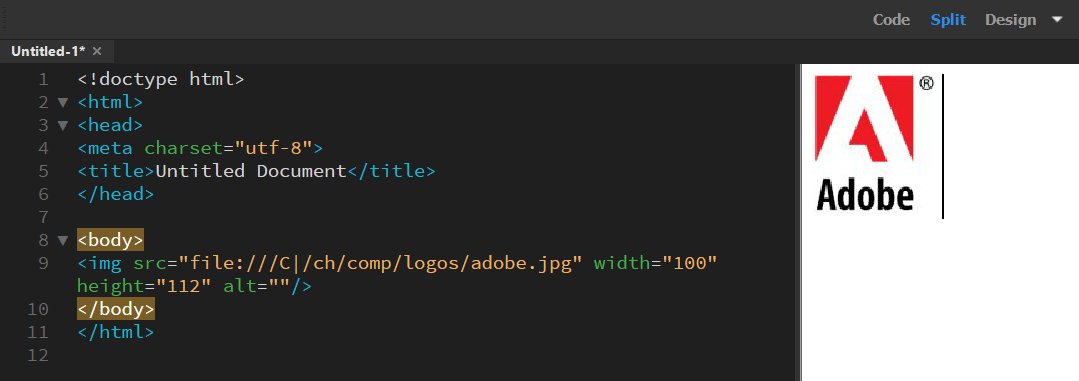
However, if I change from Design to Live the picture looks fine. I understand that the Design view is not perfect but I've never had this issue with any previous version of Dreamweaver.


 AdChoices