
Distorted pictures and text in Dreamweaver
Distorted images and text in Dreamweaver 2018This is a continued discussion of the thread Distorted images and text in Dreamweaver 2018 that was locked but never resolved.
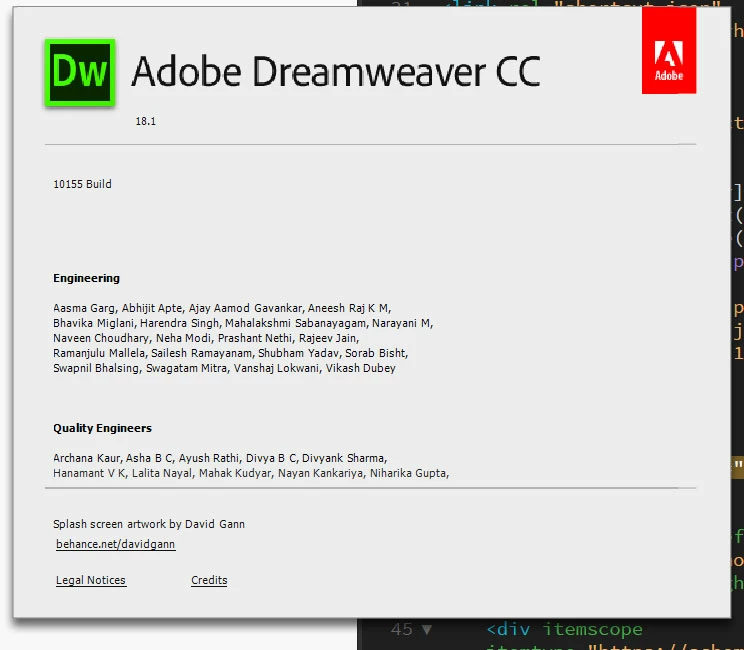
Installed Dreamweaver CC 2018 and noticed all pictures and a lot of text was distorted. After some troubleshooting it appears to be an issue with the zoom settings in Windows. As can be seen in the picture below of the About Dreamweaver window, there is distortion in the images and heading within the Dreamweaver UI as well as the page being edited. However, if I go into Microsoft Windows 10 Display settings and change the scale from the current settings of 125% to 100% everything looks good. I've reboot the computer several times and also updated the video drivers to the latest drivers from NVIDIA. I've also tried the other zoom settings (e.g., 150%) with the same results.
Current system settings
Windows 10
Video card: NVIDIA GeForce GTX 750 Ti
Resolution: 3440 x 1440 (landscape) ultra wide monitor

 . Since October 2017, DW CC is Hi-DPI aware on Windows. In previous versions, it wasn't.

 AdChoices