Participating Frequently
June 15, 2017
Answered

Dreamweaver 2017.5 breaks real time preview

  • June 15, 2017
  • 2 replies
  • 366 views

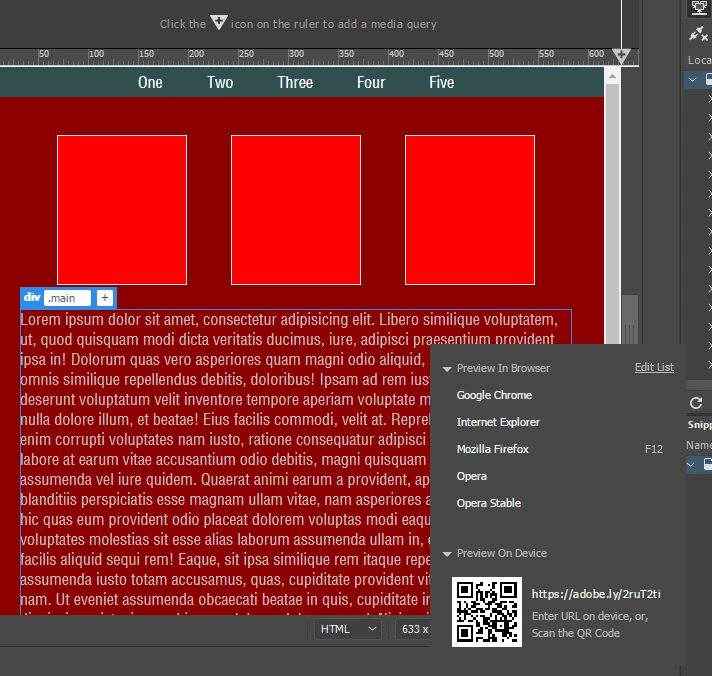
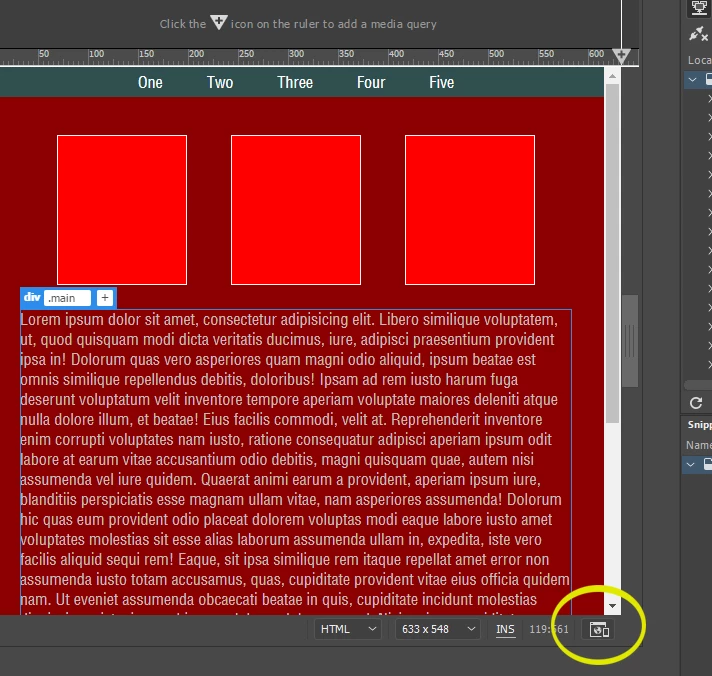
The latest 9878 build breaks the real time preview icon at the bottom right of an open window. I can still use F12 or CTRL F12 to call up the primary and secondary, but I like to test the real time previews on 5 browsers. I can go to File - Real Time Preview and get it from there. So far that seems to be the only thing that jumps out.

This topic has been closed for replies.
Correct answer Jon Fritz

Have you restarted the machine since installing?

If so, it might be worthwhile to clear the program cache or restore preferences.

It works correctly for me in DW CC2017.5 under Windows 7...

2 replies

Jon Fritz
Community Expert
Jon FritzCommunity ExpertCorrect answer
Community Expert
June 15, 2017

Have you restarted the machine since installing?

If so, it might be worthwhile to clear the program cache or restore preferences.

It works correctly for me in DW CC2017.5 under Windows 7...

Community Manager
June 15, 2017

Could you please elaborate what you meant by this?

Haroldntx  wrote

The latest 9878 build breaks the real time preview icon at the bottom right of an open window.

Real Time Preview should work like as it was in earlier releases.

  1. Do you see this issue consistently with all the pages?
  2. Which OS you are using?
  3. Did you try restart of DW?

Thanks,

Lalita