pooldog
Participant
September 15, 2017
Answered

dreamweaver 2017 strange interface

  • September 15, 2017
  • 2 replies
  • 503 views

After I reinstall my win7 system  I installed DW in my PC.  I have three problem below

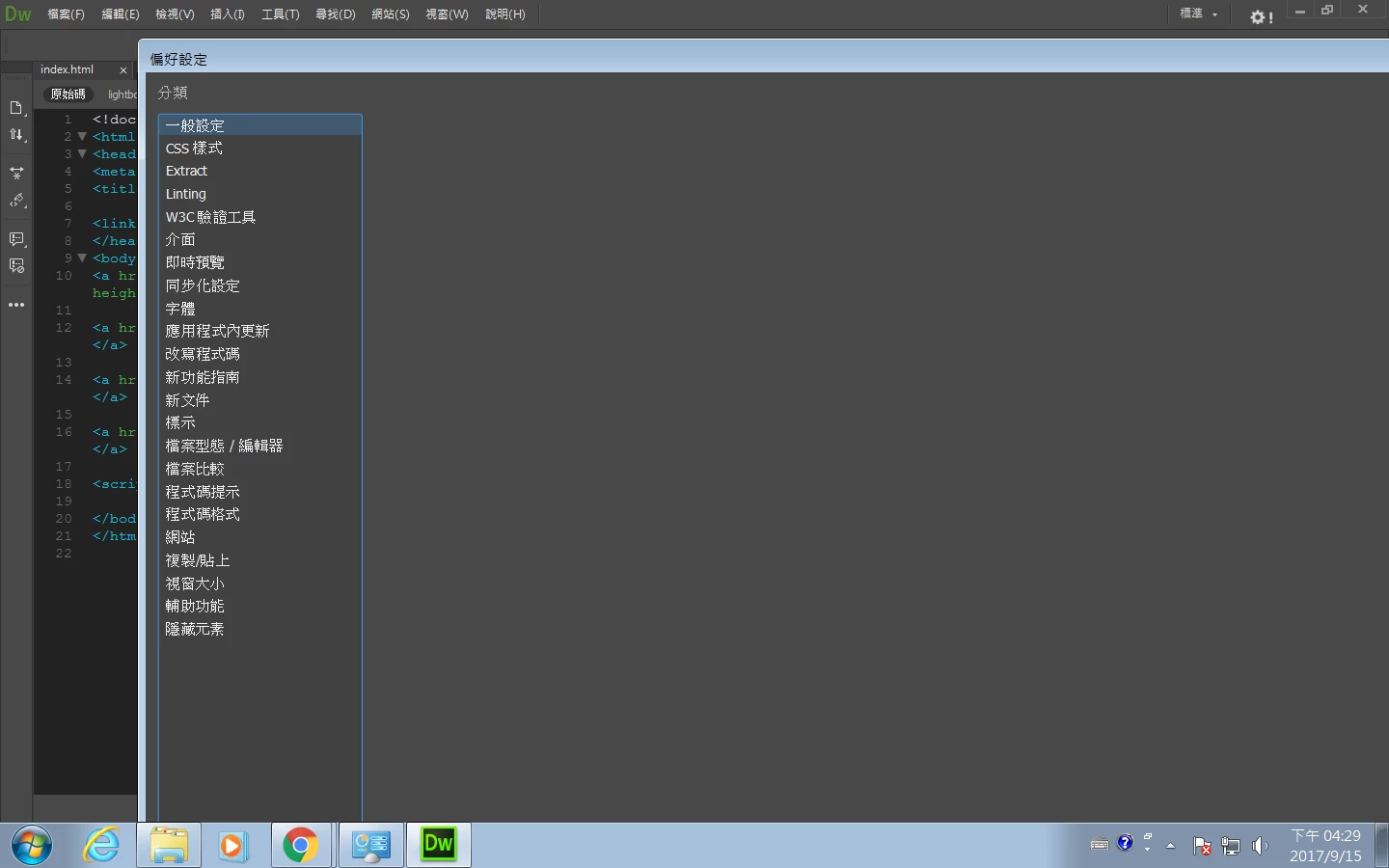
1. I found that my Preference window look like that (its width is so long)

who can tell me how to adjust it ??
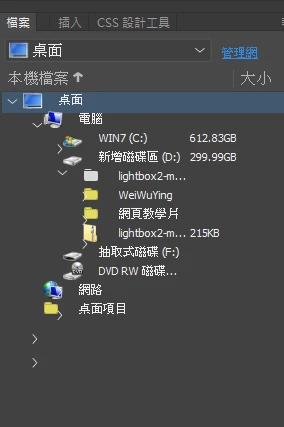
2. Also I can't solve why this icon " > " are covered by files..... does anyone who knows how to solve that...

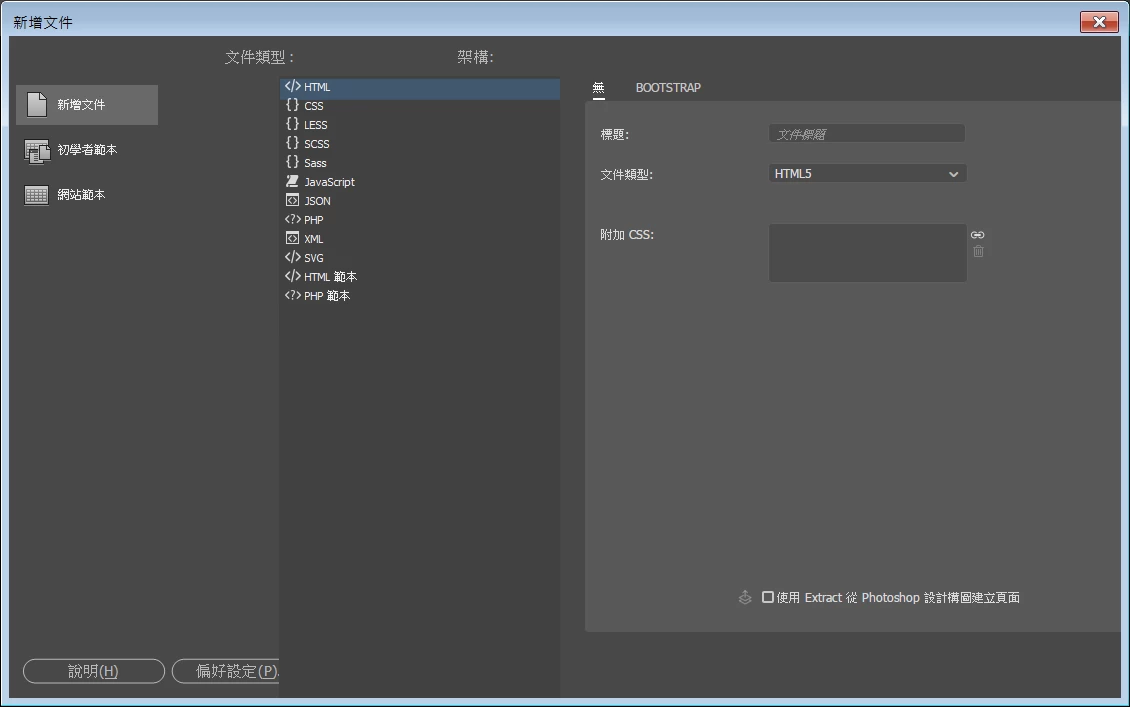
3. button in right bottom are disappeared
This topic has been closed for replies.
Correct answer lnayal

Hi,

These issues are known with DW CC 2017 on higher DPI hardware and I am excited to share news with you that we have addressed DW issues with High DPI. Now DW scales properly on different scaling and build is already shared in pre-release.

You can also give it a try by logging in to pre-release portal and using DW Beta on your higher resolution display

https://www.adobeprerelease.com/beta/9EB451B5-D2E8-46E5-AFA2-78C85442FFA2/participate/CD0C95AA-6274-4001-FC50-A58A26BE87BE

Look forward to hear from you,

Best Regards,

Lalita

2 replies

lnayalCorrect answer
Participating Frequently
September 16, 2017

Hi,

These issues are known with DW CC 2017 on higher DPI hardware and I am excited to share news with you that we have addressed DW issues with High DPI. Now DW scales properly on different scaling and build is already shared in pre-release.

You can also give it a try by logging in to pre-release portal and using DW Beta on your higher resolution display

https://www.adobeprerelease.com/beta/9EB451B5-D2E8-46E5-AFA2-78C85442FFA2/participate/CD0C95AA-6274-4001-FC50-A58A26BE87BE

Look forward to hear from you,

Best Regards,

Lalita

pziecina
Legend
September 15, 2017

If you are using a 4k display, you could try installing the 2017.5 update to Dw, as the original release did have problems with higher resolution displays.