January 24, 2026
Question

Dreamweaver Bugs
  • January 24, 2026
  • 1 reply
  • 26 views

opening-view.jpg

opening-view.jpg

Dreamweaver Version 21.7. Windows 11
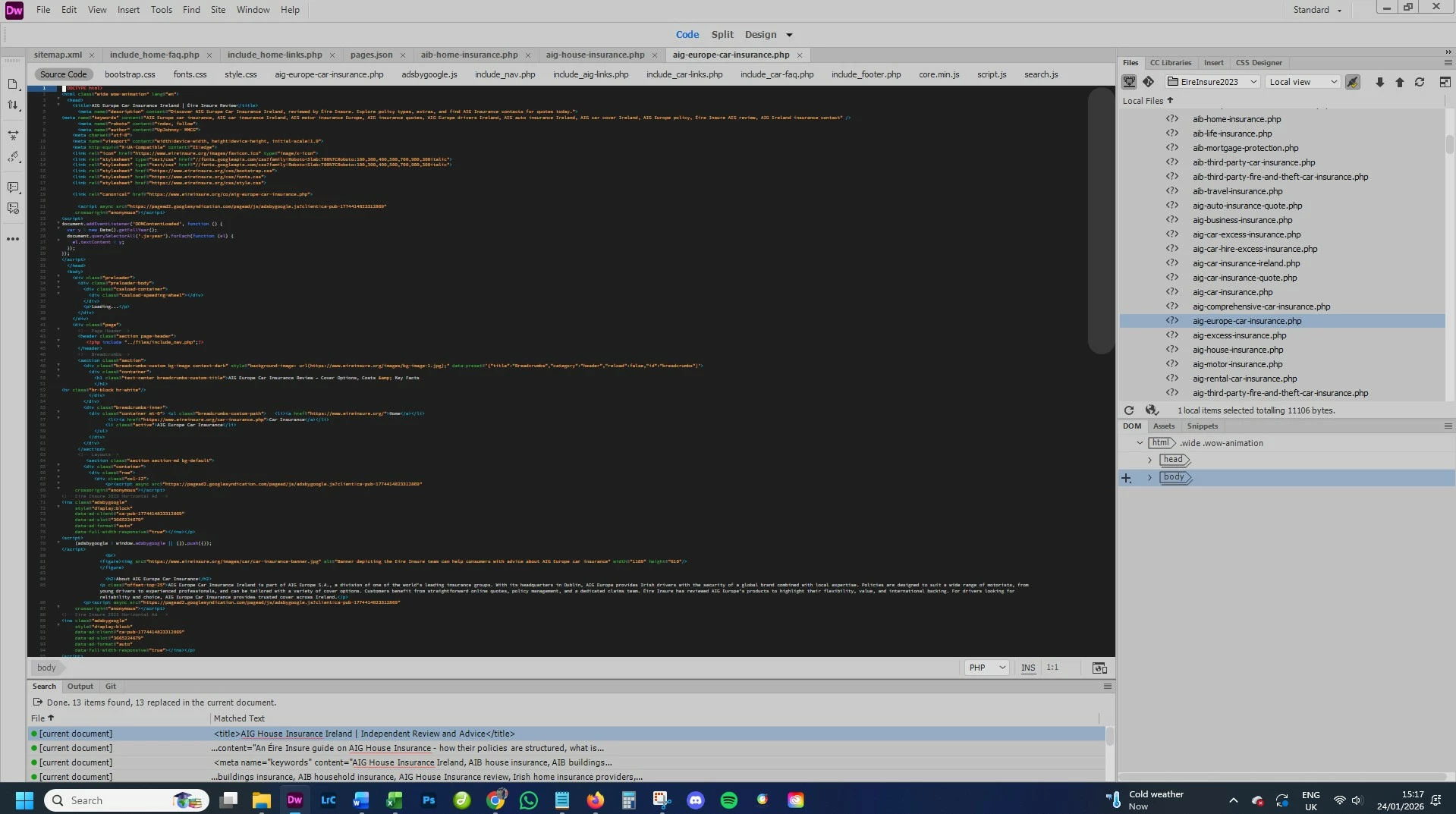
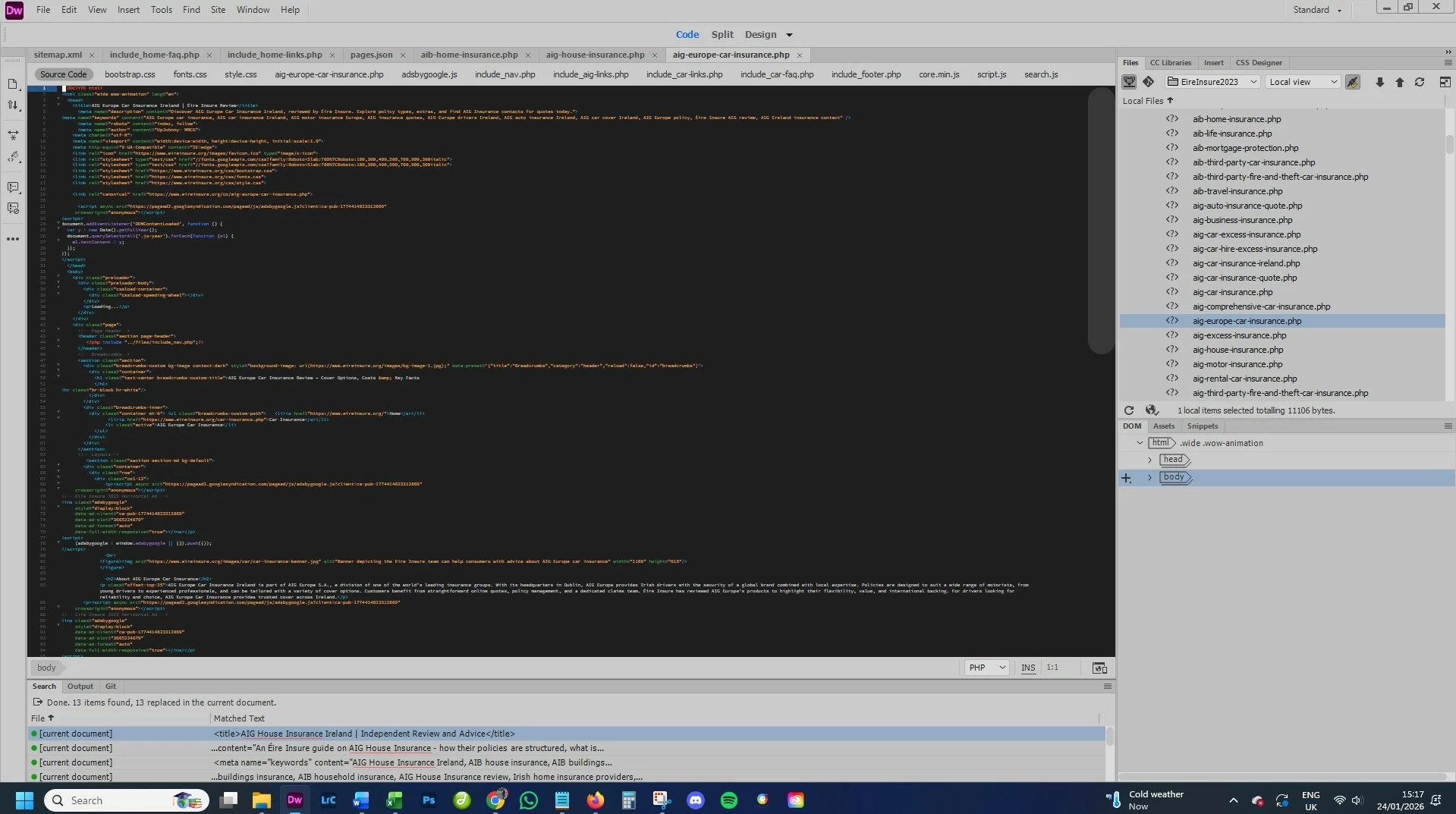
Adobe Dreamweaver frequently opens with the Code View font set to an extremely small size, requiring manual adjustment each time. This setting does not reliably persist between sessions.

In addition, after Dreamweaver has been running for a while, files opened in Code View sometimes display a blank editor with no code visible. The only fix is to close and restart the application.

After restarting, the Code View font size resets to a very small size across all open files, requiring manual resizing for each document.

1 reply

Nancy OShea
Community Expert
Community Expert
January 25, 2026

Sounds like a graphics or VRAM issue. 


Windows updates can wreak havoc with graphics display. It's happened to me a few times. Restarting my computer after Windows updates usually corrects the problem.


If not, updating graphics drivers on Windows 11 ensures optimal performance and can be done via Device Manager, or directly from manufacturer sites (NVIDIA, AMD, Intel). For the best performance, download the latest driver directly from the manufacturer’s website


Hope that helps.


Nancy O'Shea— Product User & Community Expert