
Dreamweaver CC 2017 indent guides and how to
ok, i have solution finally.
after few hours of research i have solution how to create indent guides in dreamweaver cc 2017 functional. of course indentation works on lines with wrap text now correctly (see images below).
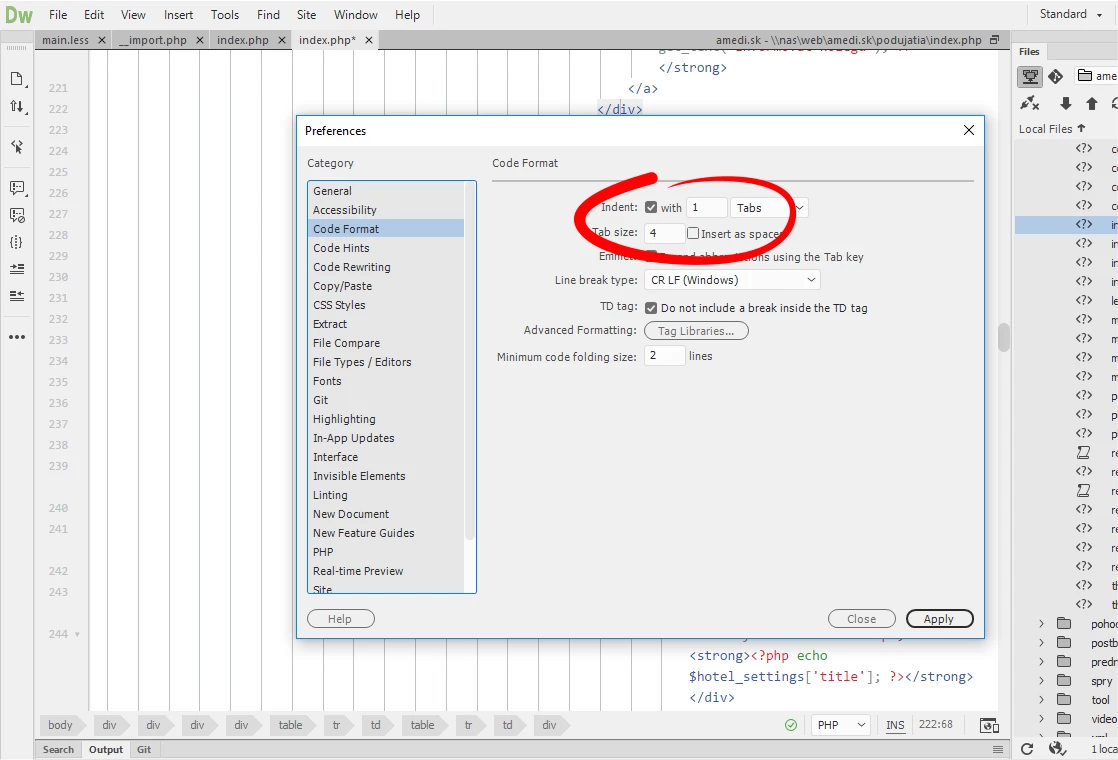 first of all, you must use TAB indentation in your code. my settings are show on picture.
sorry, but space not create specific tag in code editor which is need for styling.
lets go.. open your main.less file and copy this code somewhere.
- if you use modified theme, file location is C:\Users\~name~\AppData\Roaming\Adobe\Dreamweaver CC 2017\en_US\Configuration\Brackets\extensions\user
- if you use default theme, file can be found C:\Program Files\Adobe\Adobe Dreamweaver CC 2017\www\extensions\default\~UsedTheme~
// indent guide settings
.CodeMirror pre {
overflow: hidden;
}
.cm-tab {
position: relative;
}
.cm-tab:after {
content: '';
position: absolute;
border-left: 1px solid #cccccc; // your color choice
top: 0px;
left: 3px;
width: 0px;
height: 100vh;
}
save and enjoy!
..or you can download my edited themes where indentation is now implemented.
| Light theme | Dark theme |
|---|---|
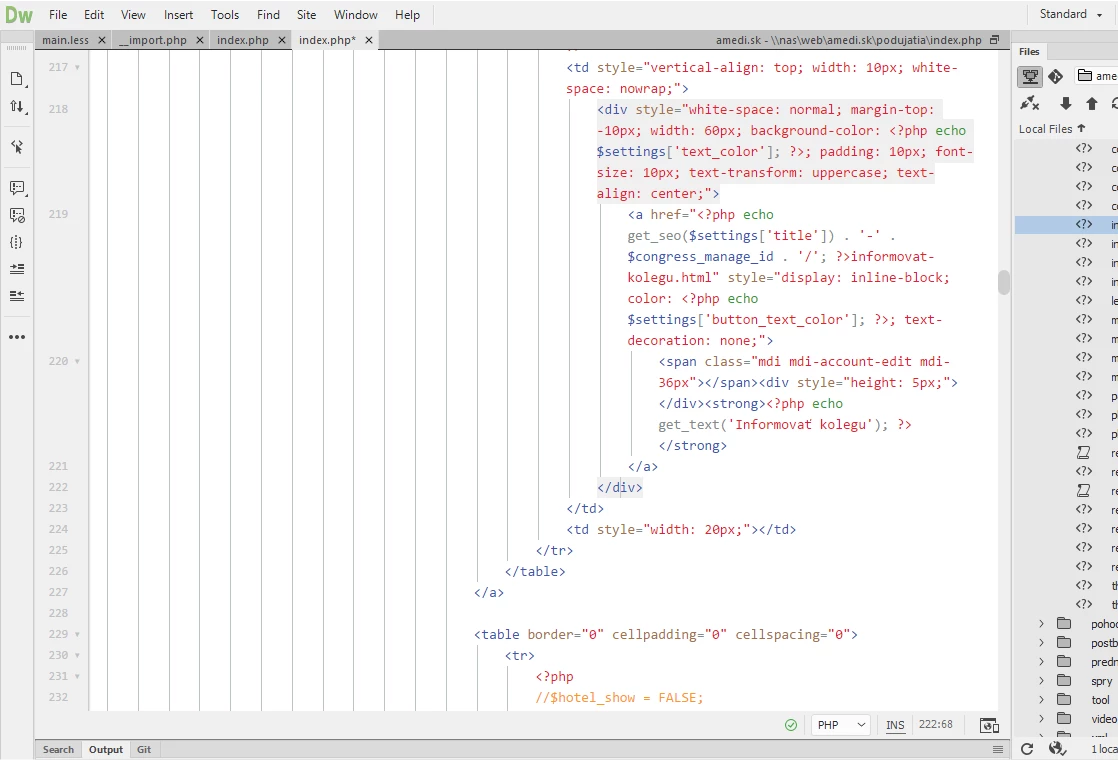 | 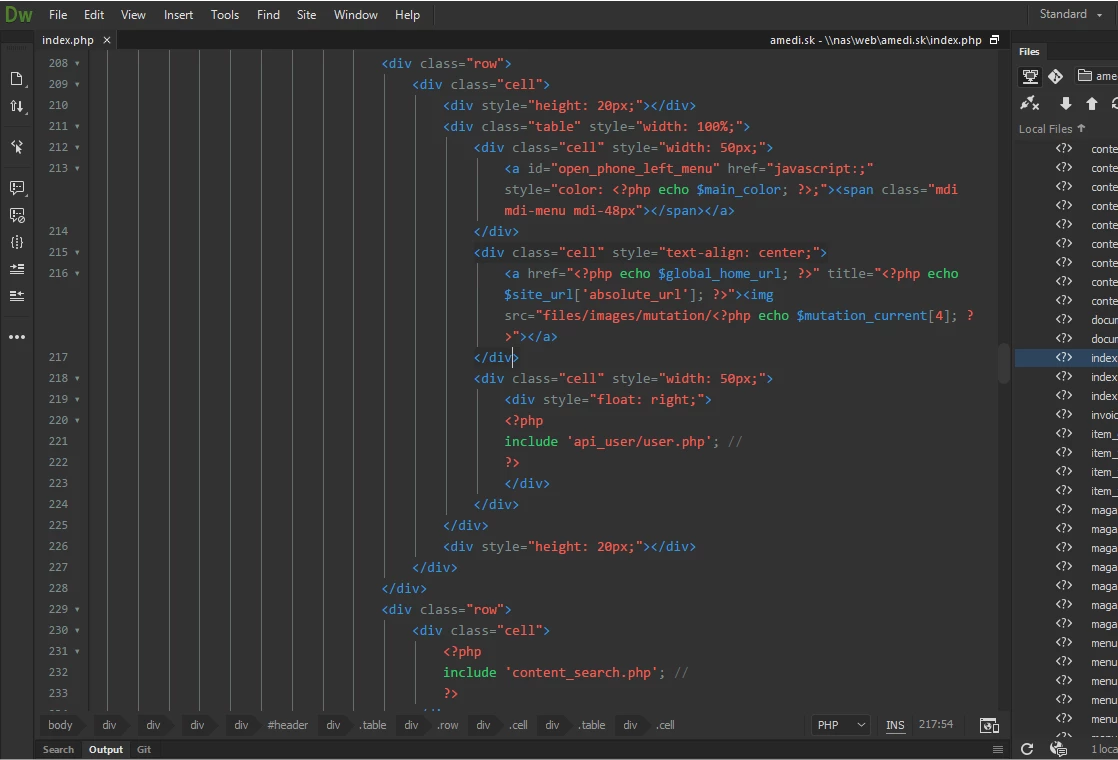 |
Download (.zip) install instruction here | Download file (.zip) install instruction here |
if you have any questions, ask me cheerfully 
thank.


 AdChoices