


Question
Dreamweaver CC 2017 Less Color Dark Theme
hello! my another dark theme for Adobe Dreamweaver CC 2017.
(this theme use indent guide based on TAB)
- close dreamweaver (if is open)
- download theme file (.zip file); for standart consolas font type please download this file
- unpack and copy content (folder Less Colorful Dark) to C:\Users\%username%\AppData\Roaming\Adobe\Dreamweaver CC 2017\en_US\Configuration\Brackets\extensions\user
- start dreamweaver
- go to Edit > Preferences (CTRL + U) > Interface
- set Code Theme to Less Colorful Dark
- click Apply and enjoy!
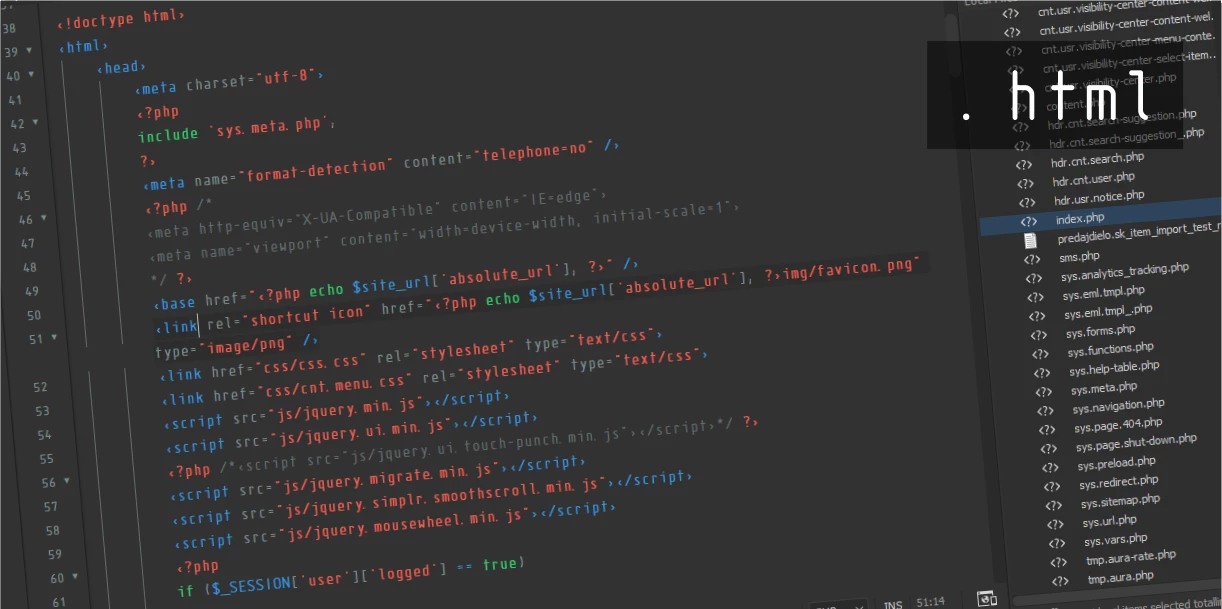
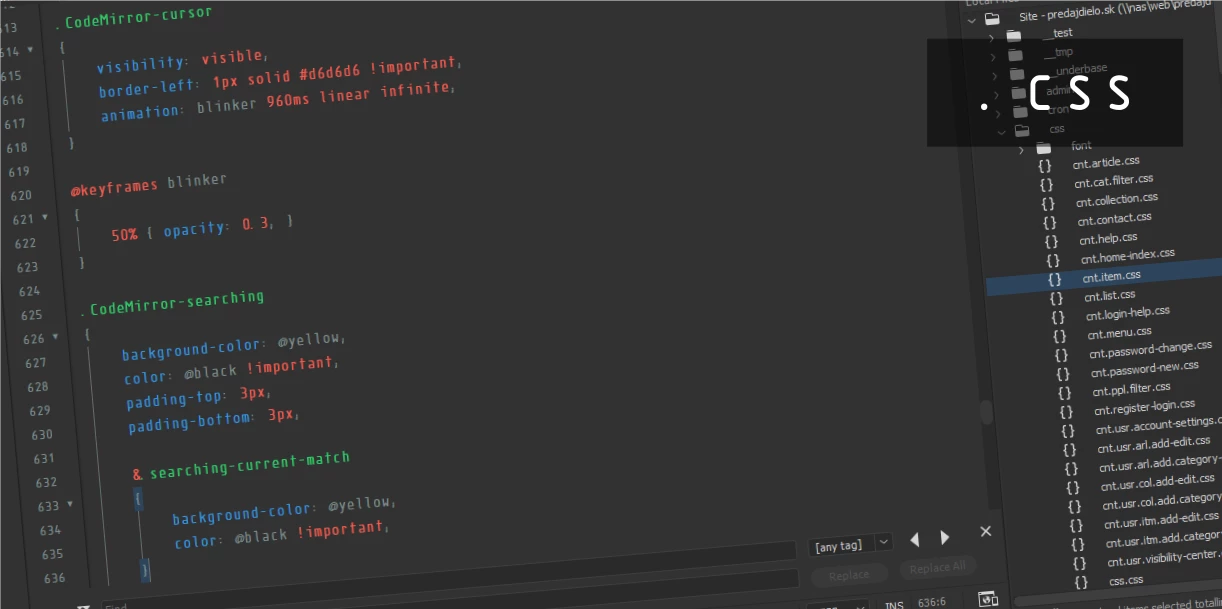
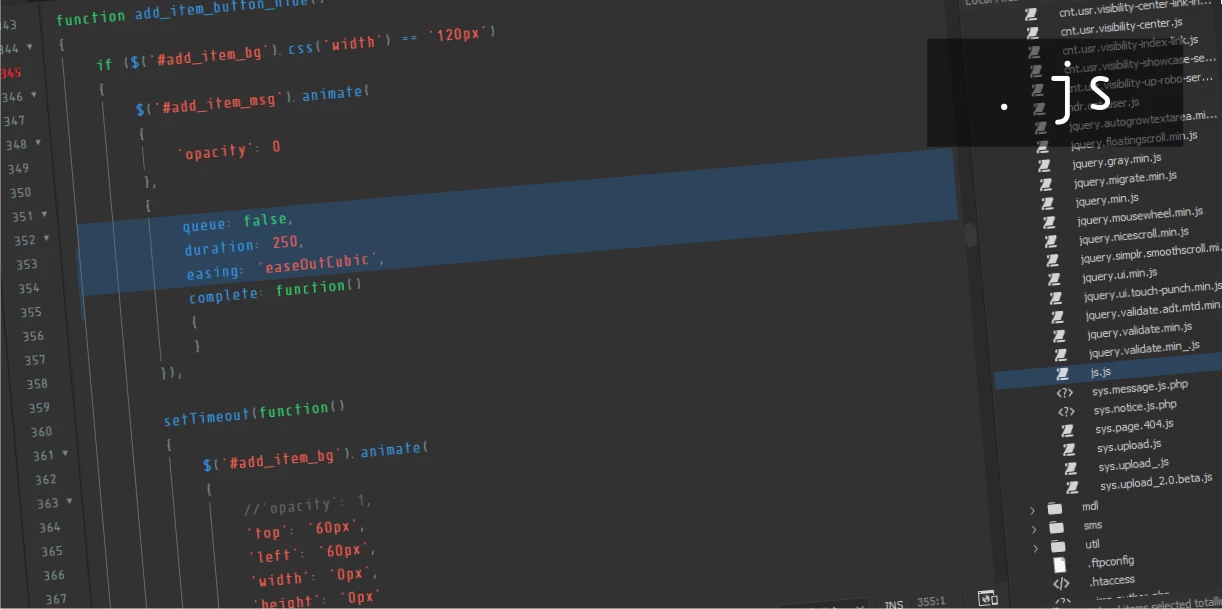
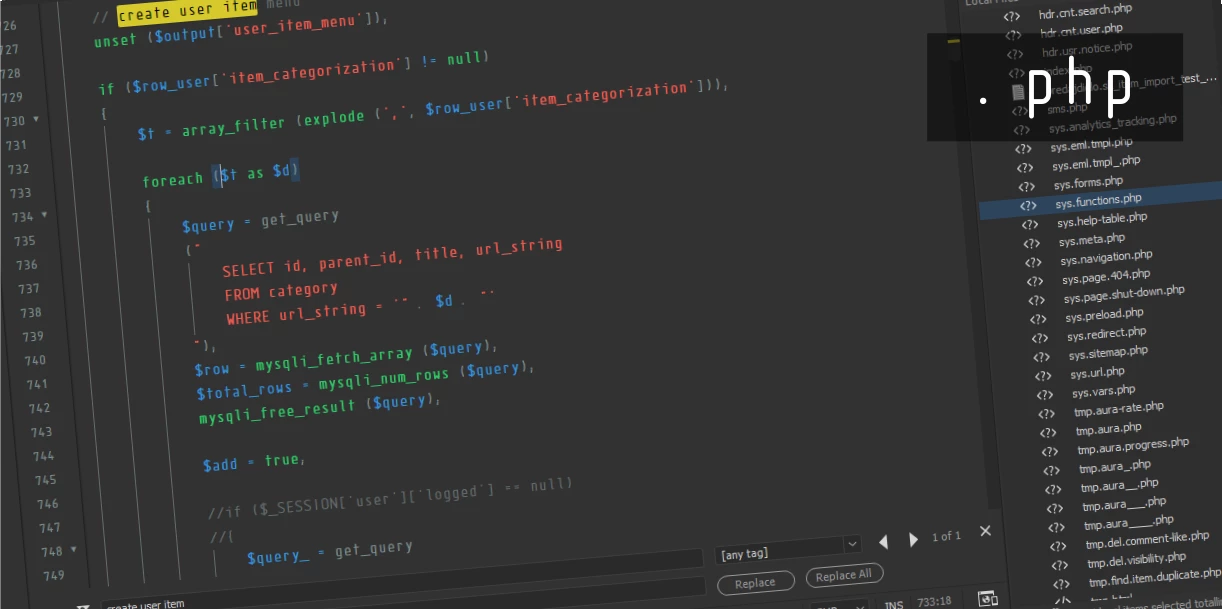
(theme use font which was used in movie Elysium: Isonorm Monospaced Pro) or you can customize perfect font for coding on Input: Fonts for Code from DJR & Font Bureau.
i hope it helps and you like it.
thank!
 AdChoices