Known Participant
October 4, 2017
Question

Dreamweaver CC 2017 Less Color Light Theme

  • October 4, 2017
  • 2 replies
  • 1510 views

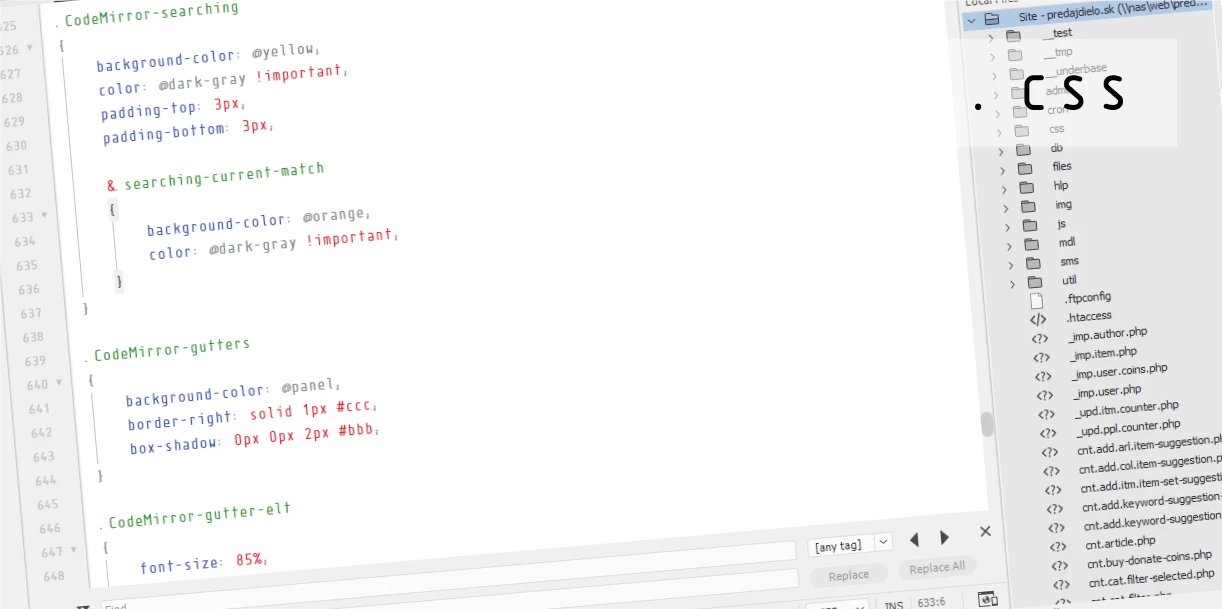
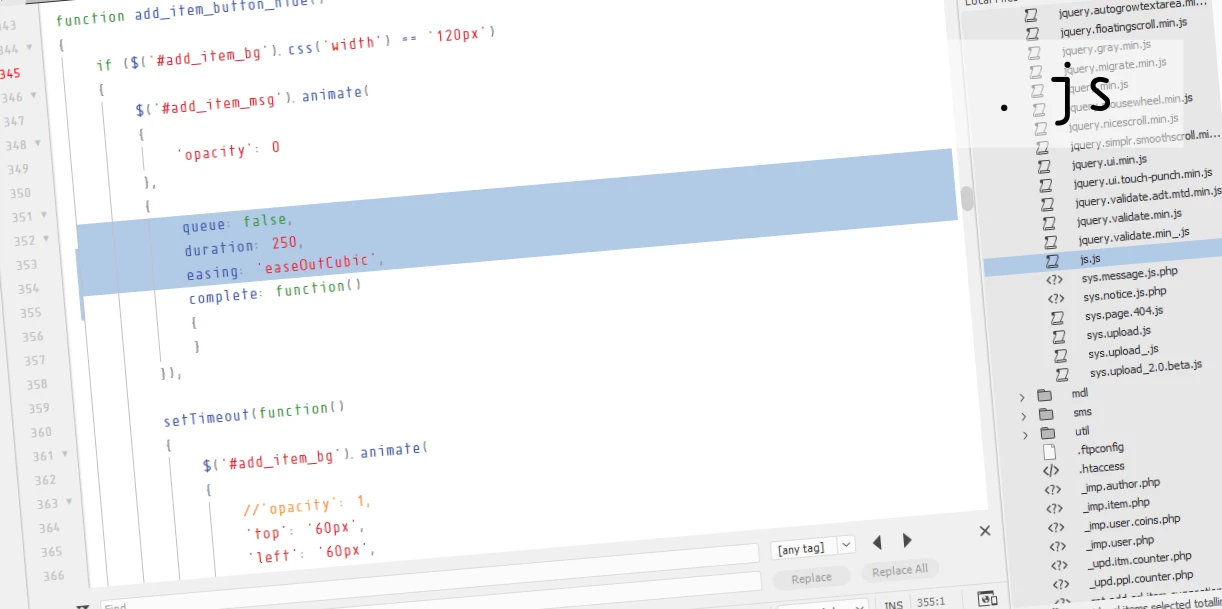
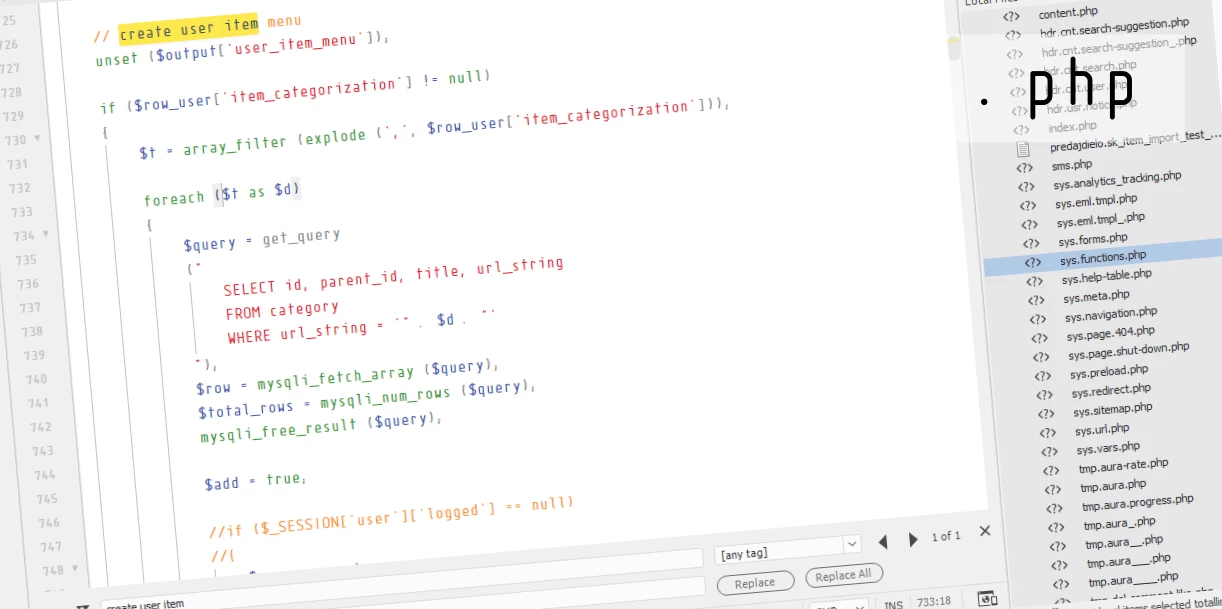
hello! my another light theme for Adobe Dreamweaver CC 2017.

(this theme use indent guide based on TAB)

- close dreamweaver (if is open)

- download theme file (.zip file); for standart consolas font please download this file

- unpack and copy content (folder Less Colorful Light) to C:\Users\%username%\AppData\Roaming\Adobe\Dreamweaver CC 2017\en_US\Configuration\Brackets\extensions\user

- start dreamweaver

- go to Edit > Preferences (CTRL + U) > Interface

- set Code Theme to Less Colorful Light

- click Apply and enjoy!
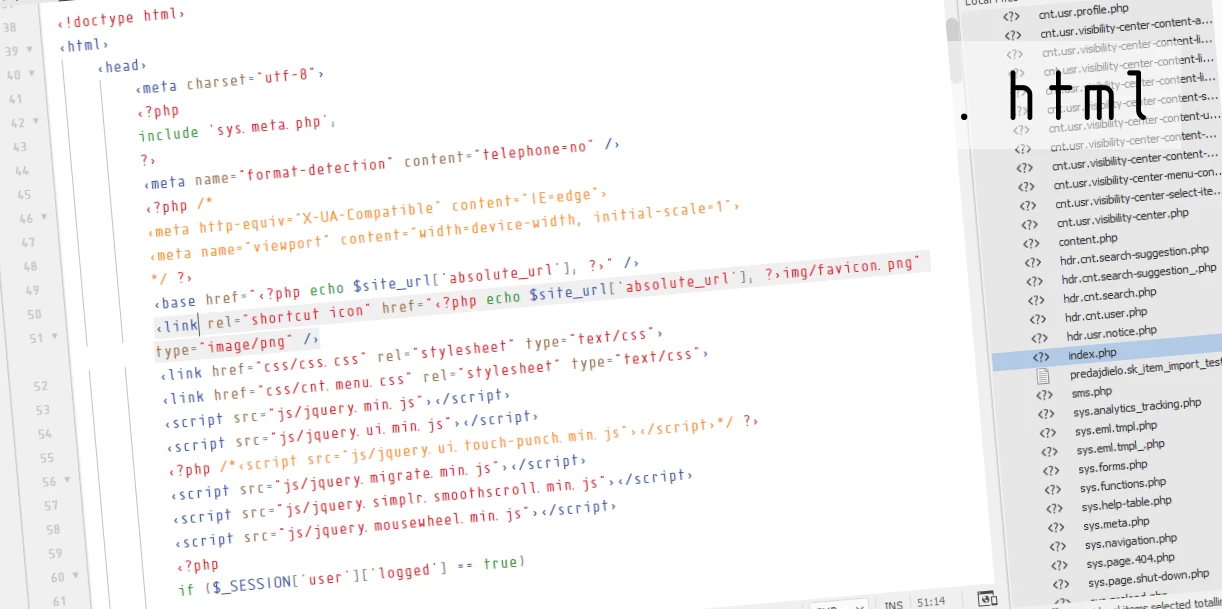
(theme use font which was used in movie Elysium: Isonorm Monospaced Pro)

i hope it helps and you like it.

thank!

This topic has been closed for replies.

2 replies

novayear
Participant
October 9, 2017

Netoper;

hi brother,

I follow your work closely. you are making very beautiful themes.

you have a special wish. please, adapt the dw2015 standard light color theme to dw2017 version.

Many people on the internet are looking for it. there are those who are dealing with it, but there is no one who is fully adapting.

Thank you for your effort.

Best regards.

NetoperAuthor
Known Participant
October 9, 2017

hello and thanks.

can you trust me, i would love to make the same theme as is used in DW2015, also for their own needs. but due to changes in internal code editor which now use bracket (codemirror), is not possible. it works completely differently what's a shame.

BenPleysier
Community Expert
Community Expert
October 4, 2017

Thank you

Wappler is the DMXzone-made Dreamweaver replacement and includes the best of their powerful extensions, as well as much more!