


Dreamweaver CC 2017 Pastel Light Theme
hi. because i like bright code colors and the new dreamweaver cc 2017 default light theme is poor (for my opinion), i created theme based on dreamweaver cc 2015 light theme with little pastel colors.
because dreamweaver cc 2017 use a different way of code coloring, is not possible created theme which is fully same as dreamweaver cc 2015. only very similar. not all languages are modified.
- close dreamweaver (if is open)
- unpack and copy content (folder DW 2015 Pastel Light) to C:\Users\%username%\AppData\Roaming\Adobe\Dreamweaver CC 2017\en_US\Configuration\Brackets\extensions\user
- start dreamweaver
- go to Edit > Preferences (CTRL + U) > Interface
- set App Theme to white (last option)
- set Code Theme to Dreamweaver 2015 Pastel Light
- click Apply and enjoy!
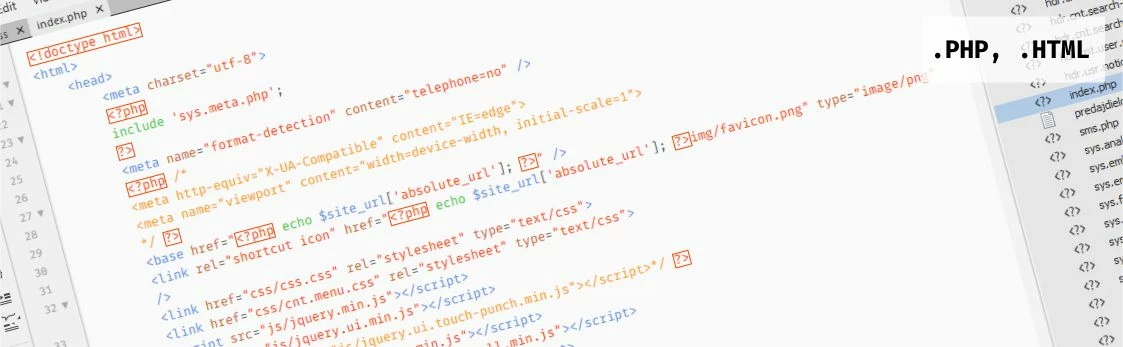
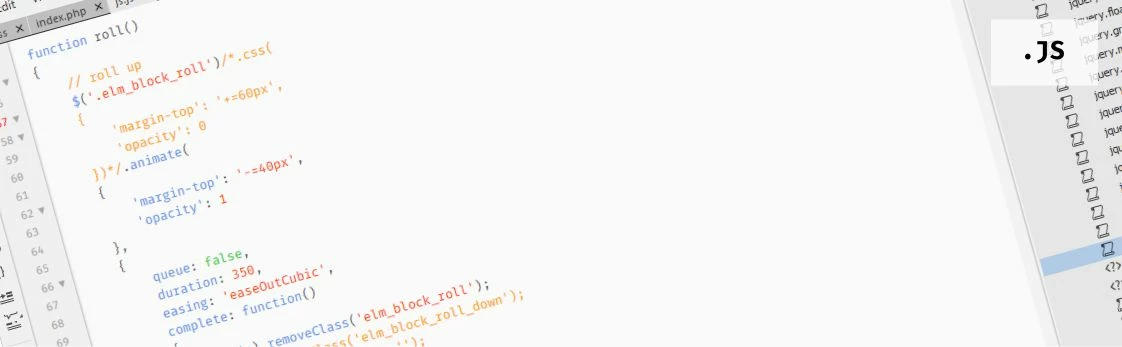
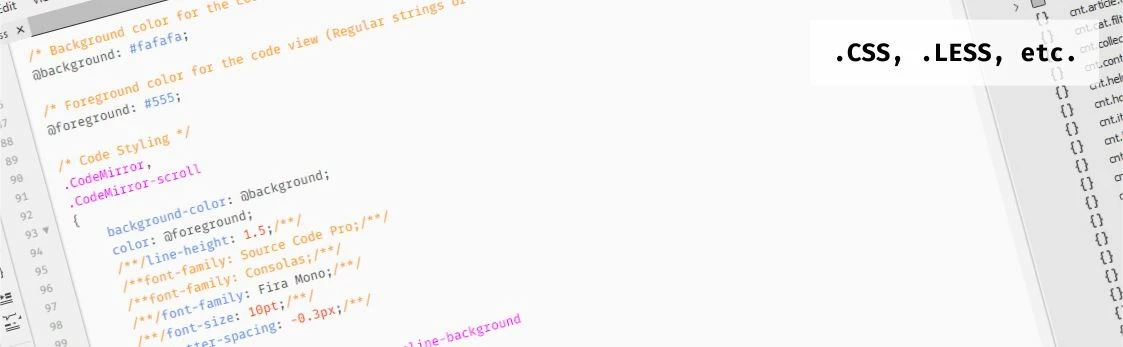
(used font: Fira Mono)
soft blinking cursor.
open main.less file and find line with selector .CodeMirror-cursor. then copy and replace with:
.CodeMirror-cursor
{
visibility: visible;
border-left: 1px solid #555 !important;
animation: blinker 960ms linear infinite;
}
@14668356 blinker
{
50% { opacity: 0; }
}
if you like it, I'll be happy 
thank!
 AdChoices