Known Participant
November 21, 2017
Question

Dreamweaver cc 2018 (2017) OldSchool Light Theme

  • November 21, 2017
  • 10 replies
  • 6587 views

Hello.

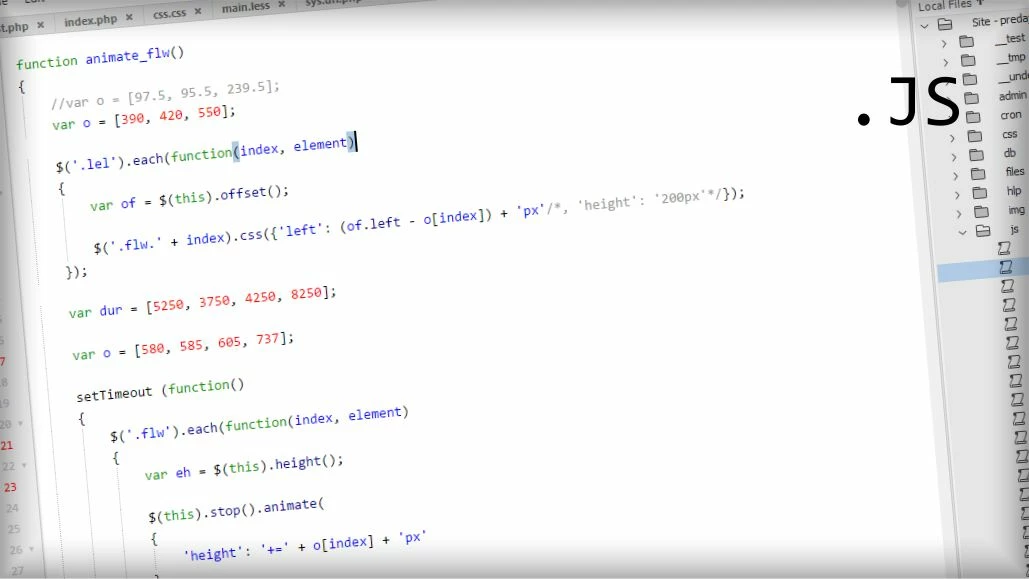
what theme do:

  • matchingtags is removed (no problem to enable - edit main.less file)
  • activeline (default is disabled, but easy to way enable - edit main.less and brackets.json files)
  • implemented indent guides (based on TAB. editable in main.less file)
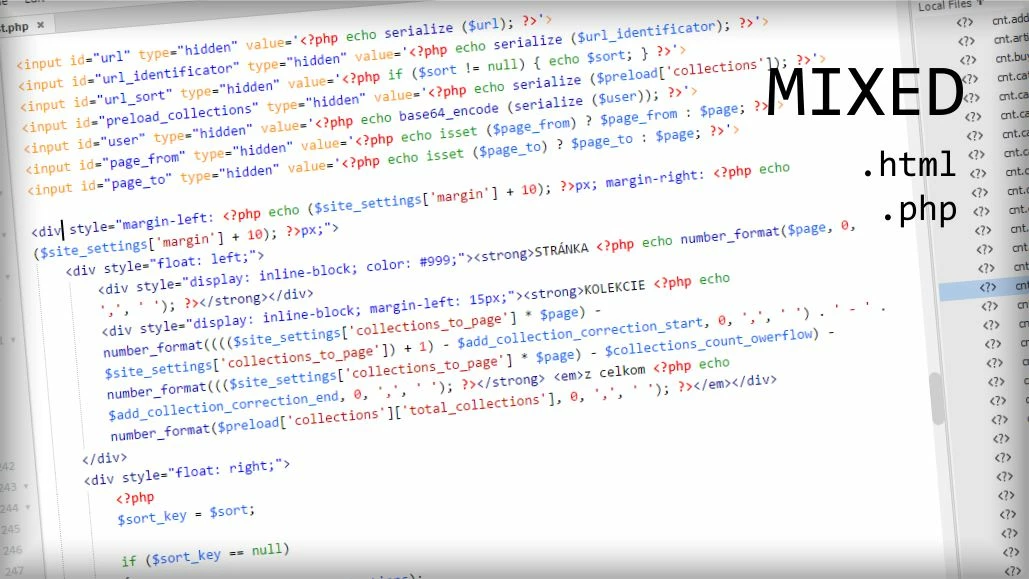
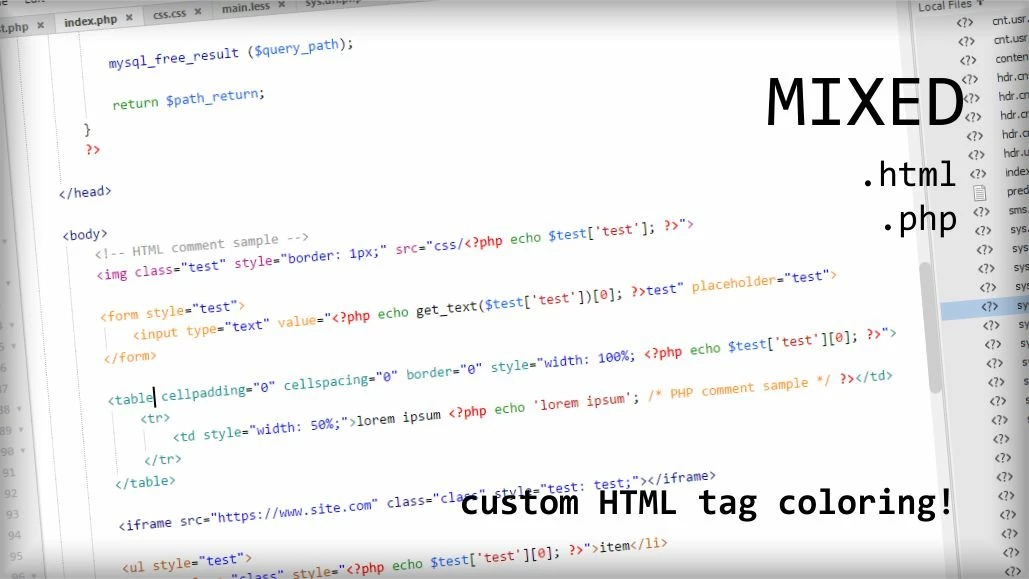
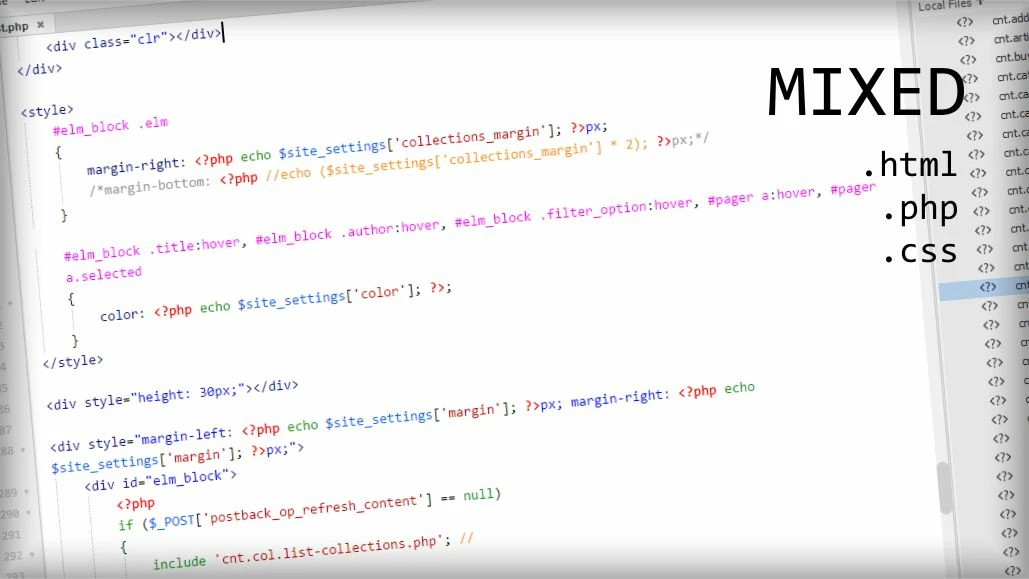
  • cutom code color for HTML tags
  • BONUS - scroll past end (edit brackets.json files)

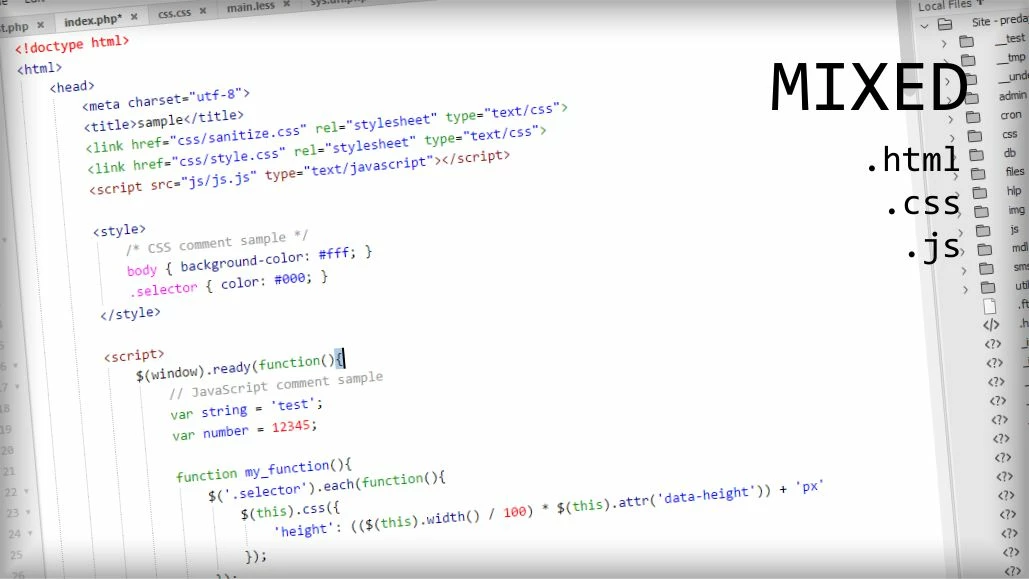
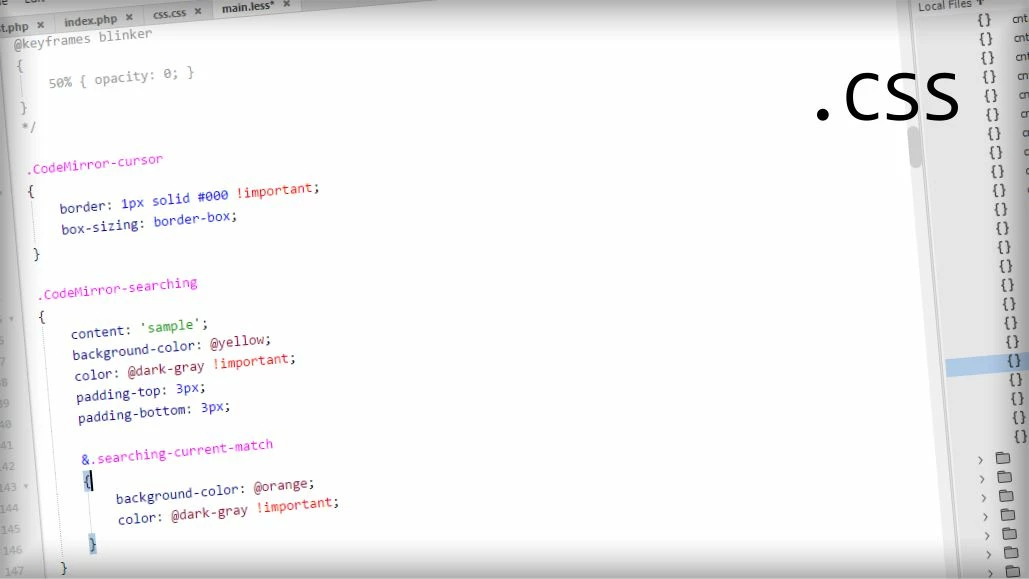
some theme samples
.. how to.

first, close Dreamweaver

download and unpack this .zip file - Dreamweaver cc 2018 (2017) OldSchool Light Theme

contains two folders (BracketsDWColorTheTagName and OldSchool Light). copy these folders to C:\Users\~user~\AppData\Roaming\Adobe\Dreamweaver CC 2018\en_US\Configuration\Brackets\extensions\user\

start Dreamweaver and go to EDIT > PREFERENCES (or CTRL + U) > INTERFACE and select OldSchool Light from list (wait a moment because sometime needs time to load custom themes). then click Apply.

done!

if you like matchingtags, edit main.less theme file and comment line 245. follow first video.

if you want see active line in editor, you must make some changes..

first you must edit C:\Users\~user~\AppData\Roaming\Adobe\Dreamweaver CC 2018\en_US\Configuration\Brackets\brackets.json file and add "styleActiveLine": true parameter. then edit line 251 in main.less file. follow second video..

how to enable/disable matchingtagshow to enable/disable editor activeline

use it on your own risk!

thanks.

10 replies

Participant
March 12, 2025

Thanks a lot! I just wonder if there's a way to customize the font size, because it appears too small to me. I've tried to get it from Preferences but it has no effect on the theme. 

Jon Fritz
Community Expert
Community Expert
March 12, 2025

The font size in Code View is controlled under View > Code View Options > Increase/Decrease/Restore Font Size (Ctrl + +, Ctrl + -, and Ctrl + 0 for keyboard shortcuts)

Participant
February 14, 2021

Thank you for it!

But, why the zoom Ctrl +/- doesnt work in Dreamweaver CC 2020? 


Participant
February 14, 2021

In main.less remove the font-size in class .CodeMirror-scroll

😉

Participant
October 28, 2019

Amazing thank you. 

This should be an option on the new interface preference. 

Participant
December 19, 2018

BRAVO!!

BobbyKing2016
Participant
December 11, 2018

Hi. Thanks so much for this. Any chance/way to make the CSS in-line code [within style="CSS_HERE"] a different/custom color? Thanks, really appreciate your work!

ofumbis19863493
Participant
September 2, 2018

Wow, now I subscribe again, I have been suffering with all types of editors, Nothing can match the dreamweaver  cs6 code color styles, this is nearly indentical. Thanks

toma3020
Participant
October 7, 2018

I found this to be of great help!  I wondered though, how we can get back something else that was done away with.  When using inline css within a document the colons & semicolons are no longer red as they were in Dreamweaver CS6.  When viewing a cascade style sheet, they are.  Is there an answer?

Participant
March 15, 2018

THANKS THANKS THANKS!

YOU MAKE DW 2017/2018 USEABLE!!!!!

NetoperAuthor
Known Participant
March 15, 2018

i'm glad i helped

but i recommend a newer version Dreamweaver CC 2018 / light and dark themes

Participant
March 15, 2018

Thanks, i like the OldSchool Theme more

Legend
November 22, 2017

I don't use DW at the moment but if I did, awesome, well done. Adobe pay this person mego bucks as compensation for doing the work your engineers, managers and CEO should have done before release, brings shame on all of the Adobe team, everyone involved has turned a blind eye, unforgivable in my view. If they can do it why can't your highly paid engineers is the question of the day? The even more probing question is what else can't they do that they should be doing!

I think the person at the top, hiding behind their mothers skirt, the DW product manager, he or she should be sacked as a concequence for incompetance.

Known Participant
November 22, 2017

Wow @Netoper !

This is GREAT!!

It makes dreamweaver CC almost usable again!


It must have taken ages to make all the custom changes to the brackets file!


Great work!

I even asked about something similar last week (Dreamweaver CS6 coding colors in CC 2018... )

This will be the "theme" that i use from now on.

Thank you!

Jon Fritz
Community Expert
Community Expert
November 21, 2017

Hey Adobe, hire this guy!

It works perfectly, awesome job!